Social Media Calendar Template for 2026 (Free + How to Use It)
Copy the free template and test it with a filled example. Includes seven setup steps, verified 2026 dates and a way to keep approved work flexible.
Introduction
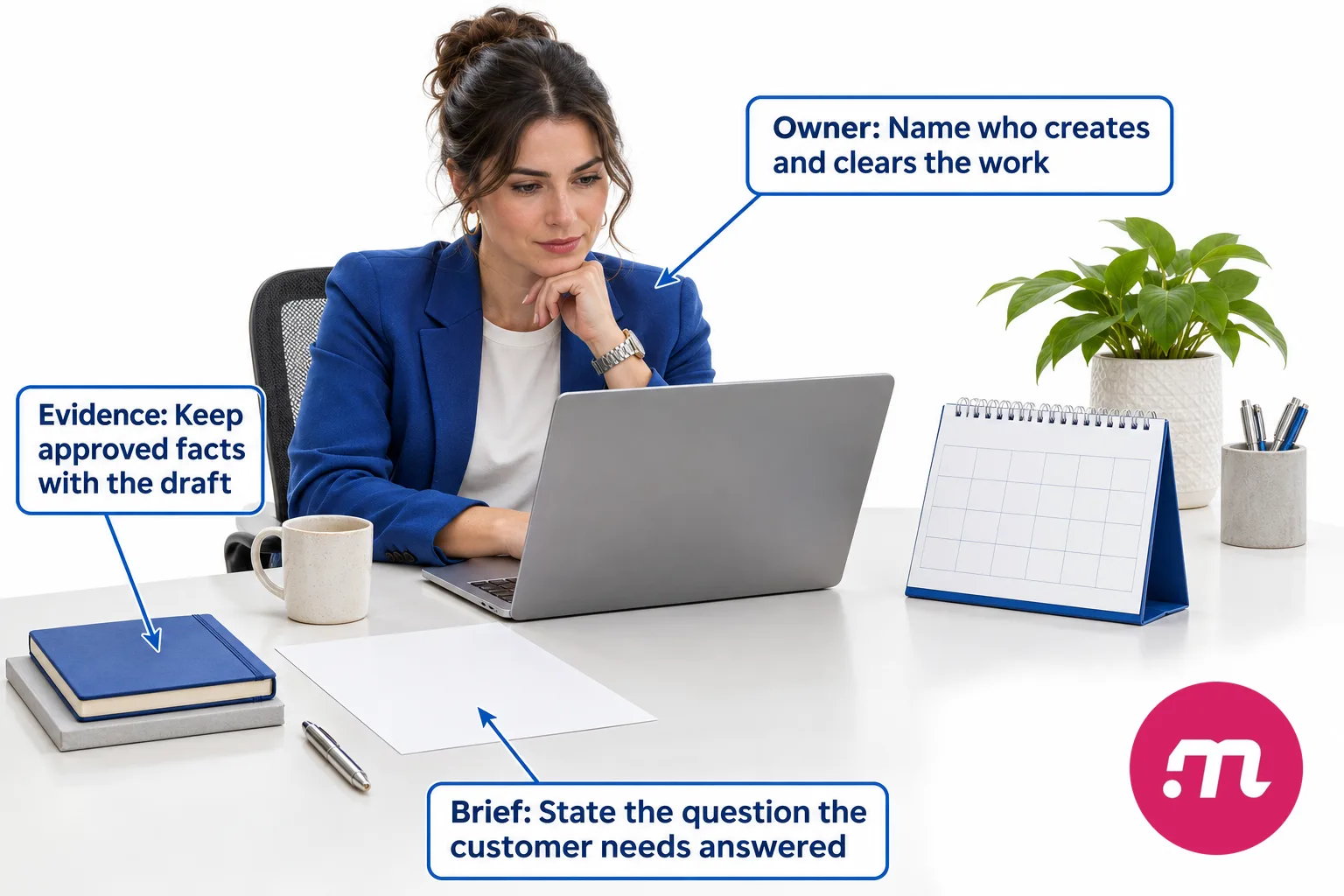
A social media calendar template earns its place when you can hand an assignment to someone without explaining it again in a separate chat. The date matters, but so does the approved product fact, the current creative and the person who must clear the work. Someone needs to supply those facts and clear that version before the assignment is ready.
We'd start with the copyable template below and test a small batch before planning further ahead. It works as a planning-only record, with no publishing tool required. The setup steps explain how to customise it, add relevant 2026 dates and keep room for customer questions that arrive after the month is approved.
Table of Contents
- 1. Introduction
- 2. Copy the free social media calendar template
- 3. Read the filled example before adding dates
- 4. Build your content calendar in seven steps
- 5. Choose a simple planner or a publishing workflow
- 6. Add verified 2026 dates and relevant post ideas
- 7. Move from template to approved publishing
- 8. Keep your social media calendar template flexible
- 9. Conclusion: test the template before filling the month
- 10. FAQs
Copy the free social media calendar template
Use these fields as a working checklist
The template is included here, so you can copy it into an existing document or planner without a separate download. Each row of your working calendar represents an assignment. Use the fields below as its columns or properties.
| Field | What to record |
|---|---|
| Assignment | A specific task the creator can understand |
| Buyer question and pillar | The question answered and its reusable topic group |
| Evidence | Approved facts and material needed for production |
| Channel and format | The destination account and type of content |
| Draft version | The exact creative and caption being reviewed |
| People | Producer, factual approver and reply owner |
| Publication slot | Date, time and explicit time zone |
| Status | Idea, drafting, review, approved, scheduled or published |
| Action and destination | What the customer can do and where it happens |
| Review note | Observed response, correction or next test |
Keep the record small enough to maintain
Remove optional detail when nobody uses it to make a decision. Add a hashtag reference or grid preview only when it helps actual delivery. We'd keep approved evidence and ownership visible before spending time on visual decoration.
A solo manager can hold several roles, but recording them still helps. It makes the remaining work visible when that person is also handling design, customer replies or another job. Keep the fields that help you find the next task, and remove maintenance that nobody uses.
Read the filled example before adding dates
Show how the fields interact
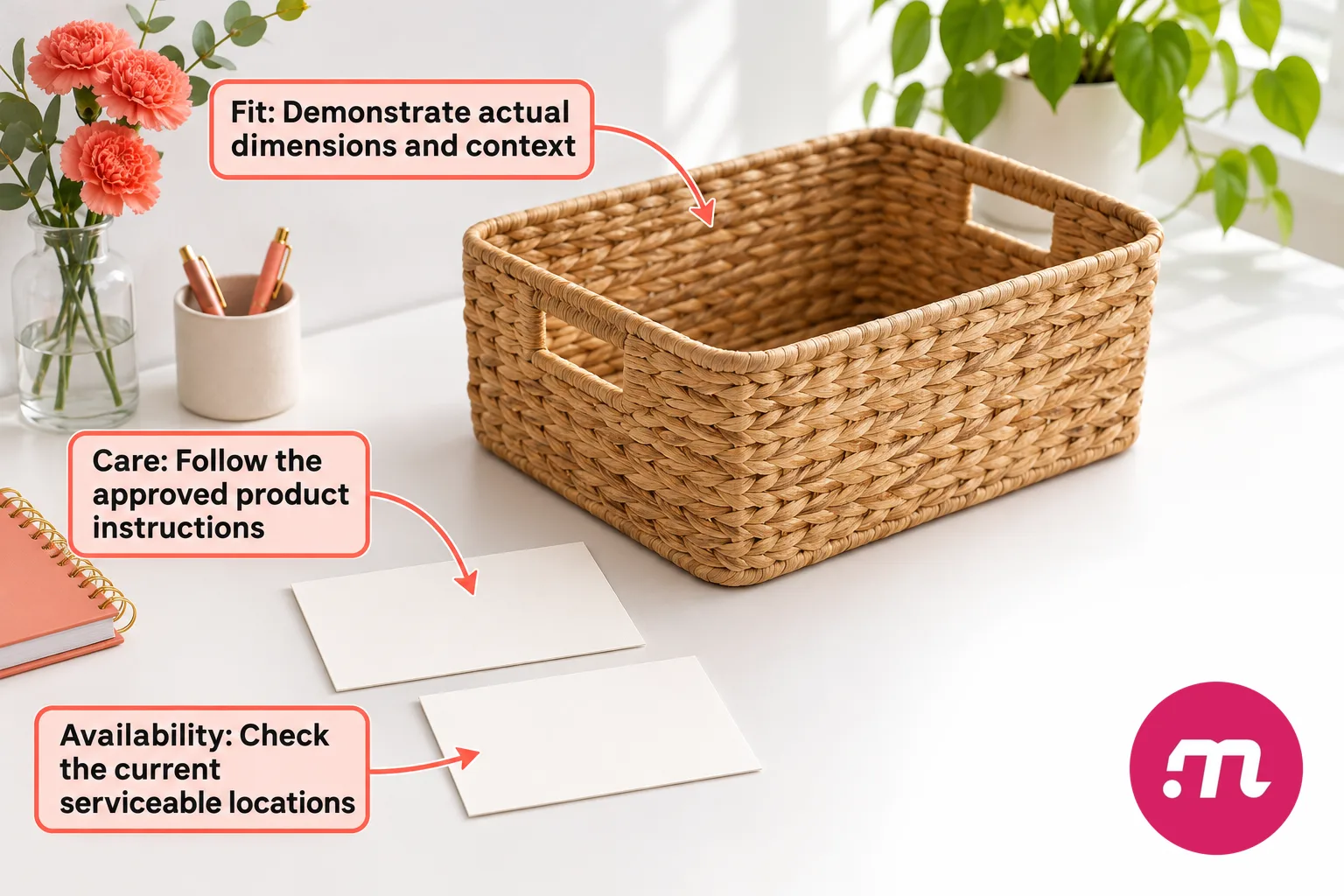
Consider an illustrative small homeware shop. Customers ask whether a storage basket will fit a narrow shelf. The assignment is to demonstrate fit with accurate dimensions, then send interested buyers to the matching product information.
| Example assignment | Evidence and people | Action and approval condition |
|---|---|---|
| Demonstrate basket fit | Actual measurements; creator films, product owner verifies | Matching product page; approve dimensions and demonstration together |
| Explain cleaning | Approved care instructions; support checks the advice | Relevant explanation; retain only supported product claims |
| Clarify delivery availability | Current serviceable locations; operations approves | Order route; check the promise again near publication |
These are proposed assignments, not a reported client result. The care explanation may stay useful for longer than the delivery statement. Record that difference so a creator doesn't treat every approved draft as permanently accurate.
Make the next handoff unambiguous
For the fit demonstration, the evidence must reach the creator before filming. The approver then reviews the creative and caption together. The reply owner needs the same product information when a customer asks a follow-up question.
We'd ask someone unfamiliar with the assignment to find the current version and explain the next task. If they cannot, fix the record before duplicating it across the month. Try the example with the person doing the work. Their unanswered questions show which instructions the blank layout still needs.
Build your content calendar in seven steps
Choose the purpose before the publication rhythm
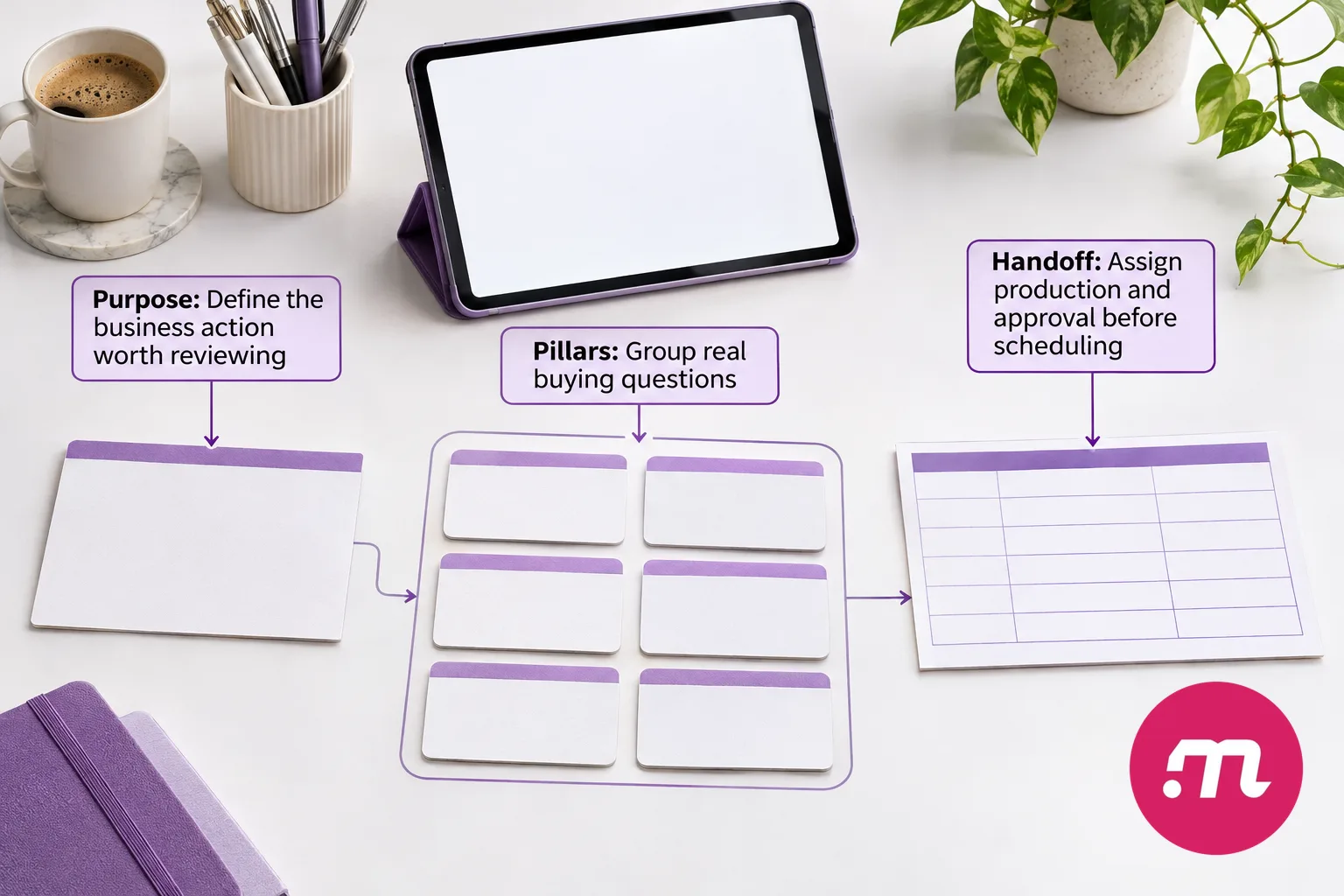
A content calendar for social media should support a clear business response. That could mean suitable enquiries for a service or helping store customers understand product suitability. Use your current records to define the starting point.
- Audit recent content alongside customer questions and delivery problems.
- Choose the intended business action and a review measure you can define consistently.
- Group real buying questions into pillars that can produce useful assignments.
- Select a document, spreadsheet or database your team can maintain.
- Fill a working batch with evidence, draft versions and responsible people.
- Approve the exact version, test its destination and assign publication or scheduling.
- Inspect the response and record what should change in the next batch.
Turn pillars into decisions rather than quotas
A pillar is a reusable topic group. It helps you find related questions; it doesn't demand that a fixed share of the calendar belongs to a particular theme. Someone comparing products needs different evidence from someone discovering the problem for the first time.
In B2B, users and purchasing approvers may also need different explanations. Write the intended reader in the brief before selecting a format. We'd avoid choosing a video quota and then looking for questions to justify it.
Our social media marketing service links these assignments with the next customer action. A full calendar is only useful when the team understands why the work belongs there.
Choose a simple planner or a publishing workflow
Start with the job you need done
A document or spreadsheet can organise ideas and approval without publishing anything. That directly addresses the Reddit planner question from a small organisation where one person handled several jobs and wanted less complexity.
| Option | Useful fit | Check before adopting |
|---|---|---|
| Document table | Simple batches and written feedback | Can everyone identify the approved version? |
| Spreadsheet | Filtering by owner, channel or status | Does the brief remain understandable outside the row? |
| Notion database | Dated cards with linked instructions | Will the team keep the properties current? |
| Scheduler | Queued delivery of approved work | Does it support the actual account and format? |
Notion's calendar documentation requires a Date property in the database. Add a Calendar view to show dated assignments, while keeping a list view for drafts that aren't ready for a slot. A card on a date isn't proof of publication.
Budget for the work outside the tool
A free template still needs filming, editing and review time. For an Indian budget in ₹, separate any subscription charge from the production work and people responsible for customer replies. We wouldn't buy a wider bundle before naming the task it should remove.
If the team cannot maintain the current record, migration may create more unfinished work. Test the filled example in the proposed tool before moving the entire calendar.
Add verified 2026 dates and relevant post ideas
Use occasions with a clear audience purpose
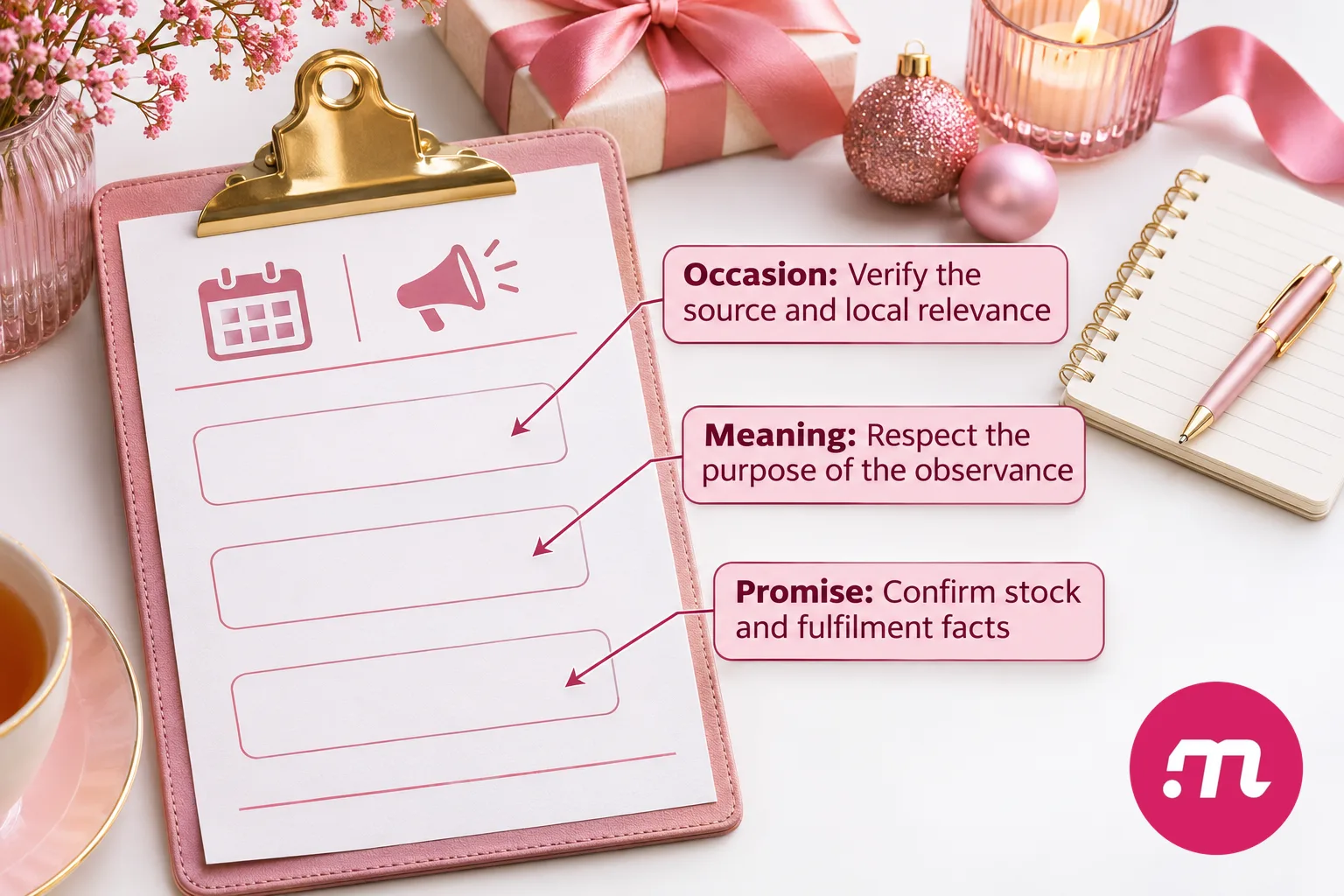
For a social media calendar 2026, the Government of India's Pr. CCA Delhi holiday list gives these remaining-year references. It describes a central-government office context, so check regional relevance and your own operating arrangements separately.
| Occasion | 2026 date | Possible assignment |
|---|---|---|
| Diwali | 8 November | A truthful availability or gifting explanation |
| Guru Nanak's Birthday | 24 November | A respectful message for a relevant audience |
| Christmas Day | 25 December | A factual gift guide with current stock information |
For a global observance, UNICEF confirms World Children's Day on 20 November 2026. Its focus is children's rights. A relevant organisation might share a useful educational resource; the date shouldn't become an excuse for an unrelated sales claim.
Check meaning and operations before scheduling
Verify the purpose of any hashtag day with its organiser instead of copying a recycled list. Check the current campaign language rather than invent a universal hashtag rule. Participation is optional.
A festival date doesn't establish a courier cutoff, stock level or opening hour. Ask operations to confirm those facts before approving a commercial message. If the claim cannot be supported, remove it even when the creative is finished.
We'd check local-language meaning with someone who understands the audience and assign replies in that language too. An accurate translation is only the start of a supported customer conversation.
Move from template to approved publishing
Keep the draft and approval connected
The approver should see the evidence, creative, caption and destination together. If a material part changes afterwards, get a fresh check rather than assume the earlier approval still applies. Keep the version identifiable.
Use drafting while production is underway, review when the complete assignment reaches the approver and approved only after it is cleared. Scheduled and published should stay separate. We'd define these terms before several people begin updating the same planner.
Test software with the work you actually publish
Social media scheduling software adds a delivery queue, not a substitute for the brief. Confirm the account and format requirements, then open the destination on a phone and verify the time zone before scheduling.
Buffer's queue documentation lists ten scheduled posts per channel on the Free plan, up to thirty total across three connected channels. This is capacity at a time, not a monthly allowance. The limit was checked on 8 November 2026.
We'd test manual completion and failure handling before committing to a tool. After the scheduled time, inspect the live post. If something fails, the calendar should show who receives the problem and who can correct it.
Keep your social media calendar template flexible
Reserve capacity rather than invent a magic ratio
Leave production and review capacity for new questions, changed offers and corrections. The right amount depends on your workload; there isn't a universal percentage that every small team should reserve.
The calendar-is-dead debate raises a useful concern about rigid grids. It doesn't establish that launches and factual approvals need no preparation, or prove the algorithm claims made in the thread. We'd retain planned work while allowing justified replacements.
When a topical idea qualifies, record the evidence and approver, then note what it replaces. Keep the displaced evergreen draft when it remains useful. Urgency should change priority without removing responsibility.
Use this readiness check before the next batch goes into production:
| Check | What a usable entry shows |
|---|---|
| Clear brief | The creator can explain what to show and why |
| Factual input | The evidence is present, with an owner for unresolved claims |
| Review boundary | The approver can identify the exact version being cleared |
| Customer route | The destination matches the message and has a reply owner |
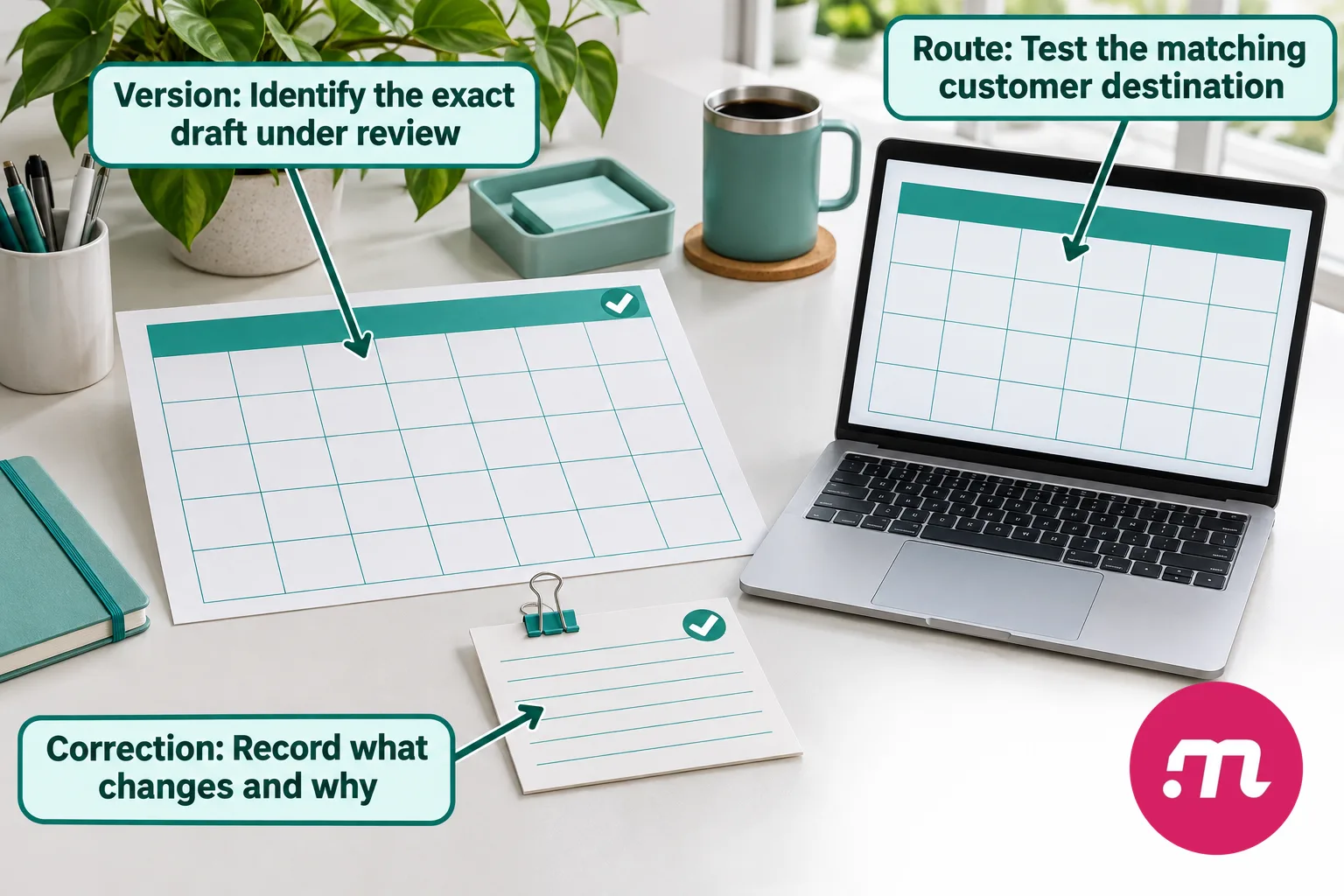
| Correction route | The team knows who can stop outdated work |
If feedback says make it more premium, ask what customer concern or factual gap the reviewer means. A request to show the material more clearly gives the designer something to change. A vague adjective can produce another version without resolving the original objection.
Keep a short correction note when live content changes. Record what was inaccurate and what replaced it, so a later reviewer can distinguish the original assignment from the corrected result. That context is useful when deciding whether the brief, product-information handoff or approval process needs attention.
Use the review to improve the working record
At Mommantum, we'd use a weekly delivery review and a monthly outcome review as a starting rhythm. Correct inaccurate offers or broken links sooner. This is a proposed workflow, not a deadline by which every post must produce sales.
Look at repeated delays as well as customer response. If product facts always arrive late, improve that handoff before increasing production. A larger queue won't solve missing information.
AI can suggest angles from approved facts and real customer questions. Review its output and reject invented results or testimonials. The business still owns the evidence and promise, regardless of who drafted the caption.
Conclusion: test the template before filling the month
Copy the fields, fill a small batch and check whether someone else can complete the next task without guessing. Keep evidence and approval visible, then add scheduling only when it solves a delivery need. Let the plan change when customer questions or business facts change.
Book a free strategy call through our social media marketing service. Bring your current template and a draft that stalled. We'd identify the missing decision before recommending more production.
Frequently Asked Questions
Key takeaways and practical details on this topic.
Create a social media calendar by choosing a business action and collecting the customer questions that matter before that action. Group them into pillars, then assign the evidence, draft and responsible people. We'd test a small batch before filling the month. Add the publication slot only when the team understands what must be produced and approved.
A content calendar should include the buyer question, approved evidence and exact draft version. Add the channel, publication slot and people responsible for production, approval and replies. We'd keep status definitions consistent and separate scheduled from published. The record should help someone identify the next task without searching through a second conversation.
The free social media calendar template in this article can be copied into your existing document or planner. It includes fields for the brief, evidence and approval, plus a filled example and relevant 2026 dates. We'd customise it using a small batch first. A free layout still needs staff time to produce and review the work.
The best scheduler for a small business is the one that supports its actual accounts, formats and approval requirements at a manageable complete cost. We'd test the same assignment before choosing a subscription. If the main gap is organising briefs or finding the approved version, a simple planning record may solve the problem without publishing software.
A planner can organise social media posts without scheduling them automatically. Use the template to keep the current draft, evidence and next task visible, then publish through your normal authorised process. We'd add a queue only when it removes useful delivery work. Someone still needs to inspect the live post and handle its response.
A spreadsheet suits a straightforward record you want to filter by status or owner. A Notion database can connect dated cards with detailed briefs. We'd choose whichever your team can maintain accurately during normal work. Test how the creator and approver find the current version before moving the full calendar into another tool.
Plan social media posts according to how stable their information is and how much production they need. Evergreen explanations can be ready early, while offers and delivery promises need later checks. We'd reserve capacity for new questions and corrections. A monthly approval shouldn't force publication when a product fact or business promise has changed.
Fill your calendar with ideas drawn from real enquiries, repeated objections and information buyers need to compare options. Group related questions into pillars before choosing formats. We'd use AI for possible angles only after supplying approved facts. Every selected idea still needs a clear next action and someone who can verify the claim.
Use a small planning record that makes the current draft and next task visible, rather than adding every available template field. Keep evidence and approval ownership clear. We'd test it with a batch you can maintain alongside your other duties. A planner should reduce searching and repeated explanations, not create another daily reporting task.
Check whether the proposed tool lets your client's creator and approver find the exact draft, evidence and destination easily. If scheduling is needed, test the account and format requirements too. We'd record manual steps and the complete cost before paying. A trial should demonstrate normal work with your permissions, rather than only a polished sales example.
Make your B2B template more useful by adding the intended buyer, their question and the evidence needed for that decision. Include users or internal approvers when their concerns affect the purchase. We'd then select the format and next action for each assignment. A generic thought-leadership label doesn't tell the creator which objection the post should resolve.
Respond by keeping approved evergreen work available and a clear rule for justified replacements. Check the new idea's evidence and approver before swapping it into a slot, then record what changed. We'd preserve the displaced draft when it remains useful. Flexibility should alter priorities while keeping factual review and publishing responsibility intact.
Ready to implement this for your brand?
Connect with our Jaipur growth studio to turn these strategies into revenue for your D2C or ecommerce business.