Social Media Calendar 2026: Build Yours in 7 Steps (+ Free Template)
Plan relevant occasions and near-term assignments with a free copyable template. Follow seven steps for clear approvals and a calendar your team can change.
Introduction
A social media calendar 2026 should do more than remind you that a festival is approaching. It should tell your team what the customer needs to know, which draft is approved and who must check the offer before it goes live. Those decisions need owners before the dates become useful.
We'd plan the year as a set of relevant occasions and business priorities, then build the near-term assignments in detail. This seven-step method includes a free copyable template and verified Indian dates. Since this guide is being checked in November 2026, earlier dates below are reference material for reviewing the year; use the remaining occasions for current planning.
Table of Contents
- 1. Introduction
- 2. Make the annual plan flexible enough to use
- 3. Start your social media calendar 2026 with evidence
- 4. Choose the working format and approval rules
- 5. Turn 2026 occasions into useful post ideas
- 6. Use this free calendar template for actual assignments
- 7. Schedule and review without freezing the plan
- 8. Handle AI ideas and workload before expanding
- 9. Conclusion: prepare early and keep decisions current
- 10. FAQs
Make the annual plan flexible enough to use
Understand the calendar-is-dead criticism
A Reddit debate argues that rigid monthly grids disconnect brands from current conversations. That is a useful challenge to a schedule nobody revisits. It doesn't prove that all planning fails, or establish the algorithm and conversion claims made in the discussion.
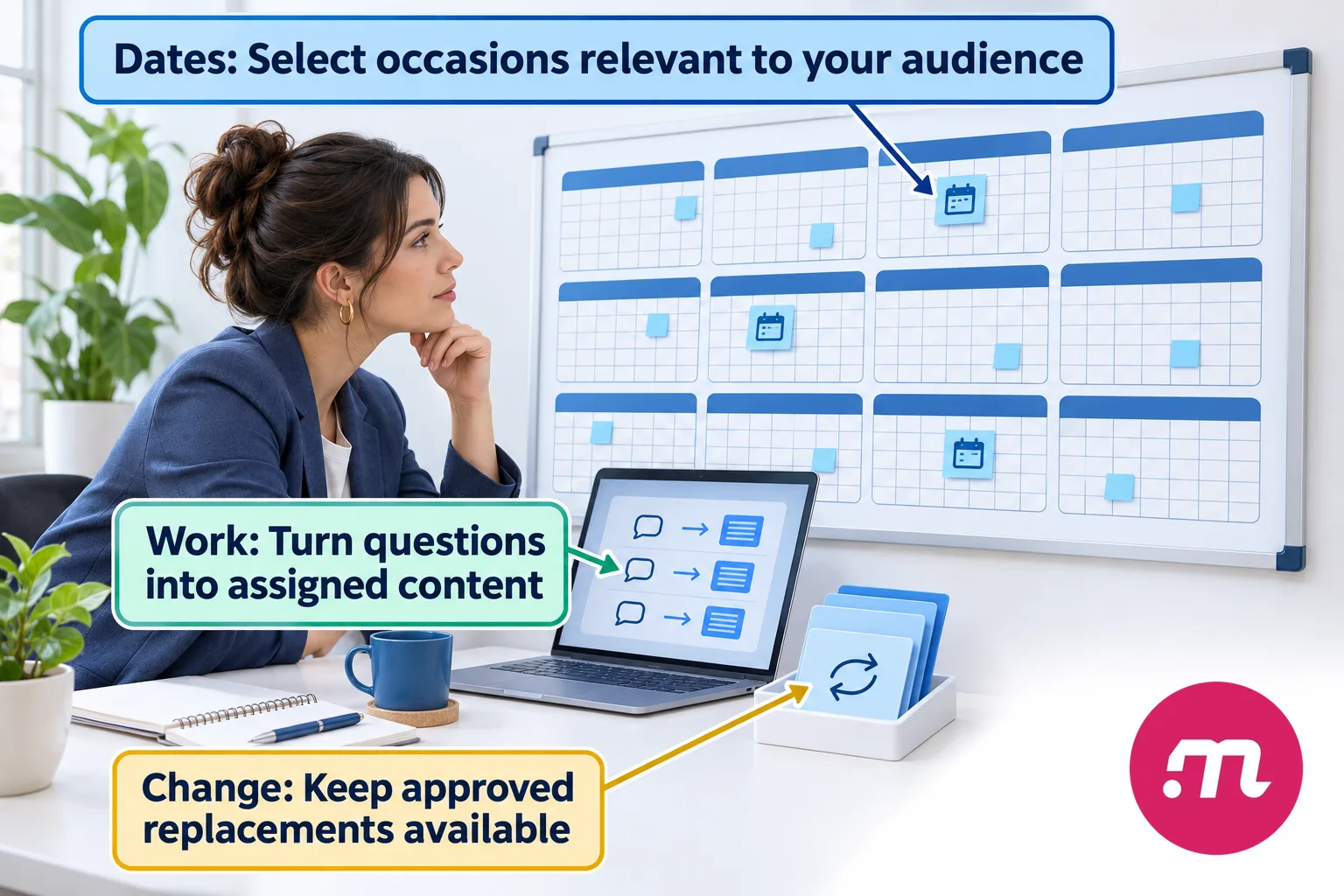
We'd retain preparation while removing the obligation to publish every planned post. A product explanation can be prepared early. A delivery promise or changing offer needs a later check. Mark that difference in the assignment so the approver knows what needs a fresh check.
Keep launches and production commitments visible, with room to answer a new customer question. If a planned message becomes inaccurate, replace it and record why. Abandoning the calendar entirely can make responsibility harder to see.
Give every entry a purpose
Ask what the post should help someone understand or do. The answer may be suitability, a service enquiry or a clearer purchase decision. It needn't be an immediate sale, but it should be more specific than maintaining presence.
Our social media marketing service connects content with customer actions and response ownership. We'd begin there before selecting a theme for every week.
A social media content calendar is a delivery tool. It can expose missing facts or an overloaded approver, but it cannot invent a strategy or make an unsuitable offer appealing.
Start your social media calendar 2026 with evidence
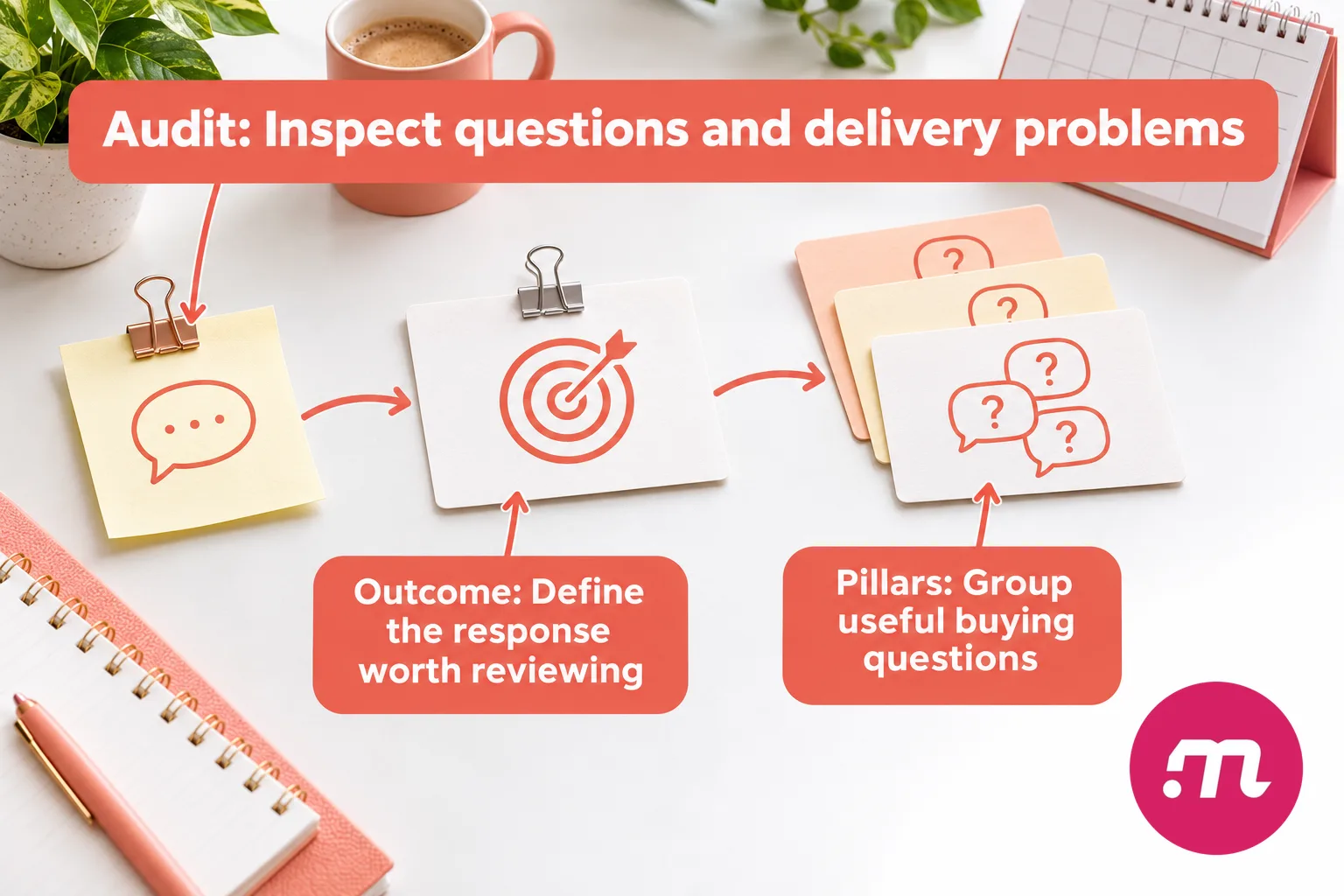
Step 1: audit content and delivery problems
Review recent content alongside customer enquiries. Note the questions people still ask, which destinations they visit and where the next action becomes difficult. Also record drafts delayed by missing information and posts that needed correction.
We wouldn't judge the audit by the most-liked creative alone. A modestly viewed explanation may answer a recurring sales question. A popular post may attract people the business cannot serve. Keep the intended customer in view.
Step 2: choose the outcome and review measure
Define the action you want to support and the baseline in your own records. A local service may need suitable appointments, while a store may need customers to understand product dimensions before ordering. Decide how you will recognise a suitable response.
A target should fit capacity and economics. Don't borrow another brand's growth percentage to fill a template. We'd prefer an honest starting point and a review date over a confident number with no basis.
Step 3: build pillars around buying questions
Use reusable topic groups that reflect customer needs. An illustrative skincare brand might cover product use, suitability and routine questions, using only approved claims. A B2B supplier might need separate explanations for users and purchase approvers.
Choose the question first, then the format. Video may show a process clearly; a comparison may help someone shortlist options. A pillar gives you a way to find useful assignments, not permission to repeat the same message with different colours.
Choose the working format and approval rules
Step 4: select a tool for the missing task
A spreadsheet or document can organise a simple content calendar for social media. A database can connect dated items with detailed briefs. A scheduler adds a publishing queue. Compare those jobs before comparing subscription prices.
| Format | Useful fit | Limitation to address |
|---|---|---|
| Spreadsheet or document | A small team needs one planning record | Draft versions and approval must stay clear |
| Notion database | Assignments need linked briefs and date views | A dated card isn't a published post |
| Scheduling software | Approved work needs queued delivery | Account, format and approval needs still apply |
Notion's calendar documentation explains that a database needs a Date property for a calendar view. We'd choose it when the team already maintains useful briefs there, rather than migrate merely for a different-looking grid.
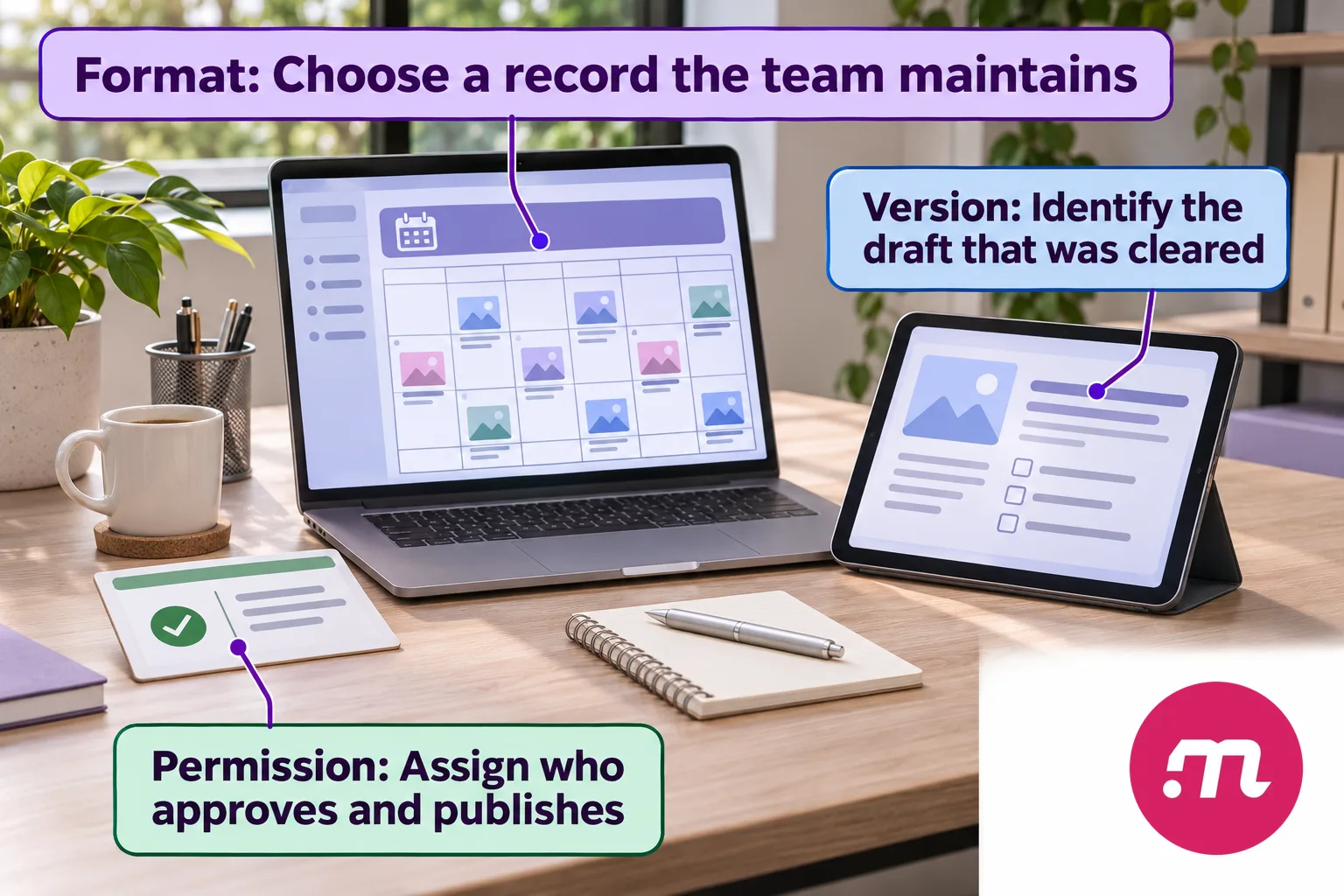
Step 5: agree who can approve and publish
Separate factual approval from routine editing. The person who knows product availability should clear that claim; the person managing the account should know which approved version can run. Record the creative and caption together.
Zoho Social's approval guidance distinguishes approvers and limited publishers, with the latter submitting drafts rather than publishing directly. The principle matters even when your team uses a document.
For social media scheduling software, test the actual account and required format before buying. Checked on 8 November 2026, Buffer's Free plan supports up to three channels, with ten queued posts per channel. Its queue limit is capacity at a time, not a monthly posting allowance. We'd test a real assignment before paying for a broader plan.
Turn 2026 occasions into useful post ideas
Step 6: select dates for your audience
The dates below come from the Government of India's Pr. CCA Delhi 2026 holiday list, which specifies its central-government office context. This is a selective planning reference, not an exhaustive festival list or a rule for your business's operating hours.
| Occasion | 2026 date | Possible content assignment |
|---|---|---|
| Republic Day | 26 January | A respectful message, with any factual brand claim verified |
| Holi | 4 March | Approved product-care guidance if relevant to customers |
| Good Friday | 3 April | Accurate support or operating-hours information where relevant |
| Buddha Purnima | 1 May | An appropriate greeting for a relevant audience |
| Independence Day | 15 August | Evidence behind a genuine local-business story |
| Janmashtami | 4 September | A locally appropriate greeting checked for context |
| Dussehra | 20 October | Actual service or order arrangements for the period |
| Diwali | 8 November | A current availability or gifting explanation |
| Guru Nanak's Birthday | 24 November | A respectful audience-relevant message |
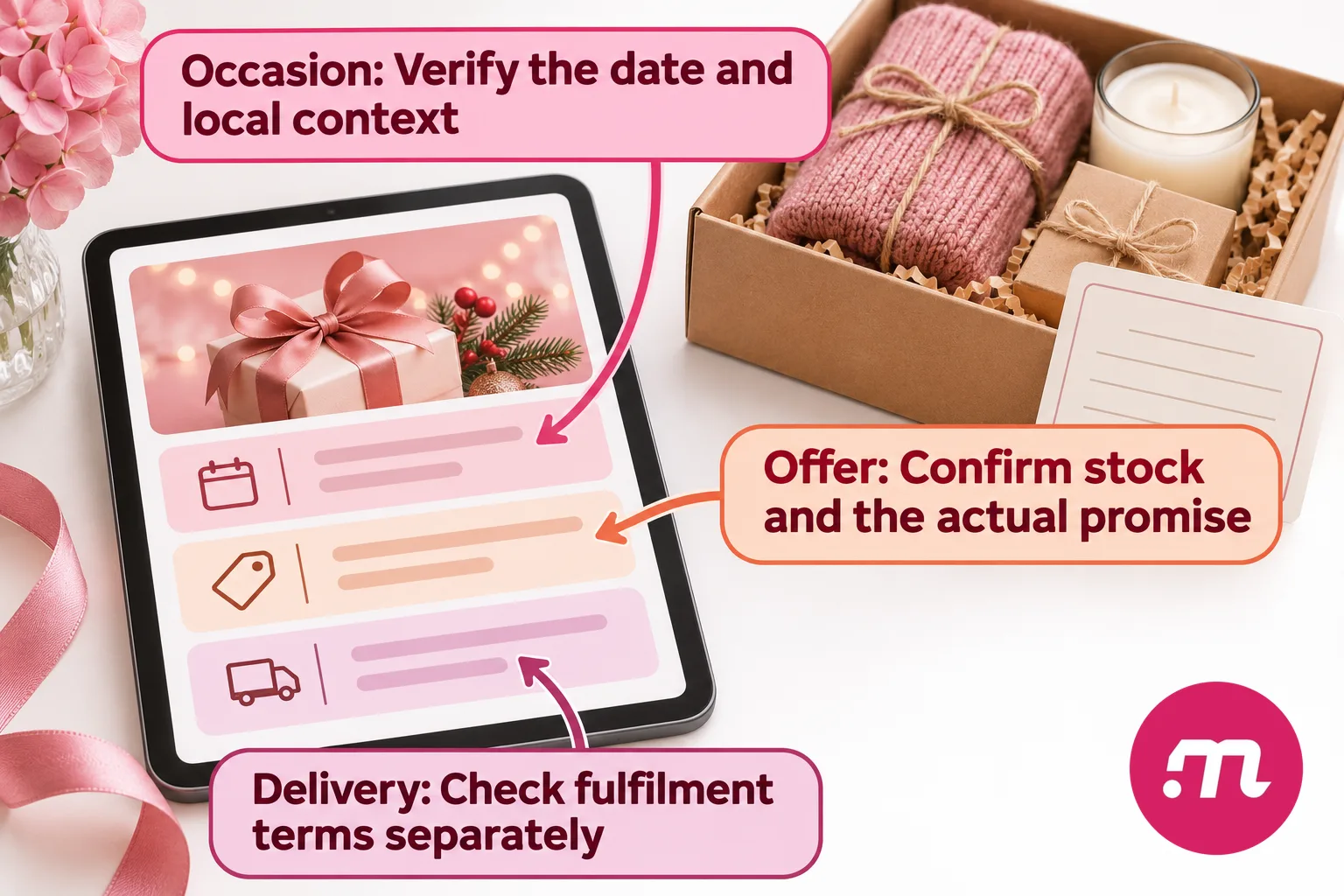
| Christmas Day | 25 December | A truthful gift guide with stock and delivery checks |
Localise the explanation and its next step
The ideas are optional assignments, not claims about what always performs. A greeting doesn't need a discount. A commercial message needs accurate product information and a supported next action.
Check regional relevance and language with someone who understands the audience. A Hindi or regional-language post should have a reply owner who can handle the questions it produces. Don't treat every Indian customer as part of the same celebration.
Keep courier cutoffs separate from the festival date. Confirm them with operations before approving a delivery promise. We'd remove the promise if it can't be supported, even when the creative is already finished.
Use this free calendar template for actual assignments
Copy the fields into your existing planner
This social media calendar template is included here without a separate download. Copy it into the working document your team can maintain. Each row represents an assignment; the prompts below tell you what to record.
| Field | What your team enters |
|---|---|
| Slot | Date, time, time zone and destination account |
| Purpose | Buyer question, topic pillar and intended action |
| Evidence | Approved facts and source material |
| Draft | The exact creative and caption version under review |
| People | Producer, approver and reply owner |
| Status | Idea, drafting, review, approved, scheduled or published |
| Destination | The matching product page or staffed conversation |
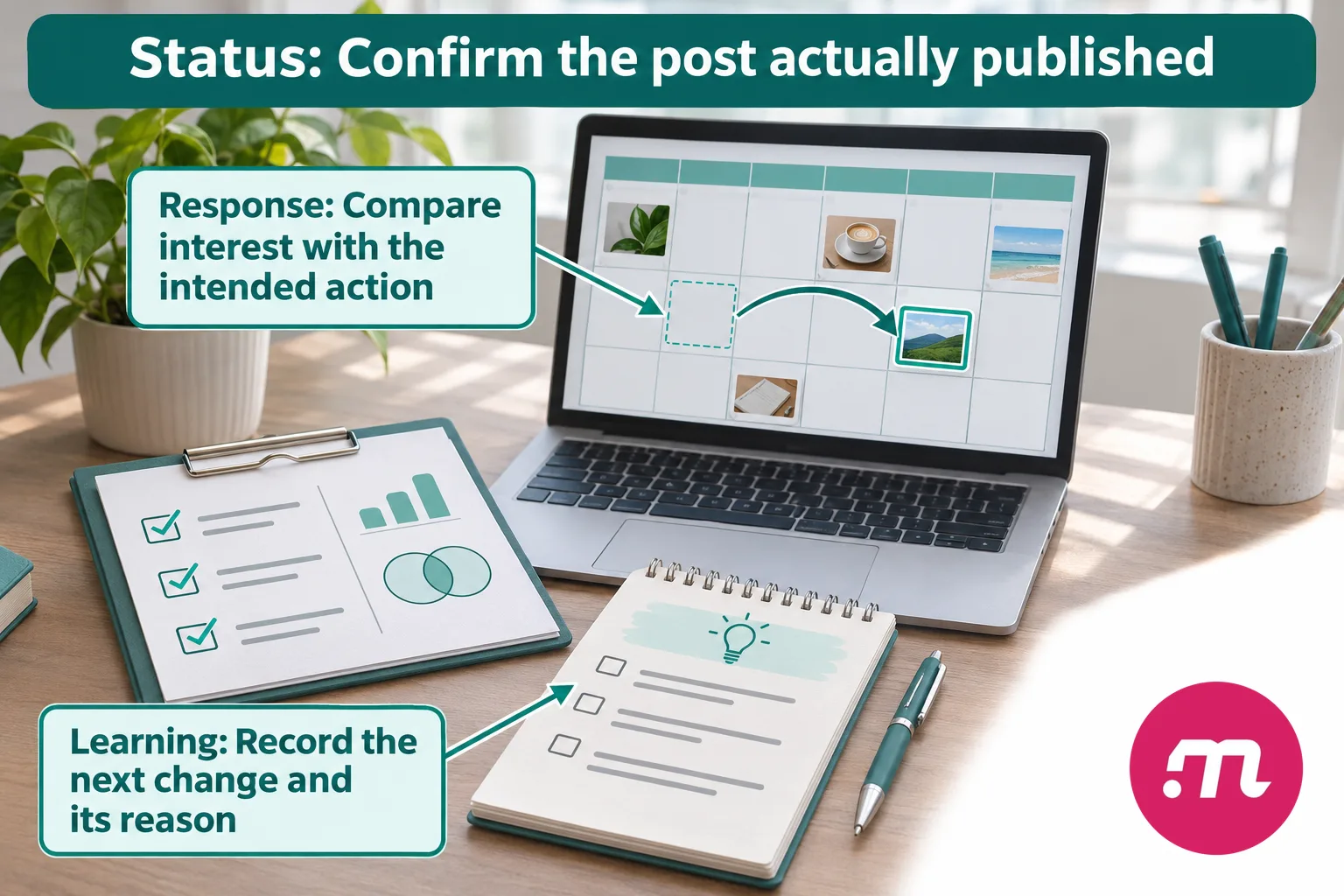
| Review | Response observed, next test and reason for any replacement |
Set the status values as a shared sequence. Use drafting while the assignment is being made, review when the approver has the complete version, and approved only after that person clears it. Keep scheduled and published separate so a failed connection cannot masquerade as completed work.
Fill an example before planning a full month
For an illustrative gift set, the buyer question could concern what is included. Ask the creator to show the actual contents and approved product information. The destination should reach the matching offer, with someone able to answer availability questions.
Record any delivery claim as a fact needing confirmation near publication. Keep the assignment in review until the approver clears the exact version. If the stock changes, update the draft and approval rather than quietly swap a product image.
We'd run that complete example first. A template that looks clear in an empty state may become confusing when several people leave feedback. Resolve the ambiguity before duplicating it across the month.
Schedule and review without freezing the plan
Step 7: test delivery and keep a review rhythm
Move the approved version into the queue, confirm its time zone and test its link on a phone. After the scheduled time, inspect the live post. A calendar entry marked scheduled doesn't prove publication succeeded.
Buffer's queue documentation clarifies the free-plan limit. Use the actual queue capacity to decide how much work to load, rather than assume every monthly assignment can be scheduled at once.
At Mommantum, we'd use a weekly working review for delivery issues and a monthly outcome review for the broader plan. This is a proposed rhythm, not a universal time-to-results promise. Correct inaccurate offers and broken destinations sooner.
Run this short delivery check on the working batch:
- Confirm that the draft's evidence still matches the product or service.
- Open the destination and check the customer's next action.
- Verify approval applies to the version now in the queue.
- Confirm who can pause or correct the scheduled message.
- Inspect the live post and assign any follow-up question.
If a recurring problem appears, change the process rather than repeatedly chase the same draft. For example, an approver who always receives unverified dimensions needs a product-information handoff before editing begins. Moving the publication date alone doesn't remove that dependency. Give the missing input an owner and make it visible in the template.
Review your social media calendar 2026
When a new question deserves attention, check whether the business can answer it accurately and whether approval is available. If it qualifies, replace a suitable slot and preserve the displaced draft when it remains useful.
We wouldn't let urgency remove factual checks. Nor would we preserve an irrelevant post simply because the month was approved. Record what changed so the team understands the decision.
Review suitable enquiries and relevant visits alongside attention. An educational explanation may support a later decision, so don't demand an immediate purchase from every entry. Use the response to identify the next useful question.
Handle AI ideas and workload before expanding
Use AI to draft options from approved inputs
Give an assistant real buyer questions and verified product facts, then ask for possible angles. Review the suggestions against your offer. Reject invented results, unsupported claims and generic festival messages with no customer purpose.
AI may help you draft faster. Someone in the business still has to verify the claim and confirm what operations can deliver. We'd keep those decisions with the responsible person. Avoid auto-filling a year of captions and treating the output as approved.
Keep the recurring work affordable
Count filming, editing and approval time before raising publication frequency. A free planner doesn't make those tasks free. If funds are limited, reduce the scope explicitly and keep the reply process intact.
Compare a supplier's responsibilities with the tasks your team retains. A calendar-only service is different from production and community management. We'd ask who resolves a missing fact or failed publication before judging the quotation useful.
Conclusion: prepare early and keep decisions current
Build the annual reference around relevant dates, then use the template to assign near-term work. Keep approved versions clear and review changing facts before publication. The plan earns its place when your team can deliver and adjust it without guessing.
Book a free strategy call through our social media marketing service. Bring your current calendar and an assignment that stalled. We'd use them to identify the next practical fix.
Frequently Asked Questions
Key takeaways and practical details on this topic.
Create a social media calendar by auditing current work, choosing a business outcome and grouping useful buyer questions into pillars. Then select the working format, define approvals and build actual assignments. We'd test a small batch before filling the month. Each entry should name the evidence, destination and reply owner as well as the publication date.
A content calendar should include the publication slot and time zone, channel, buyer question and intended action. Add the exact draft version, evidence and responsible people, with a status and review note. We'd keep only fields used in delivery decisions. A date and caption alone don't establish which creative was cleared or whether it published successfully.
The best scheduling software for a small business fits its accounts, formats and approval needs. Buffer's Free plan may suit limited requirements, with three channels and ten queued posts per channel. We'd test the actual workflow before paying. A broader subscription only helps when its extra capacity or collaboration solves a task you can identify.
A free social media planner can organise drafts and approvals without publishing automatically. Copy the template in this article into your existing working document and assign each responsibility. We'd start there when planning is the main gap. Add a scheduler when it solves delivery work, rather than expect a paid platform to supply useful ideas.
Plan social media content according to how stable its information is and how much preparation it needs. Evergreen explanations can be ready early, while price and delivery claims need checks near publication. We'd keep a working replacement rule so new questions can enter the schedule. An approved monthly grid shouldn't prevent correcting something that has become inaccurate.
Indian festival dates matter when they are relevant to your audience and actual business activity. The government office list includes Diwali on 8 November, Guru Nanak's Birthday on 24 November and Christmas Day on 25 December 2026. We'd check local context and operating arrangements separately, because a holiday date doesn't establish your stock or courier cutoff.
A content calendar remains useful when it records responsibilities and can change with customer needs. Criticism of rigid grids doesn't establish that preparation is obsolete. We'd keep product launches and factual approvals planned while allowing justified replacements. Algorithm or conversion promises in online debates need separate evidence and shouldn't become your scheduling rule.
Find calendar ideas in real buyer questions, repeated objections and information customers need to compare options. Group those questions into pillars, then choose a suitable format and next action. We'd use AI for possible angles only after supplying approved facts. A long list of topics is less useful than a smaller batch your team can deliver accurately.
Choose a simple planner by testing whether it keeps the client's current draft and approval clear. A document or spreadsheet can be enough if you don't need automatic publishing. We'd test the required formats before choosing a scheduler and compare channel limits. Keep the cost of filming and replies visible too, because a free planner doesn't remove that work.
Make the plan responsive by separating evergreen assignments from messages that depend on current facts. Allow a new customer question to replace a suitable slot after evidence and approval checks. We'd keep the displaced draft when it remains useful and record the reason. Flexibility should change priorities without making responsibility or factual review disappear.
Your B2B calendar should address the people who need evidence during the buying decision, which can include users and internal approvers. Collect their questions before choosing post types. We'd record the intended reader and action in each assignment. Generic thought-leadership topics won't resolve a specific concern simply because they target a senior job title.
Record the intended audience and publication time zone explicitly when your team and buyers are in different countries. Confirm how the scheduling tool displays that slot and test the content's destination. We'd also check the buyer questions and language, because changing the clock alone doesn't make the explanation relevant or ensure that the right people will see it.
Ready to implement this for your brand?
Connect with our Jaipur growth studio to turn these strategies into revenue for your D2C or ecommerce business.