Instagram Reels Save: 6 Practical Steps For Indian Brands To Find Useful References, Organise Collections And Turn Inspiration Into Original Content Briefs Without Confusing Private Bookmarks With Approved Video Files Or Customer Results
Find the saved Reel, keep its original link and explain why it belongs in your next brief. Check collection privacy before sharing references with the team.
Introduction
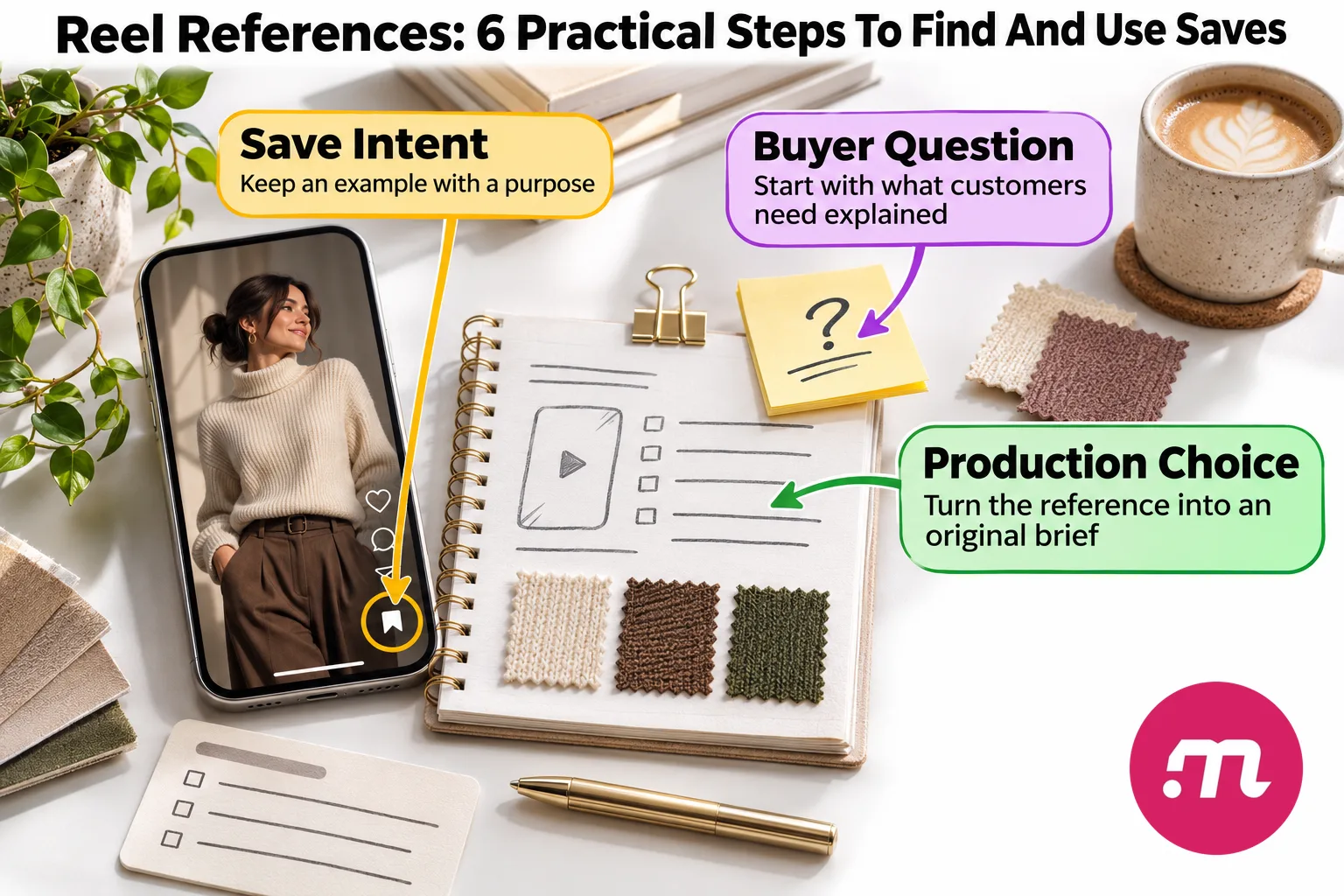
Instagram reels save controls help you keep a useful reference, but tapping a bookmark won't turn it into your next content brief. Open the Reel, choose Save or the bookmark option, and file it in a relevant collection where available. Later, open your profile menu and look for Saved. Add a note about why you kept the example before the reason disappears.
For a founder or marketing team, the expensive part is usually rediscovering the idea and explaining it to an editor. We would organise references around customer questions, then choose what to make with your own product footage. Our social media marketing work connects that brief with the offer and the response you want from buyers.
Table of Contents
- 1. Introduction
- 2. Instagram reels save: decide what you want to keep
- 3. Find your saved Reels and build a working collection
- 4. Check who can see a shared collection
- 5. Instagram reels save habits that improve the brief
- 6. Fix retrieval problems without deleting your research
- 7. Save your own production files outside the reference list
- 8. Judge the library by what your team makes next
- 9. Conclusion: keep fewer references with clearer reasons
- 10. FAQs
Instagram reels save: decide what you want to keep
A bookmark, a sound and a file have different jobs
A saved Reel is an in-app reference to a post. Saving its audio is a separate creation action, while downloading creates a local video copy when the option is offered. Keeping an editable project is another task again. Decide which one you need before searching for a tool that promises to save everything.
For inspiration, we prefer the original post and a specific observation. You retain context about who made it and what it explains. For your own campaign handover, ask for the original export and project files instead. A bookmark can't replace material the next editor needs to change.
| What you need | Suitable action | What to record | Limitation |
|---|---|---|---|
| Revisit a creative example | Save the Reel to a collection | Creator, post link and reason | Depends on access to the original |
| Consider a sound for creation | Use the available audio-saving control | Audio reference and intended use | Not a standalone audio export |
| Keep an offline copy | Download where offered | File location and playback check | Availability and soundtrack can differ |
| Edit your own video later | Retain the source project | Approved version and source footage | A flattened export isn't the project |
Keep inspiration separate from approval
A reference can demonstrate pacing without being suitable footage for your brand. A hypothetical Jaipur clothing shop might save a Reel because the opening shows how a fabric moves. The next brief should identify that technique, then specify the shop's own garment and accurate product information. We wouldn't ask an editor to copy the entire clip.
Write down the permitted use of any supplied asset. A saved example doesn't establish permission to put it in an advertisement. That check belongs before editing, while the team can still choose its own footage or request the right source from the creator.
Find your saved Reels and build a working collection
Confirm the save in the correct account
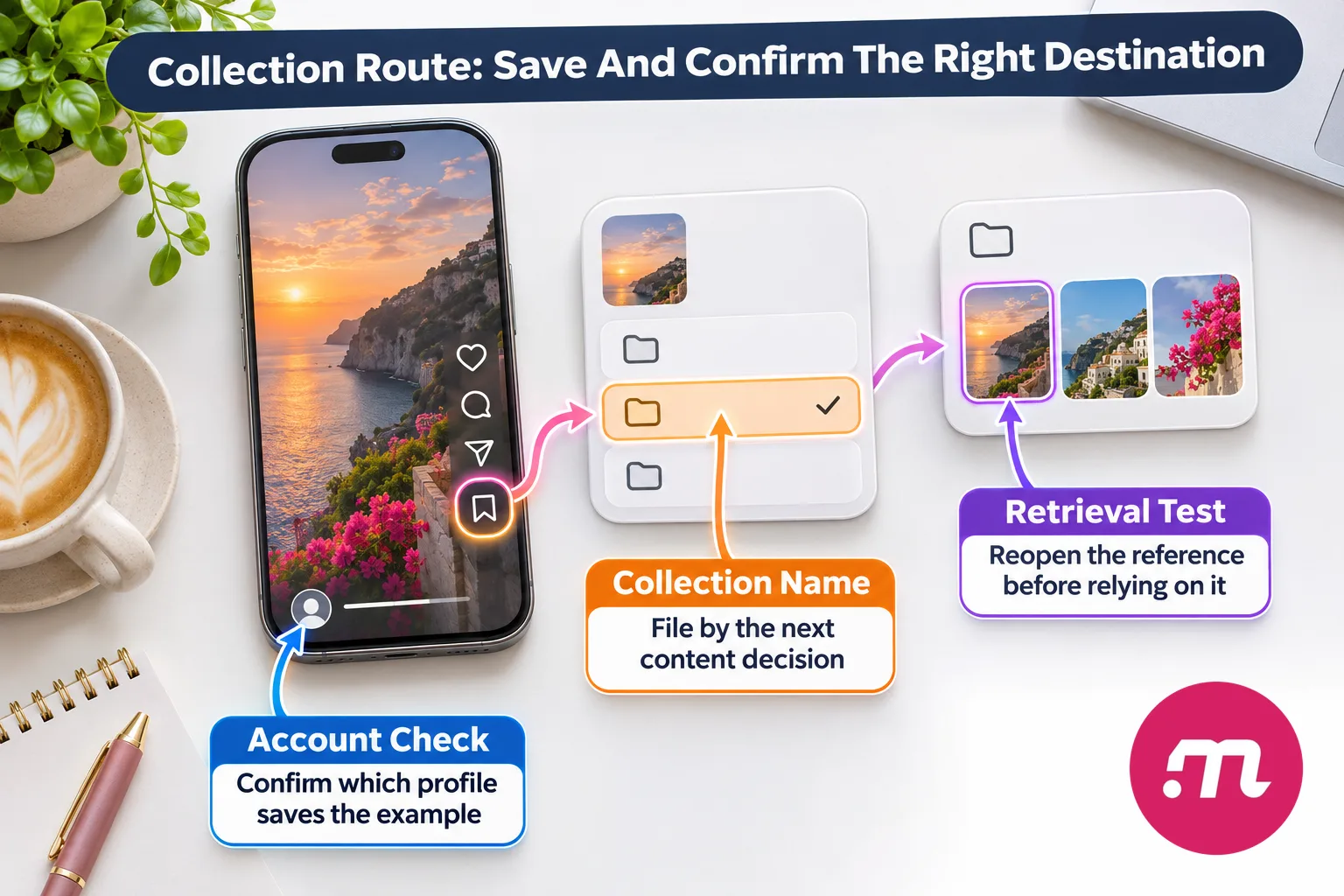
Start from the Reel itself and look for Save in its options or the bookmark control. If Instagram offers a collection selector, choose a relevant collection or create one. To find it again, open the profile menu and Saved, then the collection or All posts. Use a Reels filter if your version provides one.
Check the handle first if you manage several accounts. A Reel saved on a founder's personal account won't necessarily appear in the store account's own Saved area. We would confirm the destination immediately when a reference is important to an active brief, rather than rely on memory at the next review.
- Open the original Reel and check that it is relevant.
- Use Save or the available bookmark control.
- Choose a collection named for the decision it supports.
- Reopen Saved from the same account's profile menu.
- Confirm that you can find and play the reference.
- Add its link and your observation to the working brief.
Choose names an editor can understand
Use names such as product demonstrations, delivery explanations or store directions when those categories match your work. If the folder is called good videos, your editor still has to work out why each example is there. We would keep categories tied to the current production needs, rather than create a separate collection for every visual style you encounter.
Don't promise that the most recently used collection will always appear first. A forum thread about iOS describes an unexpected collection order, with later comments reporting recovery. That's a reported interface issue, not a reliable sorting rule. Clear names remain useful even when the order changes.
Check who can see a shared collection
Private research and collaborative boards differ
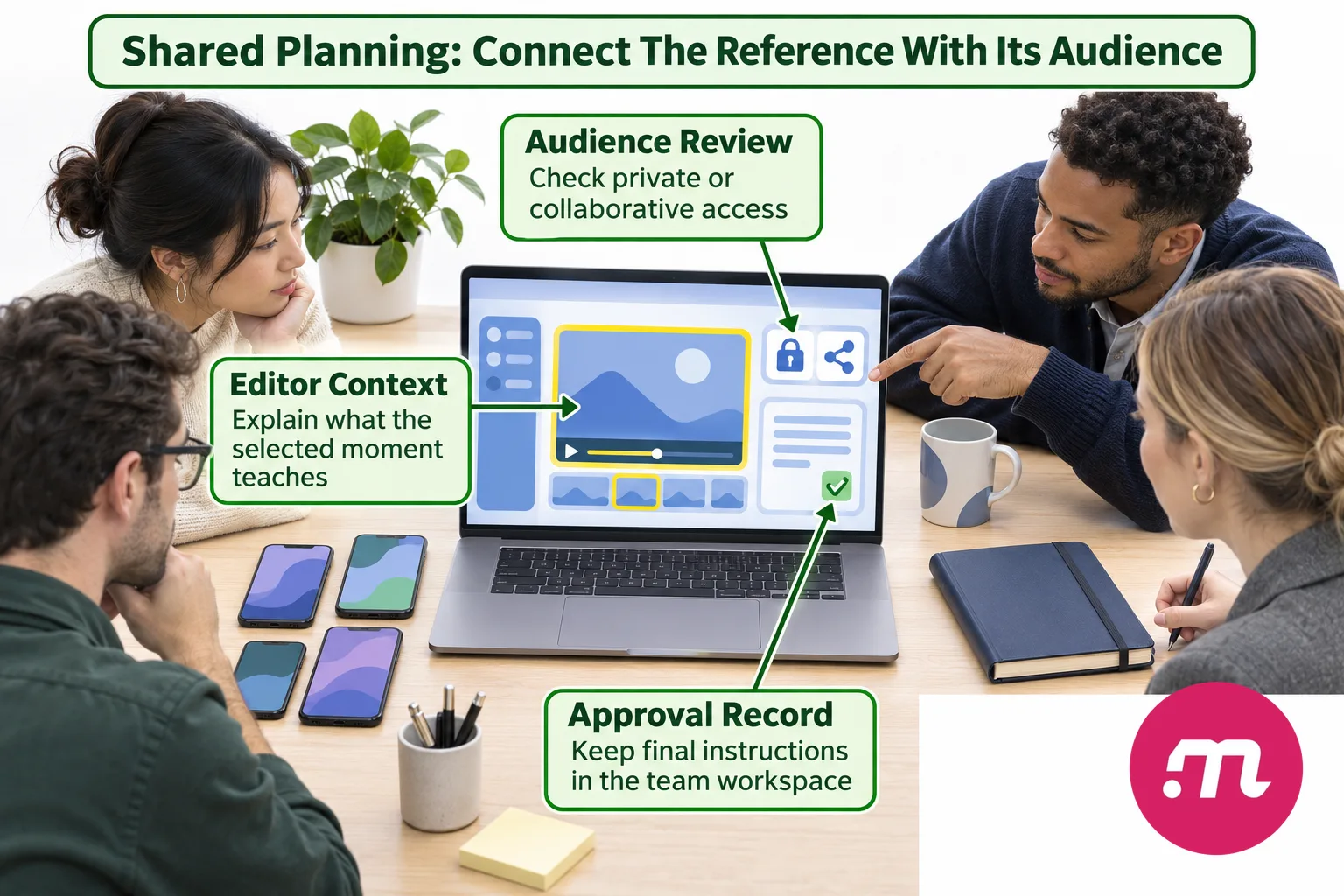
Meta's collaborative collections announcement describes private collections alongside collections shared with other participants. Check the collection's audience before adding sensitive research. A team reference board can be useful, but it should not become an accidental home for private customer information or an unannounced campaign.
For shared planning, agree who will select references and who will turn them into briefs. Someone should own the final choice. We would avoid treating every saved post as an instruction for production, especially when several people contribute examples with different goals.
Share the observation with the reference
A teammate should be able to understand why an example was selected without reading your mind. Explain the relevant moment and what you would change for your brand. For a local food business, that could be a close view of preparation followed by clear directions to the shop. The link provides context; the note explains the decision.
Instagram also offers ways to share a post itself. Meta's repost announcement says reposts credit the original poster. That is a different action from keeping a private research bookmark. Choose the action that matches your purpose and check the audience before you share.
We wouldn't use a collaborative collection as the only record of approved work. Keep the production brief in the workspace your team normally uses, with the selected reference and instructions. The collection can help people discover examples; it shouldn't have to carry every approval decision.
Instagram reels save habits that improve the brief
Record the customer problem before the visual style
Choose a reference because it helps explain something your buyer needs to know. A clever transition can be attractive and still irrelevant to a delivery restriction, sizing concern or store location. We'd start with the customer question, then inspect how the saved example handles its explanation.
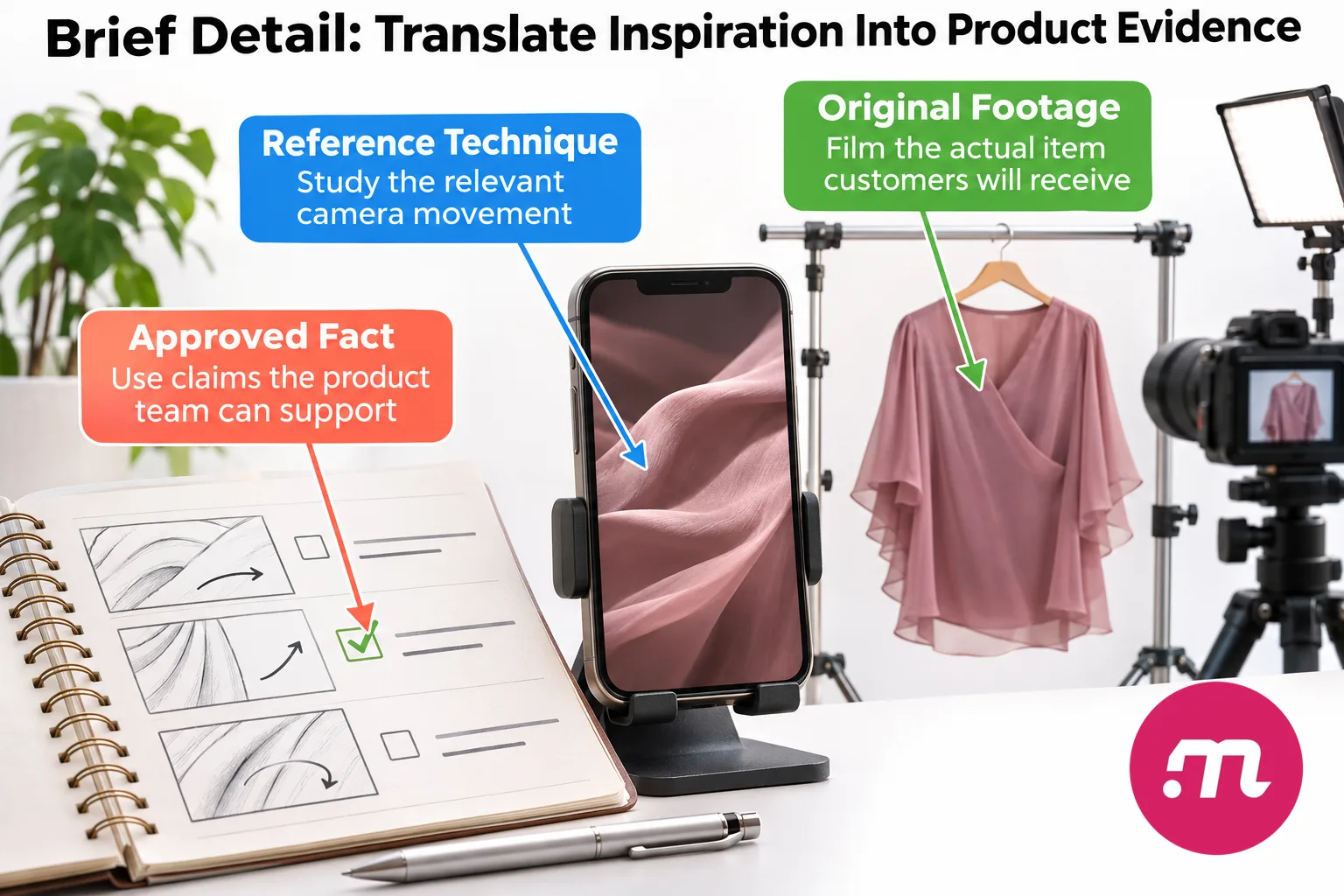
For a hypothetical skincare product, a texture demonstration and an ingredients claim require different evidence. You can learn from the camera angle of a saved video without borrowing its claims. Ask the product team which facts are approved, then decide what real footage would make those facts easier to understand.
A short reference note can name the opening, the product detail and the intended next action. It should also say what not to copy. This prevents a stylistic example from becoming an unsupported promise in a sales script. Write that choice into the brief before the editor starts cutting.
Use saved audio and editing notes deliberately
Meta's Reels trends announcement describes saving audio for future creation. That helps you retain an audio reference inside the creation workflow; it doesn't mean you have downloaded a soundtrack file or cleared it for every commercial use. Check the actual use before building an advertisement around it.
In its April 2026 Edits update, Meta says saved Instagram Reels and audio sit alongside sticky notes in the Ideas tab. If that workflow fits your team, use the notes to capture the production decision. Keep the approved script available to the person recording it.
If your planning starts with "ai se reels kaise banaye", give the assistant approved facts and describe what the reference teaches you. Ask for a draft explanation, then review it against the product. AI should not invent a benefit merely because the reference contains a strong claim. We would check the script before generating supporting shots.
Fix retrieval problems without deleting your research
Too many folders can be the problem
A Reddit question about Saved folders describes a long collection list and asks how others organise it. Another user reports the extra navigation needed to reach Saved. These are useful design constraints for your process. We would keep the active shortlist small enough to review while writing a real brief.
If your account has no useful search control, don't build the process around one you saw in a preview or another person's app. Maintain a short index of important post links with your own descriptions in an approved workspace. Searchable notes about the buyer question can be more useful than trying to remember a thumbnail.
Review references when the brief changes. A festive offer or a location-specific example may no longer fit. You don't have to erase your past research to make the active selection clearer; mark which references the current editor should use and which are background only.
Distinguish a missing post from a loading failure
Check the original post if a saved reference won't open. The creator may have removed it or changed access, or the app may be failing to load it. Confirm the account you're using, then compare another saved post and another collection. Record what works before describing the whole library as lost.
Reopening the app or checking for an update can be reasonable diagnostics, but neither guarantees recovery. Don't begin by deleting collections or clearing unfinished work. If your deadline depends on a specific creator's footage, ask them for the agreed source file instead of treating an inaccessible bookmark as your only asset.
When evaluating a bookmark or AI organisation service, check what you will share and whether you can retrieve your notes afterwards. Avoid sending confidential material to a tool merely to test its search. We would try a non-sensitive reference first and inspect what the service actually retains.
Save your own production files outside the reference list
Downloads answer a separate question
Someone searching how to save Reels from Instagram may want a local video rather than an in-app bookmark. For a Reel with a Download option, use the native control and check the resulting file on the device. Don't assume every public post or every soundtrack offers the same output.
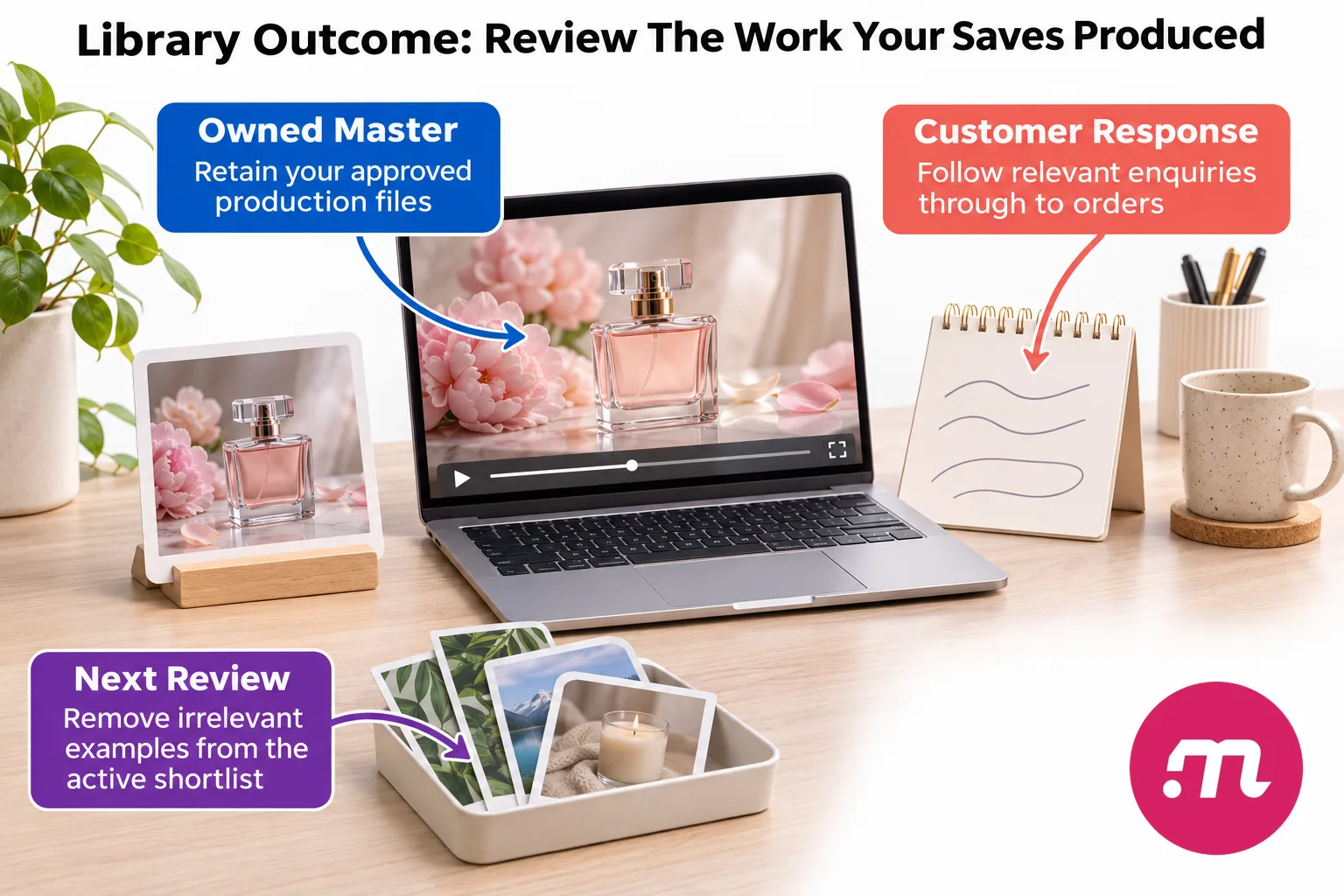
For your own marketing content, start with the original editor export. Keep the editable project and source clips as well. A saved reference belongs to your research; an approved master belongs to production. We would verify that the next editor can access the required files before closing a handover.
Play the export outside Instagram and listen to its audio. Check captions, product information and the final offer. Library music may not travel with a downloaded copy, and the original export can differ from the final published version. Name the approved file clearly enough that nobody selects an old draft by mistake.
Keep reporting beside the published version
An Instagram reels dashboard link concerns performance, not retrieval of every saved idea or original file. Open the official account interface you normally use and confirm which post the report describes. Keep the original post link beside the approved master so the team can inspect the exact reels video customers saw.
Record the reporting period and whether the content had paid support. If viewing increased after promotion, don't credit the reference library alone. We would keep research notes, production records and performance evidence connected, while making their different roles clear to the people reviewing them.
Judge the library by what your team makes next
Track decisions and customer response
Count the production work a reference helped resolve, rather than celebrate a growing pile of saves. Did it help the editor explain size, demonstrate packaging or show a location? Record the decision in the brief. If nobody can identify what the example contributes, we would leave it out of the active selection.
Our Urban Vada Pav case study reports daily footfall moving from 40 to 210 and cost per walk-in from ₹220 to ₹58. That work combined branding, Instagram content and advertising. It doesn't establish that saved references or a particular Reel caused those results, so don't turn those figures into a promise about bookmarking.
Connect content choices with the buying process
For a D2C brand, follow relevant enquiries through to orders where tracking permits. Keep cancellations and returns visible. CAC needs the acquisition costs you include and new customers; ROAS needs attributed revenue and ad spend. A reference can improve a production choice without proving that the complete campaign is profitable.
- Save examples tied to a current buyer question.
- Confirm the account and collection audience.
- Add the reason and original link to the brief.
- Keep owned production files available separately.
- Review the customer response to the finished content.
Our marketing FAQs explain how content fits the wider growth work. We'd review the active references alongside the next brief, select what helps and stop browsing. Once the team knows which product detail to film, we'd stop collecting references and schedule the shoot.
Conclusion: keep fewer references with clearer reasons
Use Save to retain an example you can find, then record why it matters to your customer and editor. Check collection privacy, preserve the original link and keep your own production files outside the inspiration list. You should finish with a brief the editor can follow and an original video the product team can check.
Book a free strategy call through our social media marketing team if saved ideas aren't becoming useful content. Bring a current buyer question and a recent brief. We'd identify the missing explanation before asking you to collect more examples or buy another tool.
Frequently Asked Questions
Key takeaways and practical details on this topic.
Instagram's Saved section is reached from your own profile menu in the app. Open Saved, then look in the relevant collection or All posts, with a Reels filter if available. Check the handle first when you manage several accounts; the reference may have been saved under a different one.
Instagram's private saves don't give a creator a list identifying each person who bookmarked the post. Keep that separate from references deliberately shared in a collaborative collection. For campaign planning, use the evidence your account actually provides and don't treat a tool's claimed list of savers as verified customer information.
Saved Reels and saved audio serve different production needs, so check the relevant section inside Saved or your creation workflow. A Reel keeps the visual reference; an audio save retains a sound for later consideration. Record which one you selected before asking an editor to locate a specific example.
A saved post may become inaccessible if the original is removed or its access changes, so start by checking the original link. Also confirm the account and collection you used. If other references fail to load too, record that broader problem rather than assuming the creator deleted every missing example.
Instagram collections let you group saved Reels around a purpose, such as packaging demonstrations or store directions. File a useful example when you save it, then add its original link and your reason to the working brief. We would keep the active selection small enough for the next editor to review.
Some bookmark services claim to categorise saved Reels automatically, but those claims don't establish that a service suits your team's information. Check what content you must share and whether you can retrieve the notes afterwards. Try a non-sensitive reference first; a short manual shortlist may be enough for the next brief.
A downloaded Reel may not keep the soundtrack heard inside Instagram, especially when library music is involved. Play the local file before handing it to your editor or using it elsewhere. For your own production, retain the source audio and check that its intended use matches the permissions you have.
Instagram drafts should not be your only handover copy when changing phones. Preserve your source footage, an available export and the editable project from your production workflow before changing devices or uninstalling apps. Check that the recipient can open the files, rather than assuming a saved reference will restore an unfinished edit.
An active shortlist organised by the next production decision is easier to review than an expanding set of broad folders. Name collections around buyer questions and keep a short index of selected links with your own observations. Don't reorganise everything before starting; select the references that answer the current brief first.
An unexpected collection order doesn't justify deleting your research as a first step. Record the behaviour and use clear names to locate the collection while you investigate. The forum discussion behind this question includes later reports of recovery, so we wouldn't promise that recreating folders or reinstalling is a reliable repair.
A handover brief with the selected post links removes the need for your editor to reconstruct your private browsing route. Add the relevant observation and what the editor should make with your own assets. Keep the collection for research, then use your normal team workspace for instructions and approval.
A short naming list can reduce duplicate collections without deleting existing references. Check the current collection names before creating another, and use a consistent buyer-question or production-purpose label. Keep an index for the active brief if the app's search is insufficient; test any reorganisation on a non-essential reference before applying it broadly.
Ready to implement this for your brand?
Connect with our Jaipur growth studio to turn these strategies into revenue for your D2C or ecommerce business.