Instagram IGTV Monetization: 7 Practical Checks For Indian Creators And Brands To Reuse Long Videos, Verify Current Earning Options And Connect Existing Content With Buyers Before Paying For Another Expensive Shoot
Old IGTV guidance isn't a current payment plan. Audit your recordings, verify account access and connect useful video with a buyer before paying for another shoot.
Introduction
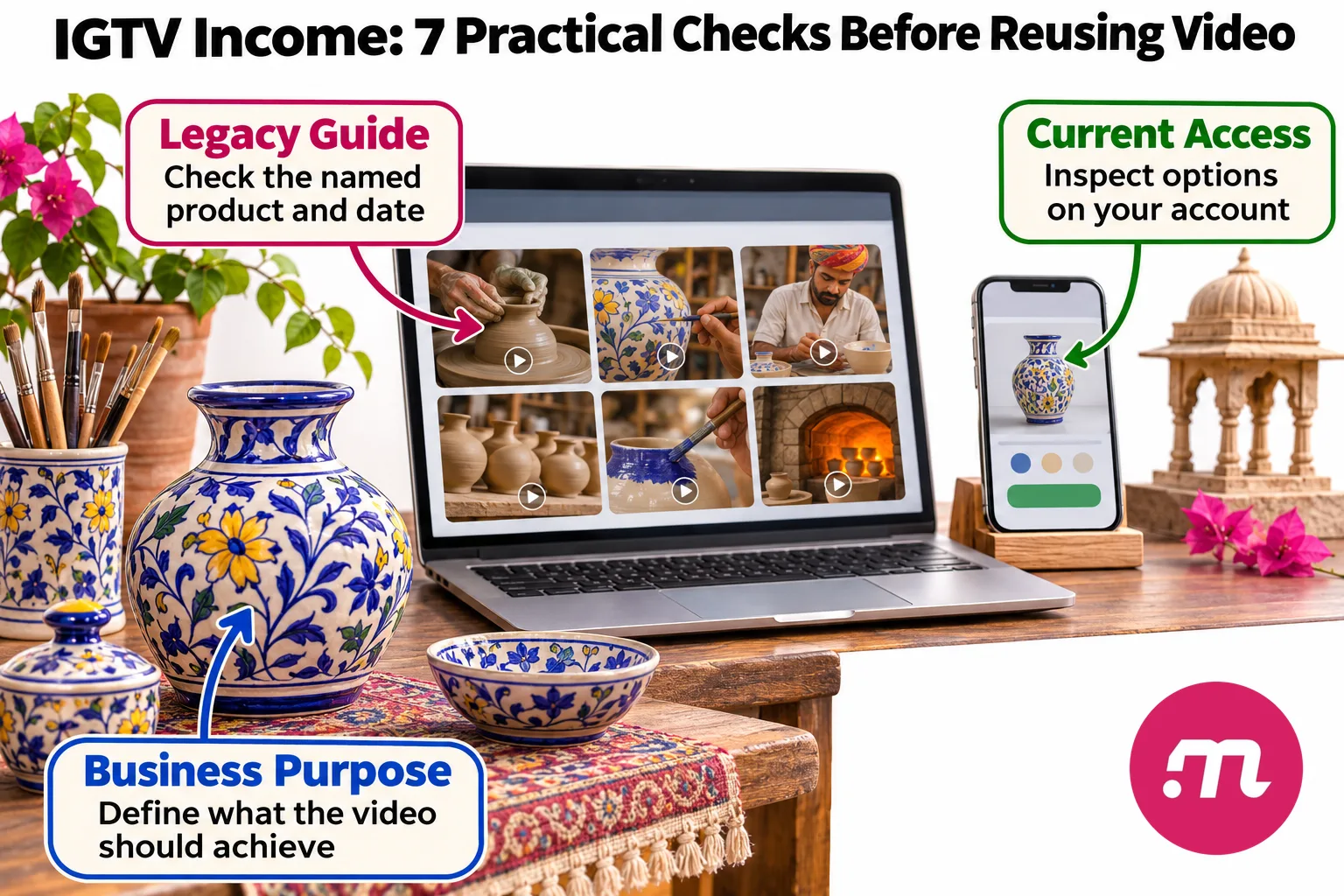
Instagram IGTV monetization is a legacy search term, so don't build a new video budget around an old activation tutorial. Meta combined IGTV and feed videos under Instagram Video in October 2021. An archived earnings guide can explain the earlier product, but it doesn't establish a payment option for your account today.
For an Indian founder or creator, the useful work is checking what you already own, which earning route is available and whether the video can help a buyer. At Mommantum, we'd review those decisions before commissioning another shoot. A good existing demonstration may need a clearer offer, while an outdated explanation may need to be filmed again.
Table of Contents
- 1. Introduction
- 2. Instagram IGTV monetization is a legacy term
- 3. Audit your old video library before editing
- 4. Choose an earning route you can verify
- 5. Repurpose long videos without losing the explanation
- 6. Connect the demonstration to an offer
- 7. Measure whether reused video earns its budget
- 8. Mistakes we'd avoid with old IGTV advice
- 9. Conclusion: give existing footage a current business job
- 10. FAQs
Instagram IGTV monetization is a legacy term
Instagram IGTV monetization and current access
Meta's 5 October 2021 announcement combined IGTV and feed videos into Instagram Video and renamed IGTV ads as in-stream video ads. These were changes described at that time. They aren't instructions for opening a new IGTV earning account now.
Check the date before following a guide's upload path, country list or revenue claim. A tutorial may describe a real historical programme and still be unsuitable for your current account. We wouldn't pay an editor to meet an old programme's specifications until the actual destination and earning terms are confirmed.
Long video and monetisation are separate questions
Meta's June 2026 TV update discussed experiments with horizontal video and exploration of longer and episodic formats. That doesn't revive an old IGTV contract or establish an earning rate. Treat format announcements and payment terms as separate decisions.
Availability can differ between accounts. Inspect your own publishing options before choosing an export, and read the terms of any earning tool actually offered. Seeing another creator publish a long video isn't evidence that your account has the same upload access, distribution or payment arrangement.
Choose the business purpose before the format. We'd keep a detailed explanation when it answers a real buying question, even without a platform payout. The budget still needs a customer offer or client assignment behind it.
Audit your old video library before editing
Start with the original files
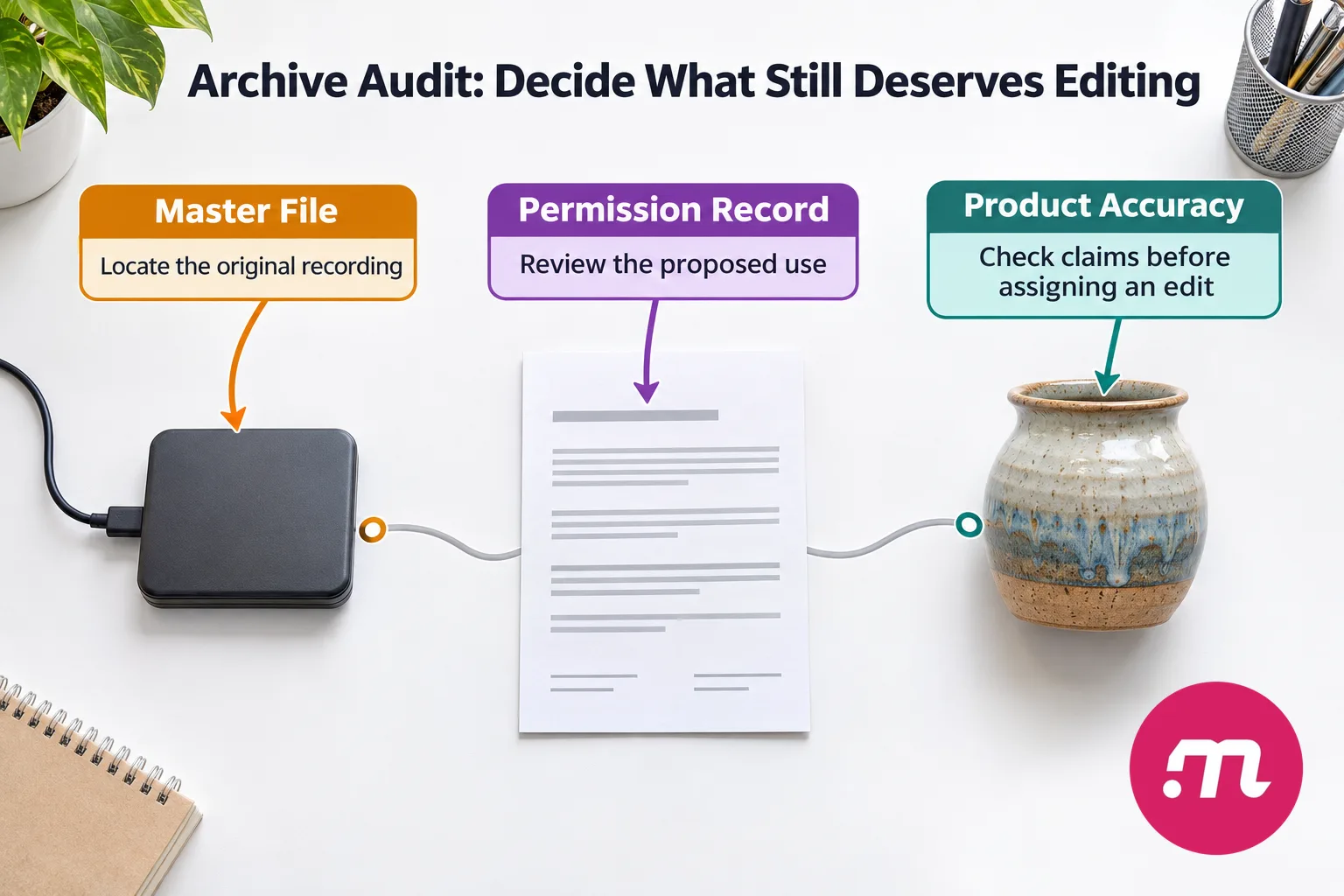
Find the master recording, edited version and any source materials your team retained. Don't assume that a historical post is a complete production archive. Check whether the original still opens, whether its audio is usable and whether the demonstration reflects the product you sell now.
Record who created the footage and what permissions or client terms cover the proposed reuse. Music, stock clips and guest contributions need their own review. An earlier upload isn't enough information to decide every future use. We'd rather resolve a missing permission before editing than discover it when a brand asks to run the clip as an advertisement.
Give each recording a practical decision
| Condition | Recommended action | What to inspect first |
|---|---|---|
| Useful explanation and current offer | Refresh the opening and destination | Product details and buying questions |
| Good footage but a broad topic | Extract a self-contained answer | The question answered by each segment |
| Outdated claim or discontinued product | Correct or record again | What a buyer could misunderstand |
| Unclear permission or client ownership | Pause reuse until clarified | The original agreement and source records |
| Missing or damaged original | Assess recovery before promising delivery | Available backups and usable exports |
Use this review sequence before creating a content calendar:
- Locate the original recording and available edits.
- Identify the owner and review the intended-use permissions.
- Check the product details and claims for accuracy.
- Name the audience question the video answers.
- Choose a publishing option available to your account.
- Attach the relevant offer or client deliverable.
- Record the cost and outcome you will review.
The audit may show that a fresh recording is cheaper than repairing an old one. Compare the work of correcting that recording with a fresh demonstration before assigning the edit. Reuse isn't a saving if the team spends longer repairing material that buyers still won't understand.
Choose an earning route you can verify
Check platform tools on the actual account
If you're asking how does Instagram monetization work, identify who pays and which action creates an earning. Account eligibility, completed setup, recorded income and received payment are different stages. A general status message doesn't show that a viewer has paid or a programme's conditions have been met.
Meta's Gifts explanation describes supporters purchasing virtual gifts using Stars and directs creators to the Professional Dashboard for eligibility. That mechanism is different from a universal payment for watching a video. Check current conditions rather than copying an old follower threshold from a blog.
If setup is available, follow the official flow with accurate details. If earnings exist but payment hasn't arrived, inspect the recorded balance, payout status and any verification message. We'd investigate that particular stage before changing unrelated profile settings or promising that more uploads will fix it.
Keep commercial income separate
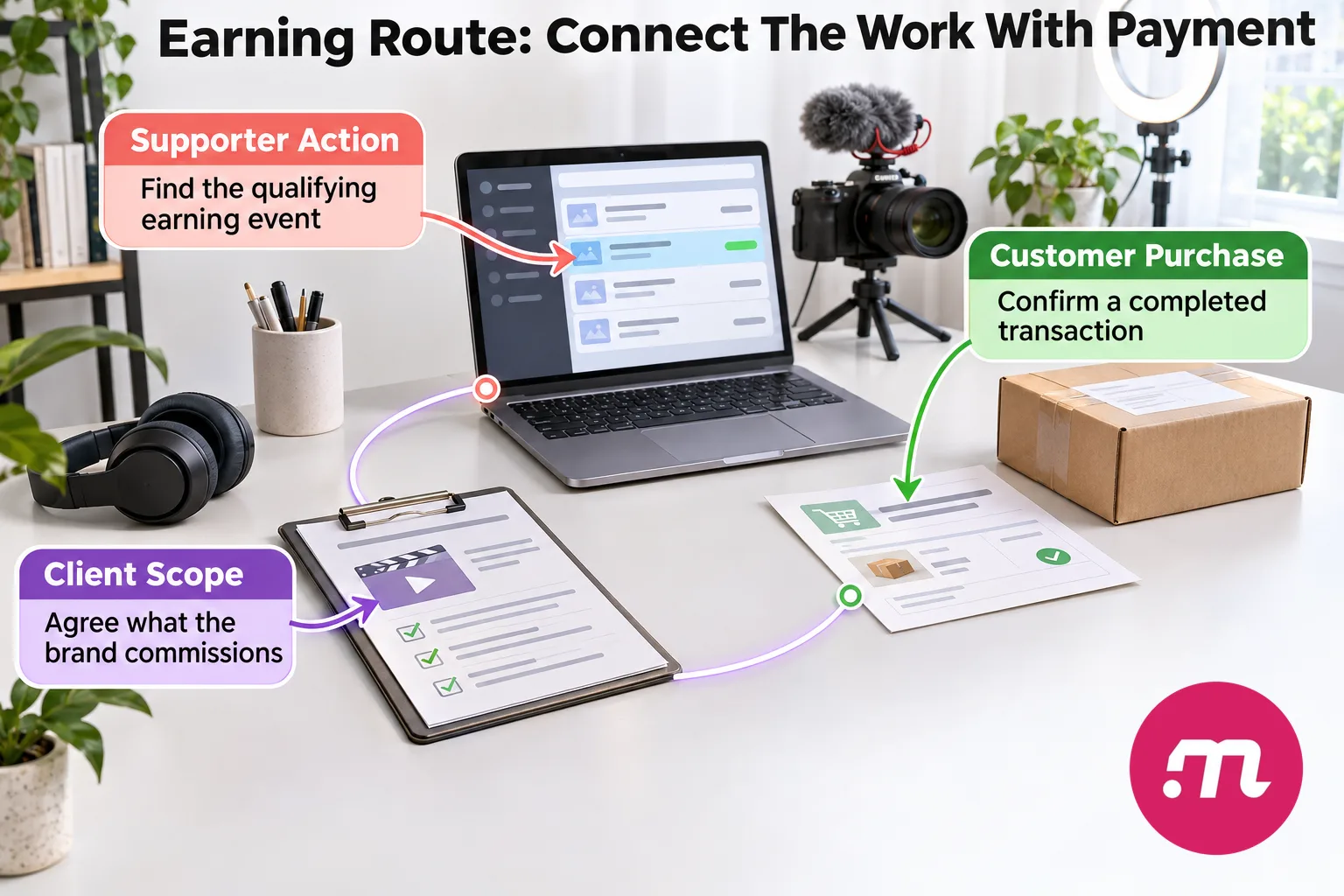
For client work, the brand pays for agreed production or promotion. For your own store, the customer pays for the product. An affiliate programme pays according to its qualifying purchase and approval rules. These transactions can be supported by Instagram without becoming an Instagram money per view tariff.
The search "how much instagram pay for reels in india" cannot be answered responsibly by assigning every view the same rupee value. Identify the applicable programme or commercial agreement first. We wouldn't commit production spending against another creator's payout screenshot, especially when the payer and earning period are missing.
Choose a route that fits your capacity. A subscription offer, where available, requires continuing member value. A product business requires fulfilment and customer support. The income mechanism comes with work after the video is published.
Repurpose long videos without losing the explanation
Cut around a complete audience question
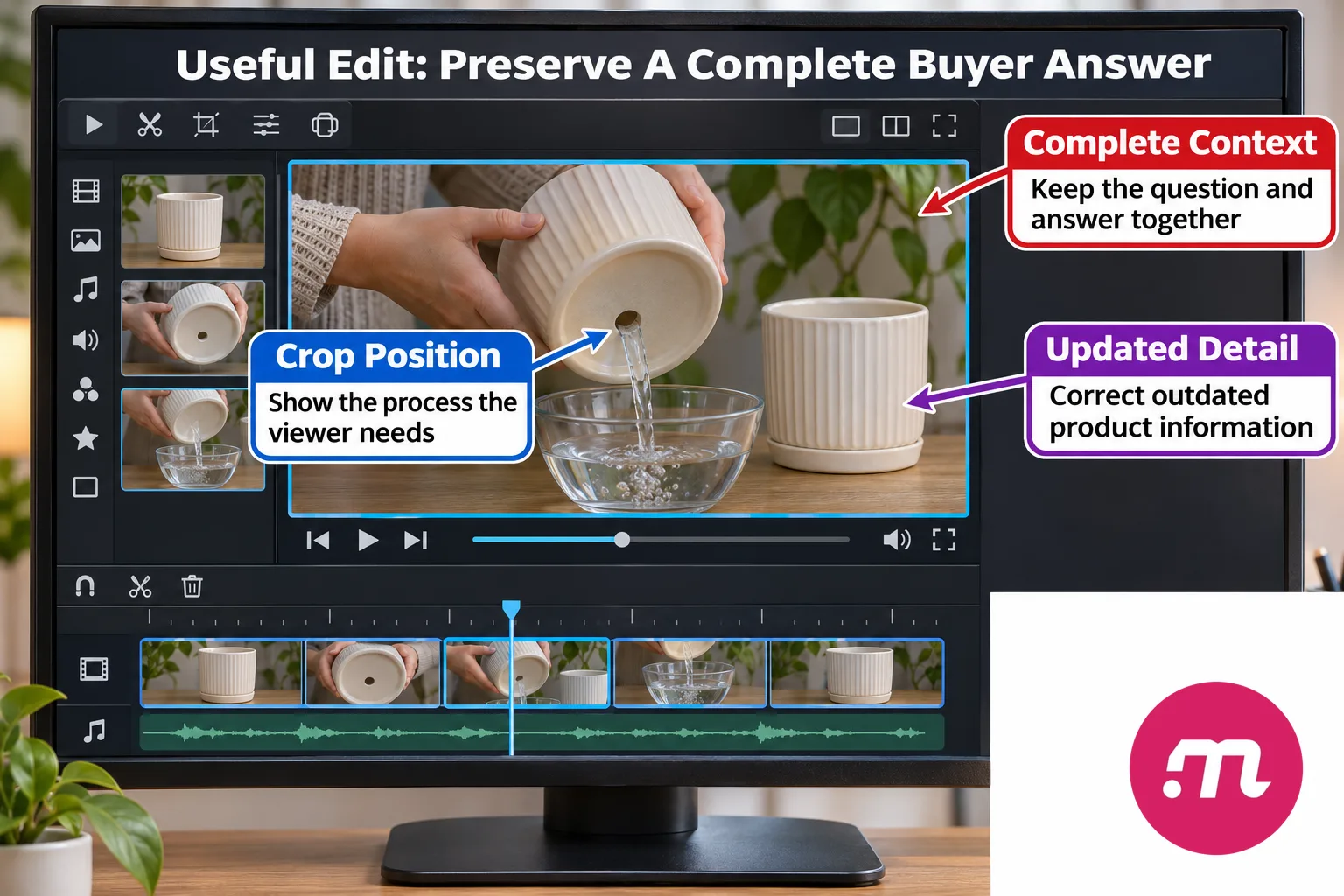
Imagine a hypothetical Jaipur ceramic studio with a recorded demonstration of how a planter is made. A useful shorter edit might answer how drainage works or what the buyer should check before choosing a size. Cutting at an arbitrary timestamp can remove the answer that made the recording useful.
Watch the proposed segment without the original introduction. Does it identify the object, explain the issue and reach a clear answer? Add context if needed, then remove repetition. We'd keep an explanation long enough to be understood rather than force every subject into the same duration.
Check the new frame and the sound
A wide workshop shot may lose the actual process when cropped for a narrow screen. Reposition the crop around the action or record a closer demonstration. Check captions against the spoken words and keep text away from the object being explained. Review the export on the kind of phone your audience uses.
Keep the original master separate from each adaptation. Give the edited file a clear name that records its subject and intended destination. If the team later changes an incorrect product detail, it should be able to identify every affected version without searching through unrelated exports.
Reuse has limits. An old price, discontinued finish or unsupported product claim can make an otherwise attractive clip misleading. Update the explanation before directing buyers to the offer. When the correction changes the point of the video, we'd record it again rather than patch together an awkward sales message.
Connect the demonstration to an offer
Answer what a buyer needs next
If you want to understand how to monetise Instagram as a business, follow the video through to the customer's decision. The ceramic studio's drainage demonstration should lead to matching product details, available sizes and delivery information. A general invitation to browse is less helpful when the viewer has a specific buying question.
Test the destination on a phone. Confirm that the product exists, the information matches the clip and the checkout or enquiry route works. For WhatsApp enquiries, decide who replies and what information they need. We wouldn't buy more attention while interested customers wait for basic answers about availability.
Define a brand assignment before agreeing a fee
A client may want an edited demonstration for its own channels, a post reaching your audience or permission to use the recording in advertising. Write down the intended use and deliverables before quoting. Clarify revisions and approval responsibility, then agree the payment trigger and any continuing commitments.
Include production time and coordination in the fee decision. A familiar old clip can still require product checks, re-recorded audio and new approvals. Reuse doesn't mean the assignment has no cost. Compare the full workload with the money you'll actually receive before reserving a delivery date.
Commercial relationships also need disclosure. ASCI's influencer guidance requires upfront, prominent disclosure when a material connection exists, which can include free products. Put that review into the brief. A gifted sample doesn't make the relationship irrelevant to someone watching a recommendation, and an old caption may not suit the new placement.
Measure whether reused video earns its budget
Track the handover beyond watching
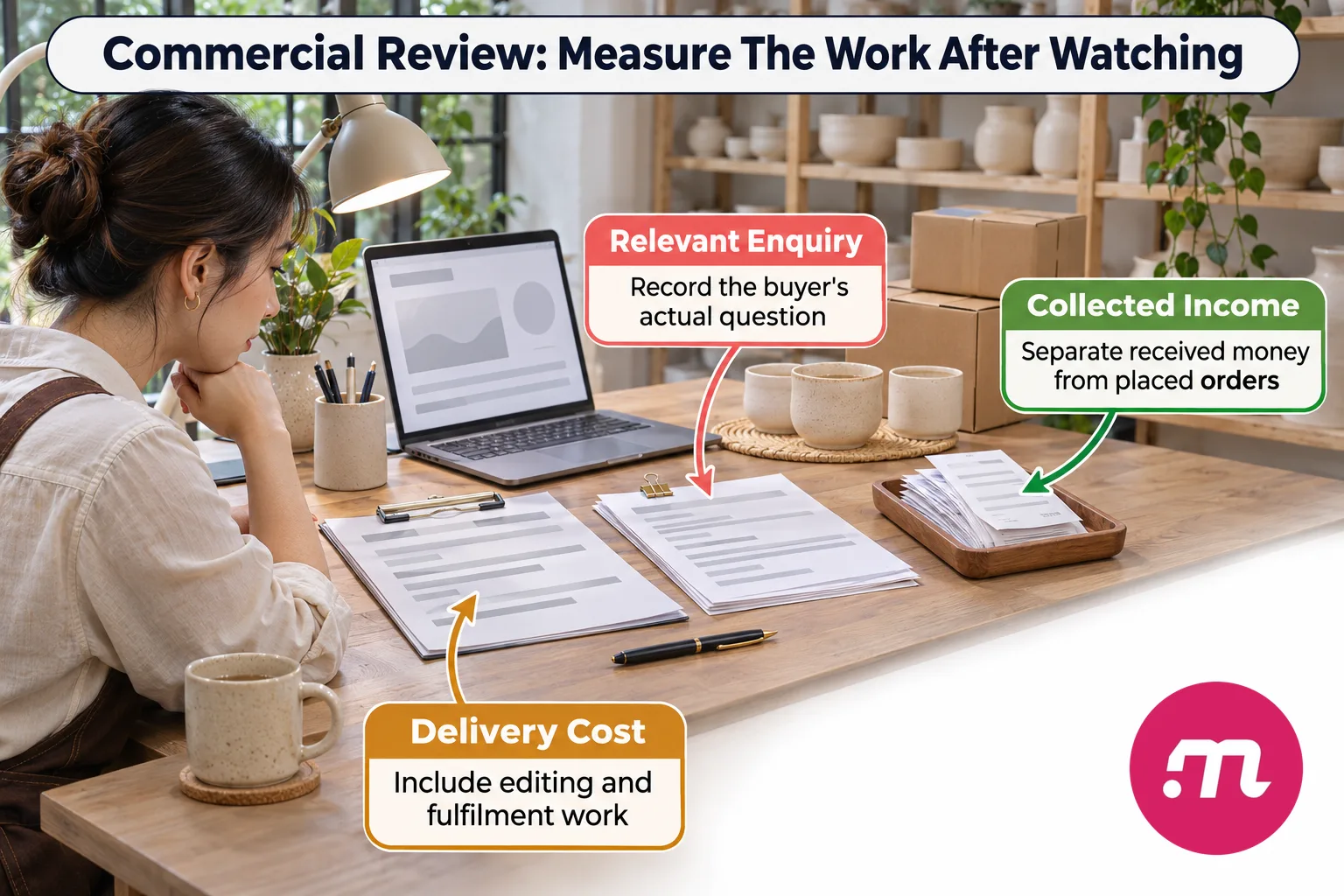
Record the video, destination and intended action together. Separate relevant enquiries from general reactions, and completed orders from orders merely placed. For COD, review delivery and returns before treating the order value as collected income. A video that prompts questions may be useful, but those questions still need a response.
Ask the sales or support team what buyers couldn't understand. Repeated questions about planter size may suggest missing product information; questions about a process already explained may indicate that the edit removed too much context. We'd use those conversations to decide what to change before scheduling another shoot.
Compare income with the work required
Include editing, approval time and any new recording in the reuse cost. For product sales, account for fulfilment and returns. For commissioned content, compare the fee with the actual hours and rights granted. Gross income can look attractive while the work leaves little room for the next assignment.
Our Kids Store case study reports conversion rate moving from 0.6% to 2.8% and CAC from ₹980 to ₹390 through broader ecommerce and marketing work. Those are customer acquisition results, not IGTV earnings. They show why the destination and buying experience belong in a video budget discussion.
Conversion rate needs a defined action and denominator. CAC needs acquisition cost and new customers under a stated method; ROAS compares attributed revenue with advertising spend. None can be inferred from a video counter alone. Agree the measurement before deciding that a longer or shorter edit has improved business performance.
Mistakes we'd avoid with old IGTV advice
Copying another account's options
Forum questions about missing series controls and unusually long uploads show how confusing account differences can be. Use those questions to identify what to inspect, not as a settings manual. A comment about an experimental upload option doesn't establish that it is available to your Indian account or that it includes payment.
Check your actual options before promising a client a specific delivery format. Keep an alternative destination in the production plan if access is uncertain. We'd confirm the export and publishing route before spending on an elaborate edit that the account cannot currently use.
Refreshing the clip but forgetting the business details
A newly cropped video can still carry an outdated offer. Review the caption and destination alongside the file, including any commercial disclosure. Then check whether the team can answer enquiries and deliver what the content promises. Better editing won't fix an unavailable product or an unanswered customer message.
- Match every tutorial to its date and named product.
- Keep source recordings and permissions organised.
- Check claims and offers before reusing footage.
- Confirm account access separately from earning terms.
- Give each adaptation a buyer question and next action.
Our marketing FAQs explain how we approach growth work. When comparing support, ask which production or customer problem the proposed work will solve. Ask who will update the product information, answer enquiries and check the resulting orders. If those responsibilities are missing, another batch of edits will leave the same customer problem unresolved.
Conclusion: give existing footage a current business job
Don't treat IGTV as a payment switch waiting to be restored. Audit the footage, confirm your account options and choose an earning route you can explain. Then adapt useful material around a buyer's question and measure the result against the cost of producing and delivering it.
Explore Mommantum's social media marketing support and book a free strategy call if you need help making those decisions. Bring an old recording, its intended offer and your current account options. We'd identify the next practical step before recommending another shoot.
Frequently Asked Questions
Key takeaways and practical details on this topic.
IGTV shouldn't be treated as a current earning programme you can activate through an old tutorial. Meta combined IGTV and feed videos into Instagram Video in October 2021. Check the publishing options and earning tools offered to your account now, and read their current terms before spending on production.
IGTV was combined with feed video under Instagram Video in Meta's 5 October 2021 announcement. The same update renamed IGTV ads as in-stream video ads at that time. That history explains older guides, but it doesn't establish present account access, upload settings or an earning entitlement for a new video.
Instagram-related income can involve different compatible methods, provided you meet each route's terms and can deliver the work promised. Keep platform earnings separate from client fees and product sales. Before adding another route, check whether it creates recurring content, approval or fulfilment commitments that your current team can maintain.
Instagram monetisation requirements depend on the particular tool, so a single follower milestone doesn't guarantee income. Read the current conditions attached to the options available in your Professional Dashboard. For commercial work, a brand or customer still needs to agree to pay for a defined offer, regardless of the follower count.
Instagram views don't establish a universal payment you can apply to every video. Identify the applicable programme or commercial agreement, then inspect the event that creates an earning. A sponsor fee, supporter purchase and customer order are different transactions, so another creator's ratio isn't an official rate for your account.
Instagram Subscriptions, where offered, allow members to pay for continuing access to a creator's content or experiences. Check the current requirements on your account and define what members receive. Include preparation and support in the workload before launching, because a popular public demonstration doesn't prove demand for recurring paid access.
Instagram payouts concern earnings recorded under an applicable platform tool and its payment conditions. Confirm that an earning exists before investigating a missing bank payment. Then review the payout setup, status and any verification or hold message, using official account support for the specific issue rather than changing unrelated settings.
A brand deal fee should reflect the production, audience access and usage rights being commissioned. Define the deliverables, revision limits and approval process before quoting, then agree when payment is due. Reusing an old clip can still require corrections and new approvals, so include that workload instead of assuming reuse is free.
Another creator's Instagram upload doesn't establish the publishing options offered to your account. Check your own upload flow and its current requirements before changing exports or promising a client a format. If access is uncertain, prepare an alternative adaptation rather than spending on a long edit that you haven't confirmed you can use.
An old IGTV series control isn't a dependable basis for organising your source library. Keep the masters, edits and episode descriptions in a clear production record, then check the publishing options currently available to your account. Organise around the viewer's question so the material remains usable even when an interface changes.
A podcast adaptation should preserve a complete audience question and answer rather than follow an arbitrary duration. Review each proposed clip without the full introduction and add context if needed. Keep the master recording separately, confirm the destination's account requirements and compare editing work with the purpose the adaptation needs to achieve.
Long-video production needs a verified earning route or business purpose before you commit the budget. Check account access and payment terms separately, or agree the customer offer or client assignment the recording supports. Include filming, revisions and delivery in the cost; a format announcement alone doesn't establish money you can collect.
Ready to implement this for your brand?
Connect with our Jaipur growth studio to turn these strategies into revenue for your D2C or ecommerce business.