How to Monetise Instagram: 5 Practical Income Routes for Indian Creators and Brands to Check Account Tools, Avoid Outdated IGTV Advice and Connect Useful Content With Confirmed Payments and Real Customer Sales
Check the income route before increasing your posting budget. Separate account tools, client work and customer sales, and read old IGTV tutorials in their historical context.
Introduction
How to monetise Instagram starts with a payment mechanism, not a follower milestone. Your account might support an available earnings tool, help you sell a service or introduce you to a brand client. We'd identify which of those routes fits your work before increasing the content budget.
For Indian creators and founders, the mistake is treating every monetisation tutorial as a current, universal setup guide. Some describe old video products; others confuse platform earnings with sponsorship fees. This guide, reviewed on 11 November 2026, explains how to check your account, choose a workable offer and keep actual income separate from attention.
Table of Contents
- 1. Introduction
- 2. How to monetise Instagram through the right payer
- 3. Check how to monetise Instagram on your account
- 4. Understand how Instagram monetization works
- 5. Treat IGTV monetization guides as dated material
- 6. Build a brand assignment or a relevant offer
- 7. Protect the relationship behind the income
- 8. Measure completed transactions and delivery costs
- 9. Conclusion: verify the route before adding content
- 10. FAQs
How to monetise Instagram through the right payer
Separate account tools from commercial income
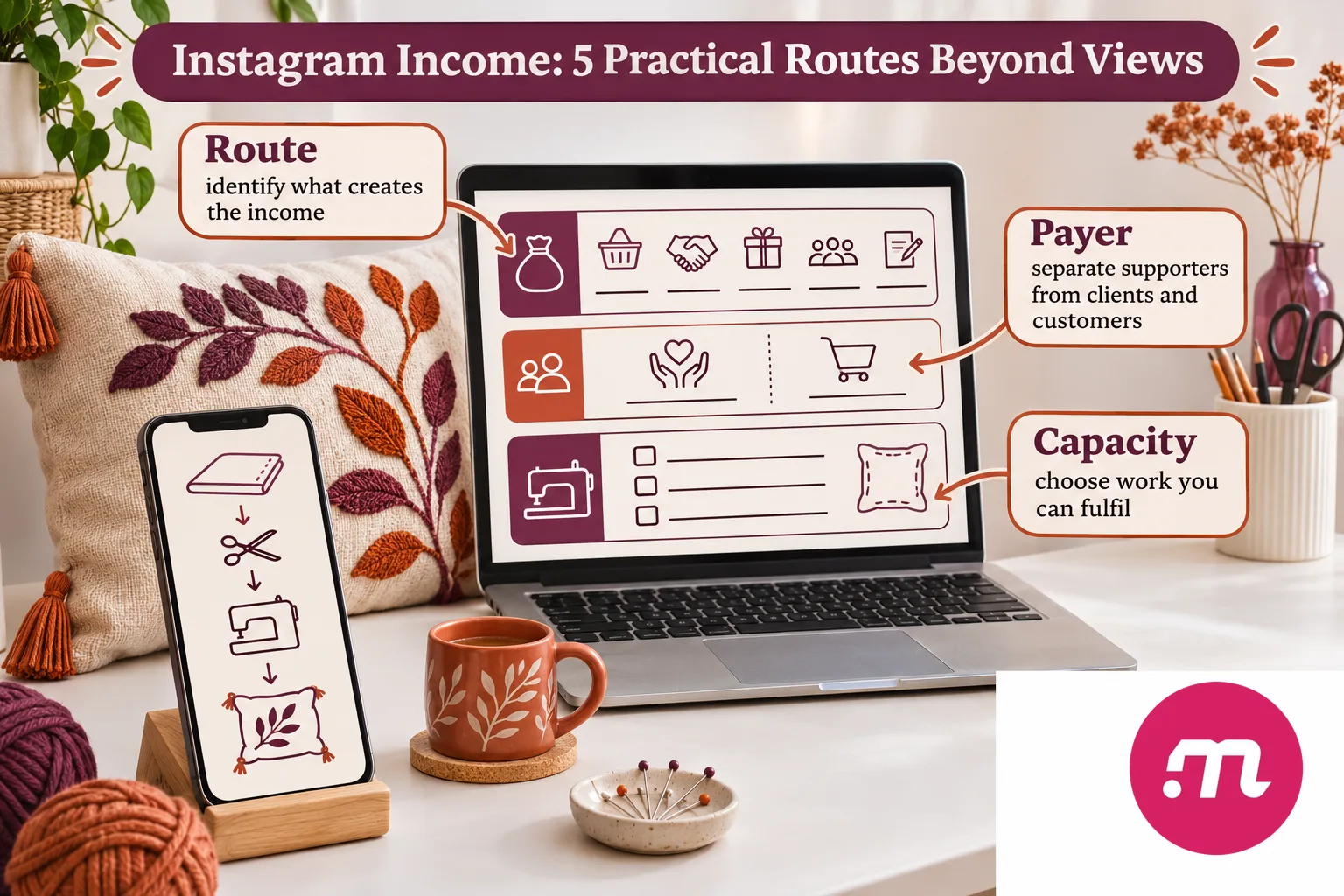
There are five useful routes to assess: fan Gifts, subscriptions, brand assignments, affiliate agreements and your own sales. Tool-based earnings depend on current account access. Commercial income needs a real client or customer transaction, even if Instagram helps you find that buyer.
| Route | What produces income | What to check first | Main trade-off |
|---|---|---|---|
| Gifts, where offered | Supporters send virtual gifts | Eligibility and official setup | Views do not establish supporter payments |
| Subscriptions, where offered | Members pay for continuing access | Tool access and the recurring offer | You owe ongoing work |
| Brand assignments | A business commissions content or promotion | Portfolio, brief and intended use | Review and delivery take time |
| Affiliate recommendations | A qualifying action earns commission | Partner terms and audience relevance | Clicks may not become confirmed income |
| Your own sales | A customer purchases your offer | Demand and fulfilment process | Revenue must cover delivery costs |
Choose something you can fulfil
Consider a hypothetical Jaipur homeware maker publishing cushion-cover demonstrations. They might sell finished products or make a product video for another brand. The first needs a purchase process; the second needs a client brief. These are illustrations, not reported client results.
We'd choose the job you can deliver with your present skills and capacity. An account can grow while its business offer stays unclear. More followers won't decide what someone should pay you for.
Check how to monetise Instagram on your account
Inspect the actual tool
Meta's Gifts explanation describes supporters purchasing virtual gifts using Stars and directs creators to the Professional Dashboard to check eligibility. A viewer sending support is a separate action from watching a video.
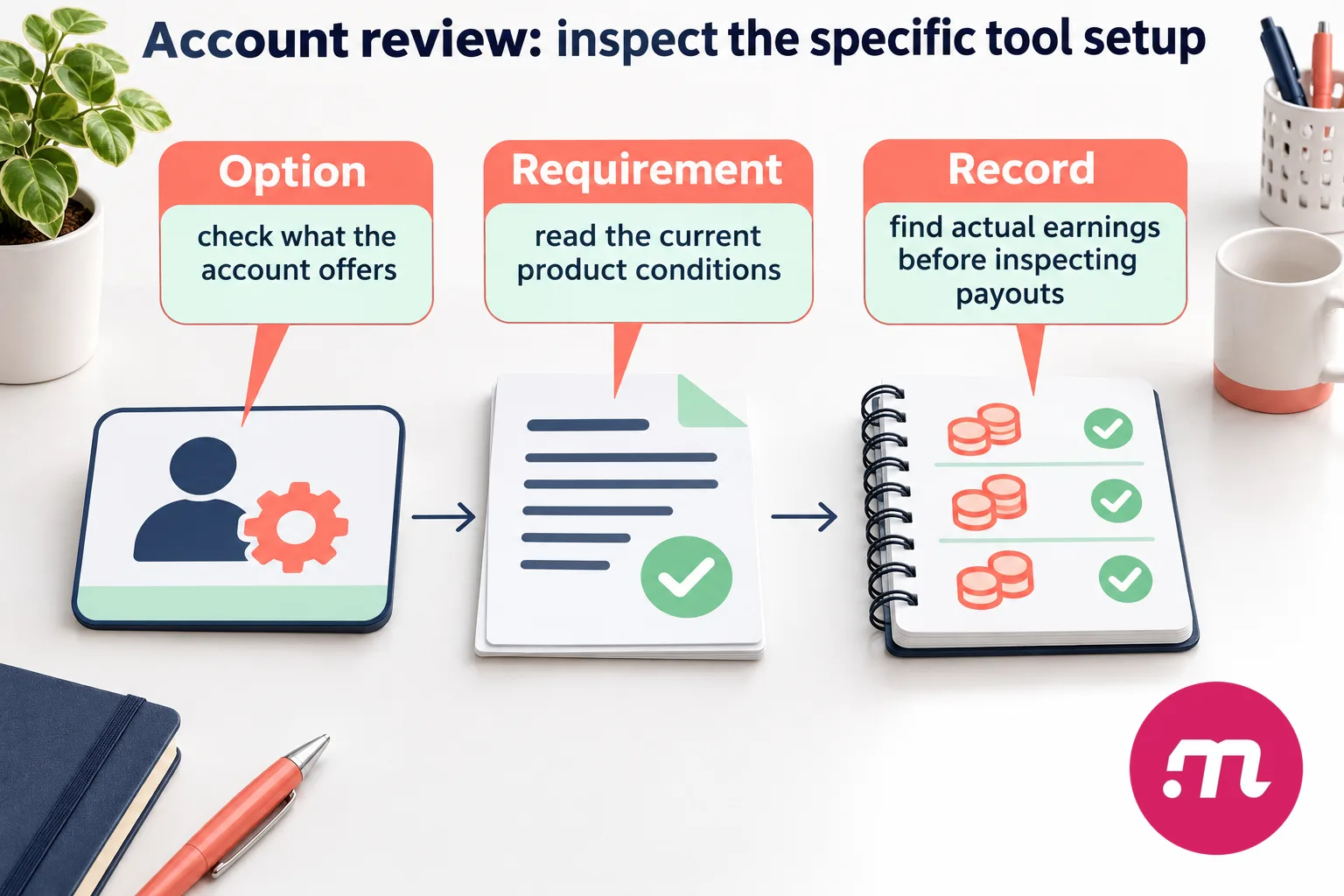
Use the intended professional account and inspect the tools it actually offers. Read the specific tool's current requirements, including the location, account and setup conditions shown. Record its name and exact status before trying to solve a generic monetisation problem. We'd start there.
- Confirm the account and platform you intend to use.
- Open the Professional Dashboard and inspect the earnings tools shown.
- Read the current requirements for the particular tool.
- Complete its official setup and acceptance steps if offered.
- Check the tool's recorded earnings, rather than the view counter.
- Inspect payout status if money has actually been earned.
Do not treat a general status as completed setup
A green eligibility message doesn't tell you that every product is available or earning. One Reddit creator described Gifts appearing as eligible while setup returned an error. Another reported repeated setup failures despite a prompt to begin. Their experiences identify a troubleshooting question, not a universal fix.
Keep the account status, tool setup and payment record distinct. Use the official support route offered to the account for an unresolved error. Keep the step where setup stopped and any reference attached to the support request. We'd avoid cycling through unrelated settings changes: they make it harder to explain what failed, and they don't establish that an earnings event occurred.
Understand how Instagram monetization works
Match each payment to its qualifying event
Gifts depend on supporter activity through an available tool. Subscriptions require someone to choose an ongoing paid offer. Brand work depends on an agreement; affiliate income depends on the partner's qualifying action. A sale of your own product needs a completed customer order.
If you're asking how does Instagram monetization work, follow the record from that event to the money received. An earnings estimate, a confirmed amount and a bank receipt can represent different stages. We'd keep those stages visible instead of treating an optimistic dashboard total as spendable cash.
Avoid one follower or per-view formula
The search for "Instagram money per view" often hides the programme name. Ask which tool, platform and period the quoted payment belongs to. A Facebook earnings screenshot doesn't establish an Instagram rate, and a brand's production fee isn't a payment generated by every play.
Likewise, "how much Instagram pay for Reels in India" cannot be answered responsibly by copying a rupee figure without its conditions. Check the actual income mechanism for your account. No amount of arithmetic can establish an invitation or a supporter transaction that didn't occur.
Meta's announcement updated on 3 April 2024 described a limited invitation-only bonus test in the United States, South Korea and Japan. That historical offer is not evidence of current access for an Indian creator. We'd read the terms of an active offer before allocating production time to it.
For a recurring paid promise, include preparation and audience support in the workload. Membership income requires continuing delivery, even when public posting is already taking most of your time. Write down the recurring promise before you offer it. If preparing a member lesson takes the slot you use for customer orders, include that lost capacity in the decision. Owning the camera already doesn't make your working time free.
Treat IGTV monetization guides as dated material
Check what the original announcement describes
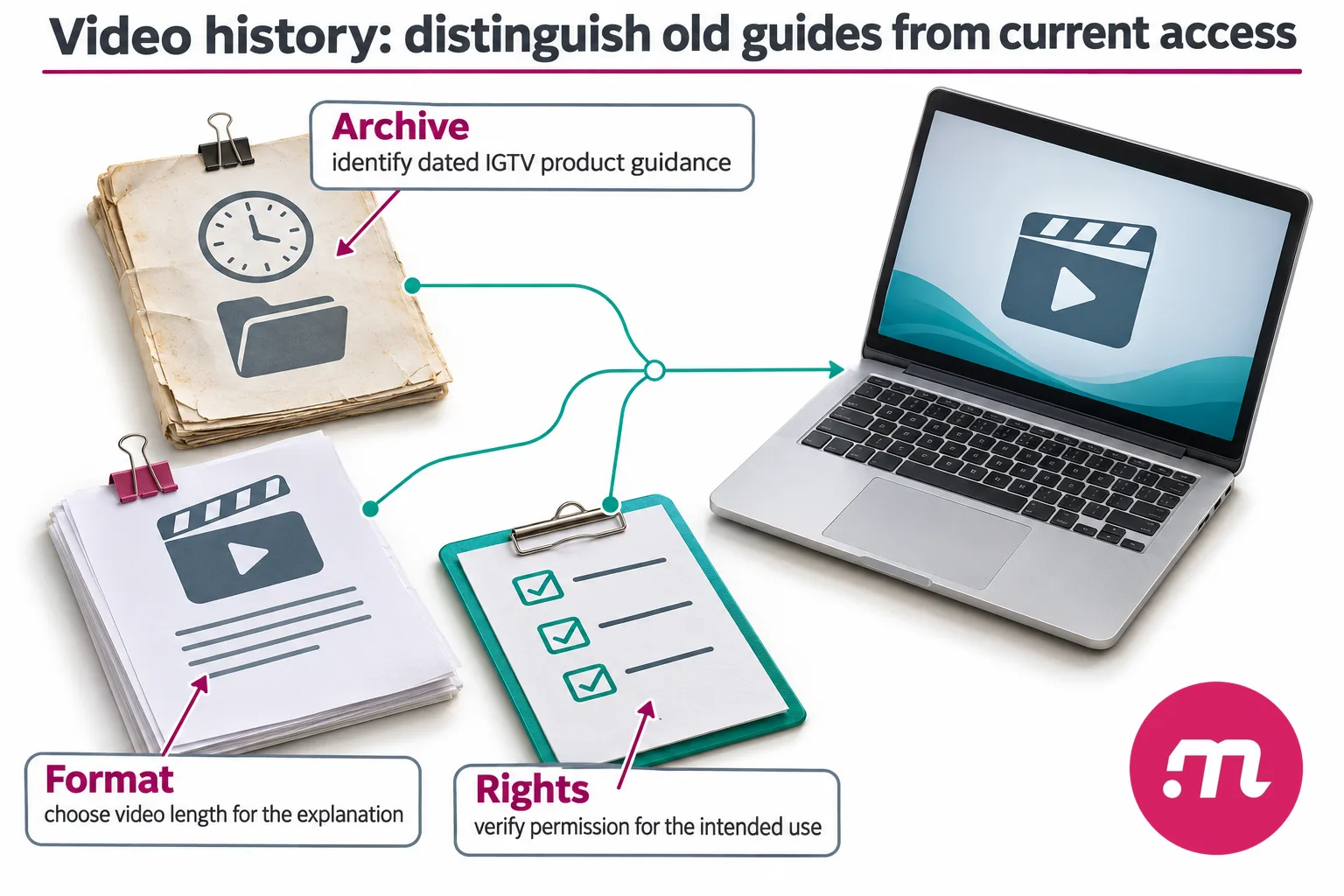
Meta announced IGTV ad testing in 2020. Its 5 October 2021 video update then described combining IGTV and feed videos into Instagram Video and renaming IGTV ads as in-stream video ads. These are historical product announcements.
A search result for "Instagram IGTV monetization" may therefore describe a different interface and programme from what your account offers now. We'd use it to understand the history, then return to the current dashboard and product terms before making an earnings decision.
Choose a format for the work it needs to do
A longer demonstration can explain a homeware product's construction; a shorter clip can answer a specific purchase question. Neither format creates a payment simply because an old tutorial mentions advertising revenue. Start with the buyer's need and the actual income route.
For the hypothetical cushion-cover maker, showing how a closure works might support a sale. Producing that footage for a textile brand would be a client assignment with its own scope. The useful asset is the clear explanation, not an assumption that the upload belongs to an old ad programme.
We'd also check rights before reusing archive footage. Permission to publish the material and eligibility under an earnings programme are separate questions. A tutorial about changing upload settings cannot settle either on its own.
Build a brand assignment or a relevant offer
Make the deliverable easy to understand
A brand buying content needs evidence you can explain its product. Show relevant original samples and your role in them. Ask whether the client wants a finished asset for its own channels, a placement with your audience or advertising use; those are different commitments.
Meta's 2024 creator marketplace announcement describes reviewing opportunity details, requirements and rates before agreement. It explains partnership ads as a way to amplify content with a partner's handle. A collaboration tool can support a conversation; it doesn't guarantee a booking.
Put deliverables and the rupee fee in writing, alongside revisions and payment milestones. Decide where the content may run and for how long. We'd address paid advertising use and exclusivity explicitly rather than assume those permissions are included in making a video.
Connect your own offer to a customer question
For your own sales, use content to show who the offer helps and what the customer receives. The homeware maker might answer a question about closure design or fabric care using the actual product. Then provide a clear way to inspect details and order or enquire.
Check that route on a phone. Decide who replies to a buying question, and keep delivery terms clear before accepting payment. We'd fix a confused enquiry process before asking the team to produce more content for it. For example, a question about cushion-cover sizing needs a clear product detail or a useful reply. Read a real conversation from first question to final decision, and check whether the buyer ever received the information needed to order.
At Mommantum, we'd plan the script and customer response together. The video can start a conversation, but it cannot answer an inbox that nobody owns.

Protect the relationship behind the income
Check recommendations and disclosure
For affiliate work, read the qualifying action, permitted placement and cancellation treatment in the partner's terms. Count confirmed commission rather than every click. Choose recommendations you can explain honestly; the potential fee doesn't make an unrelated product useful to your audience.
ASCI's influencer guidance requires upfront, prominent disclosure where a material connection exists, including benefits such as free products. Check the actual placement and caption. A disclosure hidden in a bio doesn't explain the relationship to someone viewing a sponsored demonstration.
We'd agree who checks product claims before filming. Correcting an inaccurate script after a shoot can create work for both the brand and creator, and a confident presentation doesn't make a claim true.
Use support for a specific unresolved issue
A Reddit creator described being unable to edit a mistaken payout classification. That is a different problem from having no earnings tool available. Record the field and error involved, then use the official support workflow for the account rather than follow an unrelated tutorial.
Don't select account or payout details merely because someone says they worked for them. Use accurate information and the official correction route when something is wrong. We'd keep payment setup separate from the decision about which content or commercial offer to produce next.
Client commitments need the same care. Keep the approved scope and review notes with the assignment so an extra request can be discussed against something concrete.
Measure completed transactions and delivery costs
Keep income lines separate
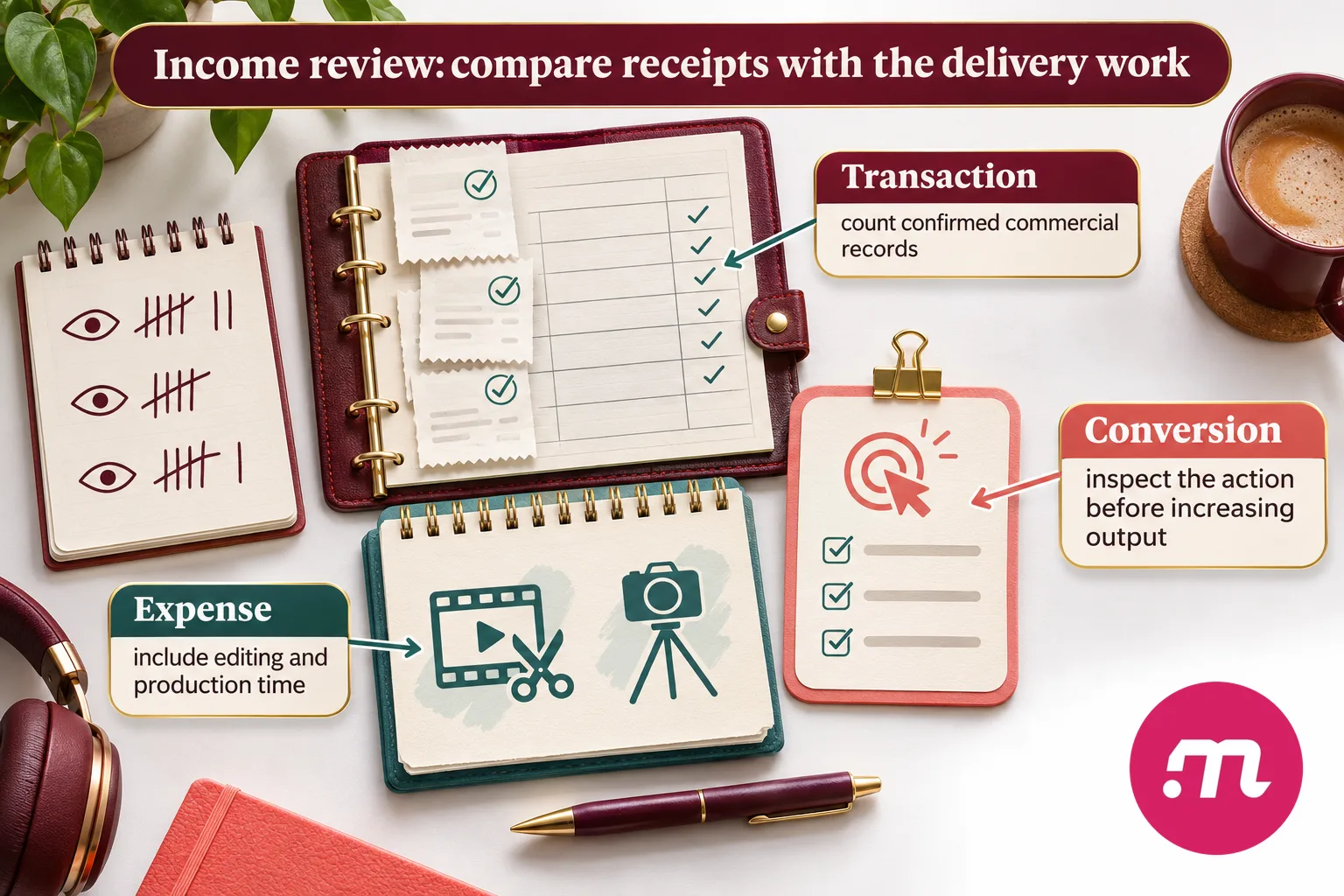
Record platform earnings separately from client payments and your own customer revenue. For affiliate work, use the partner's confirmed commission. For product sales, distinguish enquiries from completed orders and refunds. Quoted work isn't the same as money received.
Include editing expenses and production time beside the income route. A recurring lesson or member update also uses capacity you could spend on client work. We'd compare what each commitment leaves behind before increasing output.
Find the business step that needs attention
Conversion rate needs a named completed action and denominator, such as orders divided by relevant visits. CAC needs acquisition cost and new customers under a defined method. ROAS compares attributed revenue with advertising spend; the number of organic plays cannot supply that calculation alone.
For The Kids Store, the verified case study reports conversion rate moving from 0.6% to 2.8% and CAC from ₹980 to ₹390 through broader ecommerce and marketing work. These figures aren't Instagram payout rates. They show why customer conversion can deserve attention alongside content distribution.
Our marketing FAQs explain more about the team's approach. Bring a specific unresolved step, such as interested visitors who don't purchase, when comparing the next investment. Inspect the destination and buyer response before attributing the problem to reach. That gives your next content brief an actual question to answer.
Conclusion: verify the route before adding content
Choose who will pay and what creates that payment. Check the current account tool or written commercial scope, then keep confirmed income and delivery costs visible. Historical programmes and another creator's view count cannot do that work for you.
For help connecting Instagram content with a relevant offer and customer response, explore Mommantum's social media marketing support and book a free strategy call. Bring the account question or offer that needs a concrete decision.
Frequently Asked Questions
Key takeaways and practical details on this topic.
Monetise Instagram by choosing a real income route and confirming what creates its payment. Inspect account-specific tools, or assess brand assignments, affiliate agreements and an offer of your own. Keep confirmed income separate from views and compare it with the production and delivery work before agreeing to more recurring work.
Instagram monetization works through distinct tools and commercial transactions rather than one universal payment switch. Supporter activity, paying members, client assignments and customer purchases create different records. Check the relevant tool or agreement, then distinguish estimated earnings, confirmed money and payments received before making a spending decision.
Indian Instagram Reel views don't establish a universal rupee payment. Check the actual account tool and its qualifying event, or the commercial agreement behind a client fee. A historical programme in another market and a Facebook earnings screenshot are insufficient evidence that your Indian Instagram account is owed money.
Instagram income cannot be calculated from a universal rate per thousand views. Identify the programme or commercial transaction and inspect its conditions and earnings record first. A brand fee buys agreed work or promotion, while a supporter payment requires an action beyond watching, so neither can be inferred from plays alone.
Set up Instagram monetization by inspecting the intended professional account's dashboard and the specific tools offered there. Read the tool's current requirements and complete its official workflow if available. A general eligible status doesn't establish that all tools are enabled or that an earnings event has already occurred.
One follower threshold cannot establish every way to monetise Instagram. Read the current conditions for the particular platform tool, then assess commercial work separately through a real client or customer agreement. An old announcement's number isn't a substitute for the requirements shown to the account you plan to use.
Another creator's Instagram feature access doesn't establish availability for your account. Check the specific tool's current requirements and the exact message shown in your own dashboard. Separate an unavailable option from an offered tool with unfinished setup, and use official account support for an unresolved error instead of assuming one generic setting fixes both.
Investigate missing Instagram monetization by naming the tool and recording the exact account message before changing settings. Check whether it is unavailable, restricted or awaiting official setup, since those are different problems. Use the support route offered to your account for an unresolved issue and avoid promising that repeated account-type changes will repair it.
A Gifts setup error doesn't establish that Instagram views are earning money. Check the particular tool's setup state and recorded earnings rather than infer income from eligibility. Record the exact error and use official account support for that issue, while keeping unconfirmed earnings out of any production spending commitment.
Different Instagram status screens need a tool-specific check rather than a general conclusion that everything is enabled. Record what each screen says about Gifts or the relevant product, then inspect its official setup workflow. If the contradiction remains unresolved, send the exact messages through the account's official support route.
An uneditable Instagram payout classification needs the official correction or support workflow for that account. Don't delete the setup or enter inaccurate details based on another user's workaround. Record the field and issue clearly, and keep existing earnings records separate from any proposed correction so you can explain the problem accurately.
Repeated Instagram account changes aren't evidence that a Gifts setup error will clear. Stop treating unrelated settings as a payment mechanism and record the exact tool, setup step and failure message. Follow official account guidance for that issue, then assess content or commercial work separately from the unresolved technical setup.
Ready to implement this for your brand?
Connect with our Jaipur growth studio to turn these strategies into revenue for your D2C or ecommerce business.