Content Calendar for Social Media: Build Yours in 2026 (Free Template)
Use a free copyable template to plan useful content and assign approvals. Keep the calendar flexible when customer questions or business facts change.
Introduction
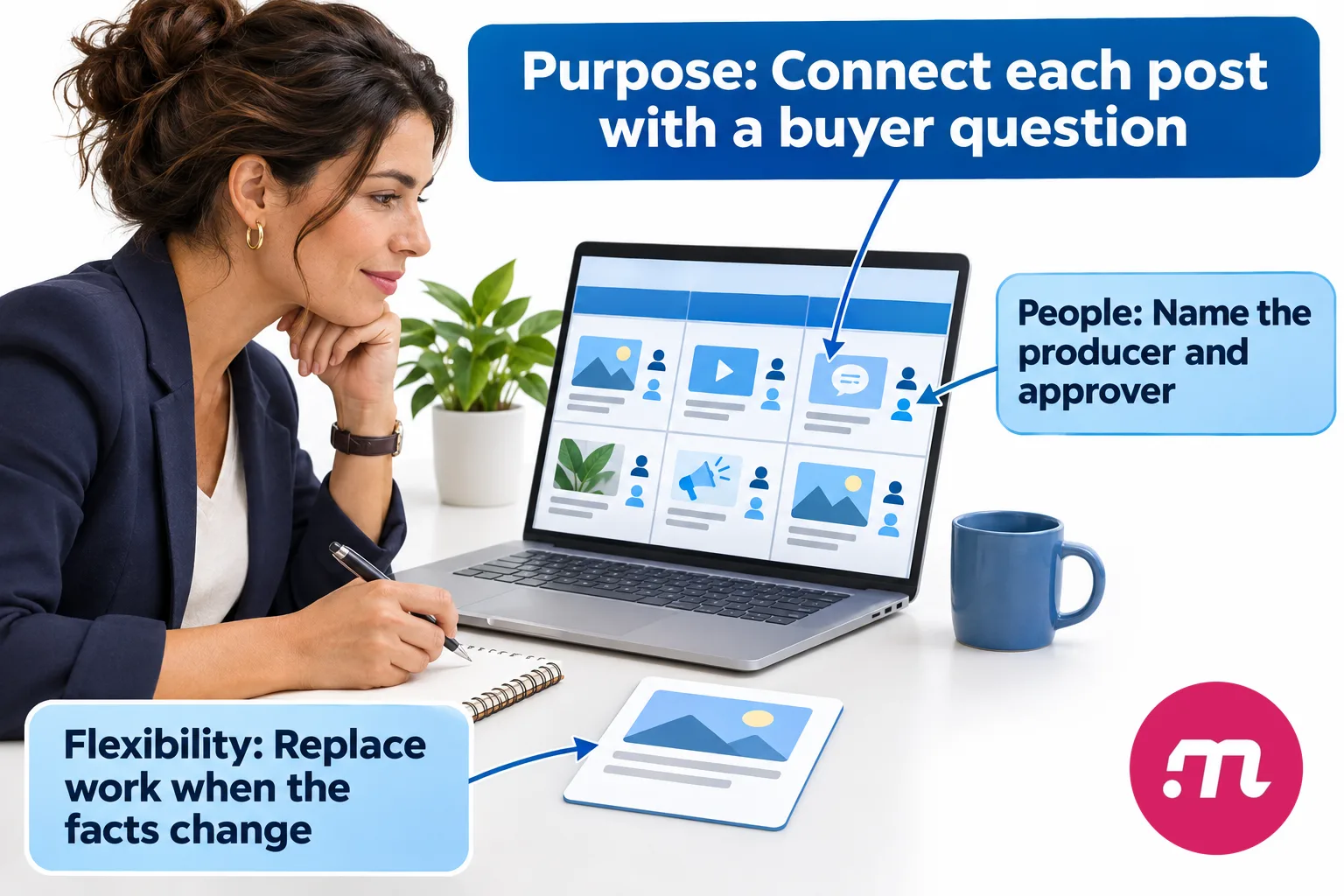
A content calendar for social media can be full of approved posts and still leave your team guessing. The designer doesn't know which product claim is verified. The founder approves a draft that later changes. A scheduled offer goes live after the stock runs out. The calendar needs to show who checks those facts and which draft was approved.
We'd build the calendar as a working record of decisions and responsibilities. Start with customer questions, attach the evidence and name who approves each version. The free template below is copyable directly from the article. Use a simple planner first, then add publishing software when the actual workflow needs it.
Table of Contents
- 1. Introduction
- 2. Why rigid calendars fail and flexible ones help
- 3. What a content calendar for social media needs
- 4. Find ideas before filling publication dates
- 5. Choose a planner before buying a publishing tool
- 6. Move the work through approval and scheduling
- 7. Add verified dates without becoming a festival feed
- 8. Review the calendar and decide what should change
- 9. Conclusion: plan decisions and leave room to respond
- 10. FAQs
Why rigid calendars fail and flexible ones help
Keep the plan open to new information
The claim that the content calendar is dead usually describes a real frustration: a month of attractive posts disconnected from current customer questions. A Reddit debate makes that criticism explicitly. It doesn't establish that planning itself prevents results, or prove the algorithm claims made alongside it.
We'd keep the production plan and change the rule that every planned post must run. A product launch needs preparation. An inaccurate offer needs correction. Those aren't competing ideas.
Separate work that can be prepared early from work that depends on current information. A product-care explanation may remain useful. A delivery promise, promotional price or stock statement needs a check near publication. Give someone responsibility for that check.
Know what the calendar cannot decide
A calendar records what happens, when and with whose approval. It doesn't choose your business objective for you. Before filling it, explain what the customer needs to understand and what action the content should support.
Our social media marketing service connects content assignments with the customer's next step. We'd prefer an empty slot with a clear reason over an approved post that nobody can explain.
Flexible planning also needs boundaries. A topical idea shouldn't bypass factual approval just because it feels urgent. Record the change, identify the approved version and decide which planned assignment it replaces.
What a content calendar for social media needs
Use this free copyable template
Copy the following social media calendar template into the working document or planner you already use. Each row describes a post assignment. Keep the field names, then replace the prompts with your business information.
| Field | What to enter |
|---|---|
| Date, time and zone | The intended publication slot with an explicit time zone |
| Channel and format | The account and type of content |
| Buyer question and pillar | The problem addressed and its reusable topic group |
| Evidence | Approved product facts or source material |
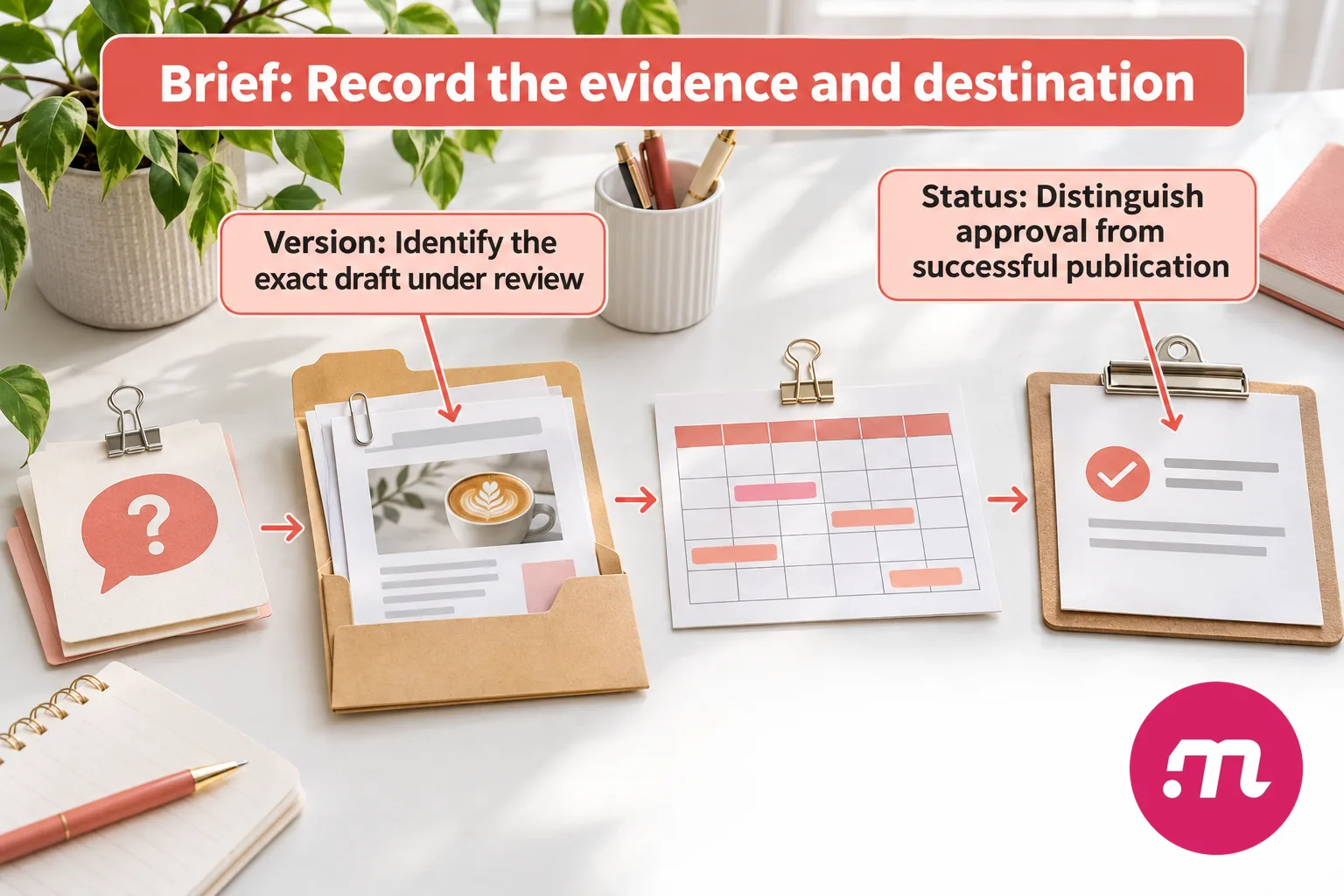
| Draft and asset version | The exact copy and creative under review |
| Producer and approver | Who makes the work and who clears it |
| Status | Idea, drafting, review, approved, scheduled or published |
| Action and destination | What the customer can do and where it happens |
| Reply owner | Who handles questions after publication |
| Review note | The response observed and next decision |
Here's how a small illustrative homeware batch could use those fields. These entries are planning examples, with publication slots chosen by your team rather than claimed optimal times.
| Assignment | Evidence and destination | Approval condition |
|---|---|---|
| Show how a storage box fits a shelf | Actual dimensions and the matching product page | Product owner checks measurements before scheduling |
| Answer a cleaning question | Approved care instructions and the relevant explanation | Support owner verifies the advice |
| Explain delivery availability | Current serviceable locations and the order route | Operations confirms the promise near publication |
The first assignment may be reusable while the delivery explanation changes. That difference belongs in the record. It tells your team which work can stay ready and which needs another factual check before it runs.
Keep the approved version identifiable
A date and caption aren't enough when several people edit the work. The approver must see the creative, copy and destination together. If one changes afterwards, decide whether approval is still valid before scheduling.
Use status values consistently. An idea is not a draft, and a scheduled post isn't proof of successful publication. We'd keep the publication check separate so an account connection problem doesn't leave the record falsely complete.
Don't add columns simply because a template has them. If nobody uses a field to make or verify a decision, remove it. Choose a social media content calendar your team can update accurately during a busy week, without chasing a separate document for every decision.
Find ideas before filling publication dates
Steps 1 and 2: audit the work and set the goal
Review recent posts alongside enquiries and business records. Note which questions were answered, which claims needed correction and where customers stopped. Look at useful actions, not just the most attractive creative.
Choose the action this calendar should support. A service may need suitable appointment enquiries; a store may need buyers to understand product suitability before ordering. Define the baseline using your own records and agree when to review it.
We wouldn't invent a growth target to fill a planning document. The goal should fit current capacity and explain what progress would mean. If the team can't answer existing messages, improving response ownership belongs in the plan.
Step 3: build pillars from real buying questions
A pillar is a reusable topic group, not a demand to repeat the same post. For an illustrative homeware shop, product dimensions, use in small spaces and care questions could generate different assignments. Choose the groups because customers need that information.
Map topics to the buying decision. Someone recognising a storage problem needs a different explanation from someone comparing your product with another option. In B2B, the user and the person approving the purchase may need different evidence.
Write the question before choosing a format. A short demonstration may clarify movement; a comparison may make suitability easier to judge. We'd avoid creating a quota of videos and then searching for excuses to fill it.
AI can suggest angles from approved customer questions. Treat its output as a draft, check the facts and remove invented testimonials or claims. A fast list of ideas doesn't tell you which ones your business can support.
Choose a planner before buying a publishing tool
Step 4: compare the work each option solves
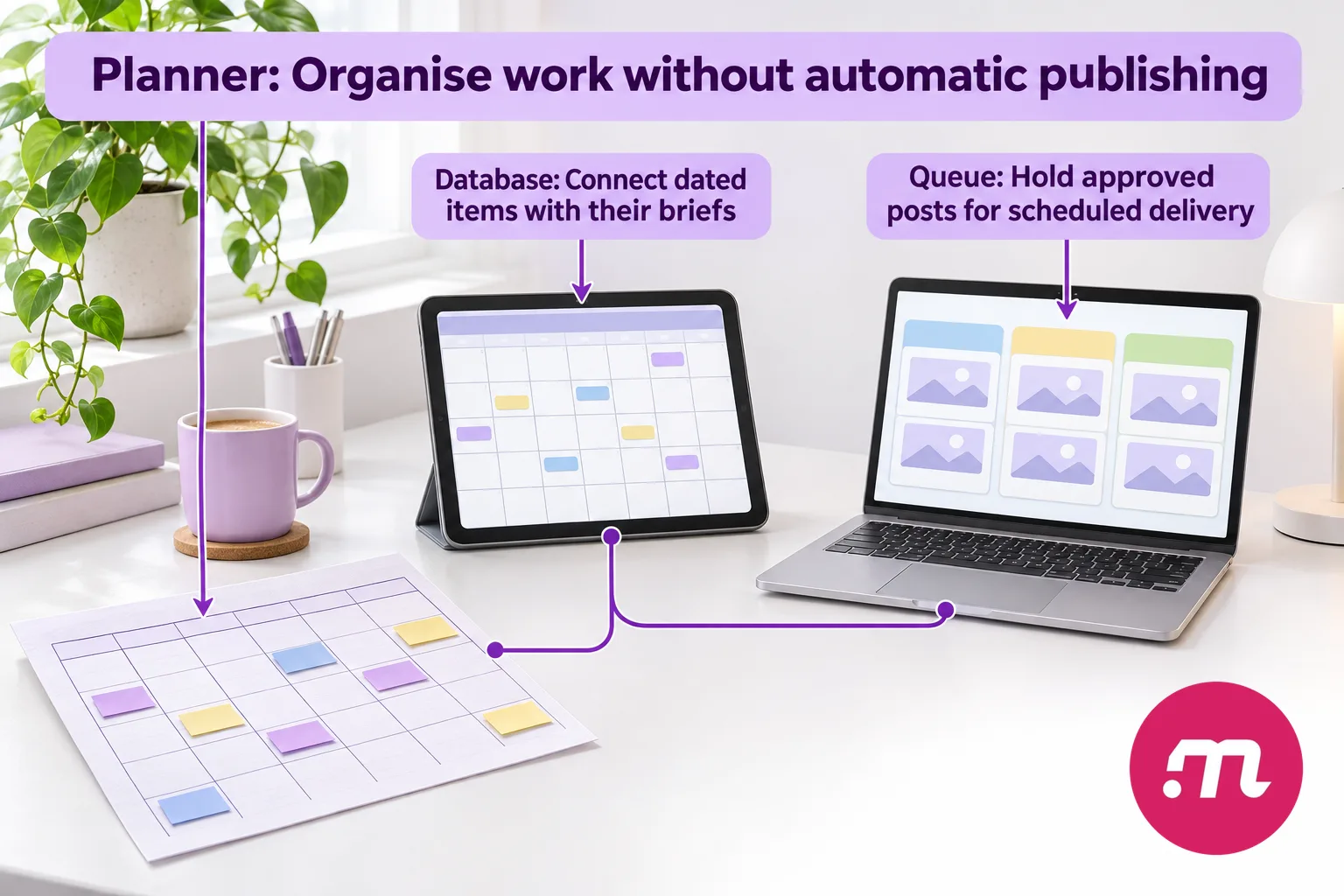
A spreadsheet or document can organise assignments without publishing anything. A database planner can show the same work in different views. Social media scheduling software adds a publishing workflow, but still needs accurate inputs and human responsibility.
| Option | Useful when | Check before choosing |
|---|---|---|
| Spreadsheet or document | You mainly need a simple planning record | Can the team find the current draft and approval? |
| Notion database | You want dated items with linked briefs | Will everyone maintain the properties? |
| Buffer | You need a queue for connected channels | Does the plan support your formats and workflow? |
| Approval-focused workflow | Publishing permission must follow review | Are the actual roles and permissions configured? |
Notion's calendar documentation requires a Date property for a database calendar view. That's useful for arranging work, but a dated card isn't evidence that a social post has been published.
Check limits and account requirements
Checked on 8 November 2026, Buffer's Free plan supports up to three channels. Its queue-limit documentation specifies ten scheduled posts per channel at a time. That is queue capacity, not a monthly allowance.
We'd test the actual account and format before committing to a tool. Confirm whether your post publishes directly or needs a reminder and manual completion. Count channels and approval needs rather than compare subscriptions by a headline price alone.
If you only want a planner, start with the free template above. If drafts keep waiting for product information, fix that request process before paying for more publishing capacity.
Move the work through approval and scheduling
Step 5: fill a small working batch
Enter the customer question, approved evidence and destination for each assignment. Name the producer and approver before setting an ambitious publication date. Missing footage or an unverified claim should remain visible as unfinished work.
For an illustrative storage-box post, the brief might ask the creator to demonstrate actual capacity and show accurate dimensions. The next action leads to the matching product information. This is a proposed assignment, not a reported client result.
Batch filming where it saves setup effort, while keeping price and availability checks close to publication. We'd leave an assignment in review rather than let a fixed slot force approval.
Step 6: publish the version that was cleared
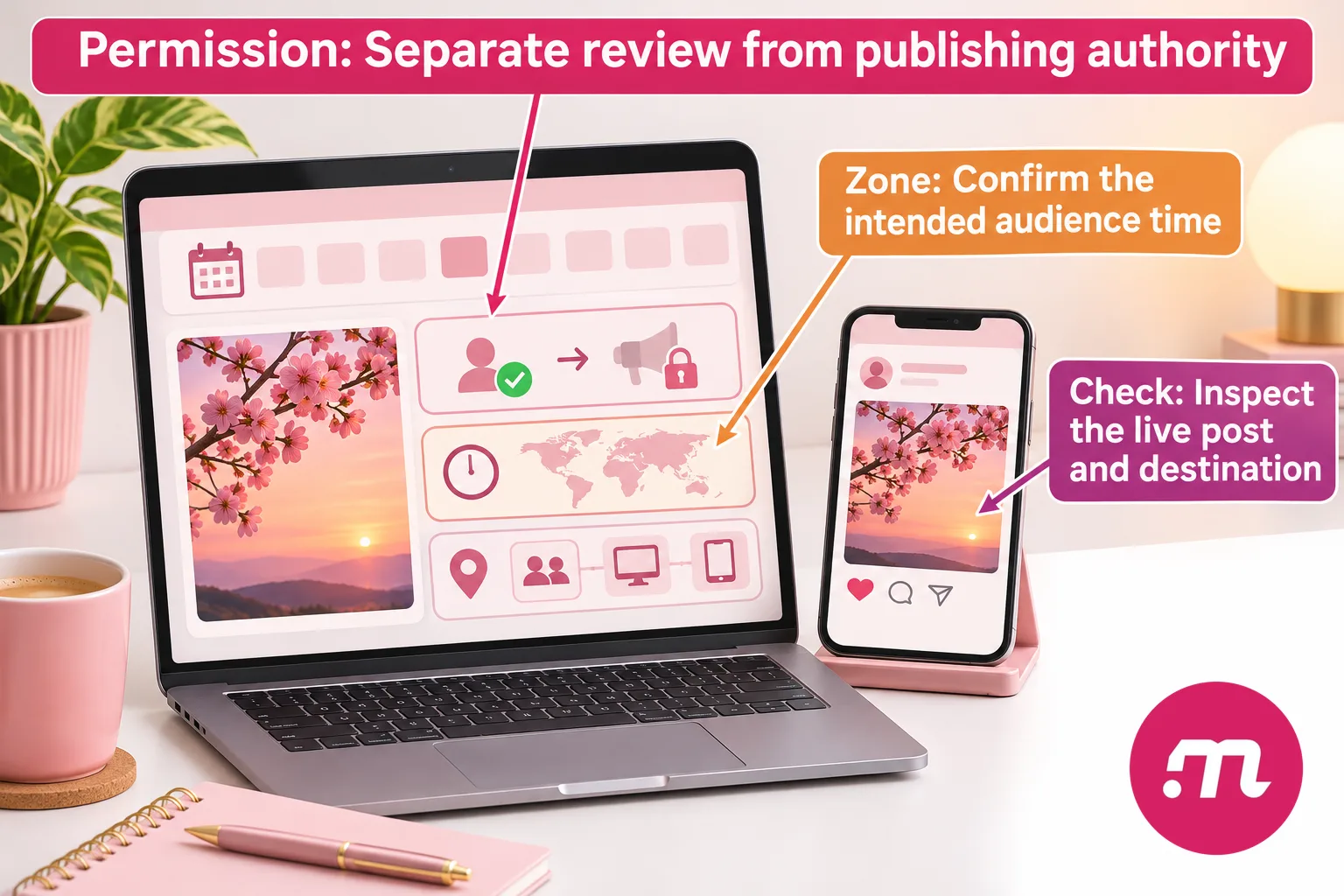
Use a clear sequence: draft, review, approved, scheduled, published. Zoho Social's approval guidance distinguishes approvers from limited publishers, who submit drafts rather than publish directly. The specific tool is optional; the permission boundary is useful.
Check the destination on a phone and confirm the intended time zone. If your team is in India and the audience is elsewhere, record the audience slot and how the tool displays it. Don't assume the device clock settles the decision.
After publication, inspect the live post and its link. Assign replies and record any failure. A scheduler can hold a queue, but somebody still needs to respond when the content produces an interested customer.
Add verified dates without becoming a festival feed
Use a social media calendar 2026 with context
The Government of India's Pr. CCA Delhi 2026 holiday list provides these dates for its stated central-government office context. Use them as planning references, then check local relevance and your actual operating arrangements.
| 2026 occasion | Date | Planning question |
|---|---|---|
| Diwali | 8 November 2026 | Is the offer and delivery message still accurate? |
| Guru Nanak's Birthday | 24 November 2026 | Does the message suit your audience respectfully? |
| Christmas Day | 25 December 2026 | What stock and fulfilment information needs confirmation? |
Separate the occasion from the sales promise
A festival date doesn't establish your courier cutoff, stock availability or opening hours. Confirm those facts with the responsible person before approving promotional copy. A greeting can also stand on its own without an unrelated discount.
We wouldn't backfill an entire year's festival posts simply because a template lists them. Keep the dates that matter to your customers and business. Leave room for a helpful answer to a real question that arrives outside the planned theme.
Review the calendar and decide what should change
Inspect delivery problems as well as performance
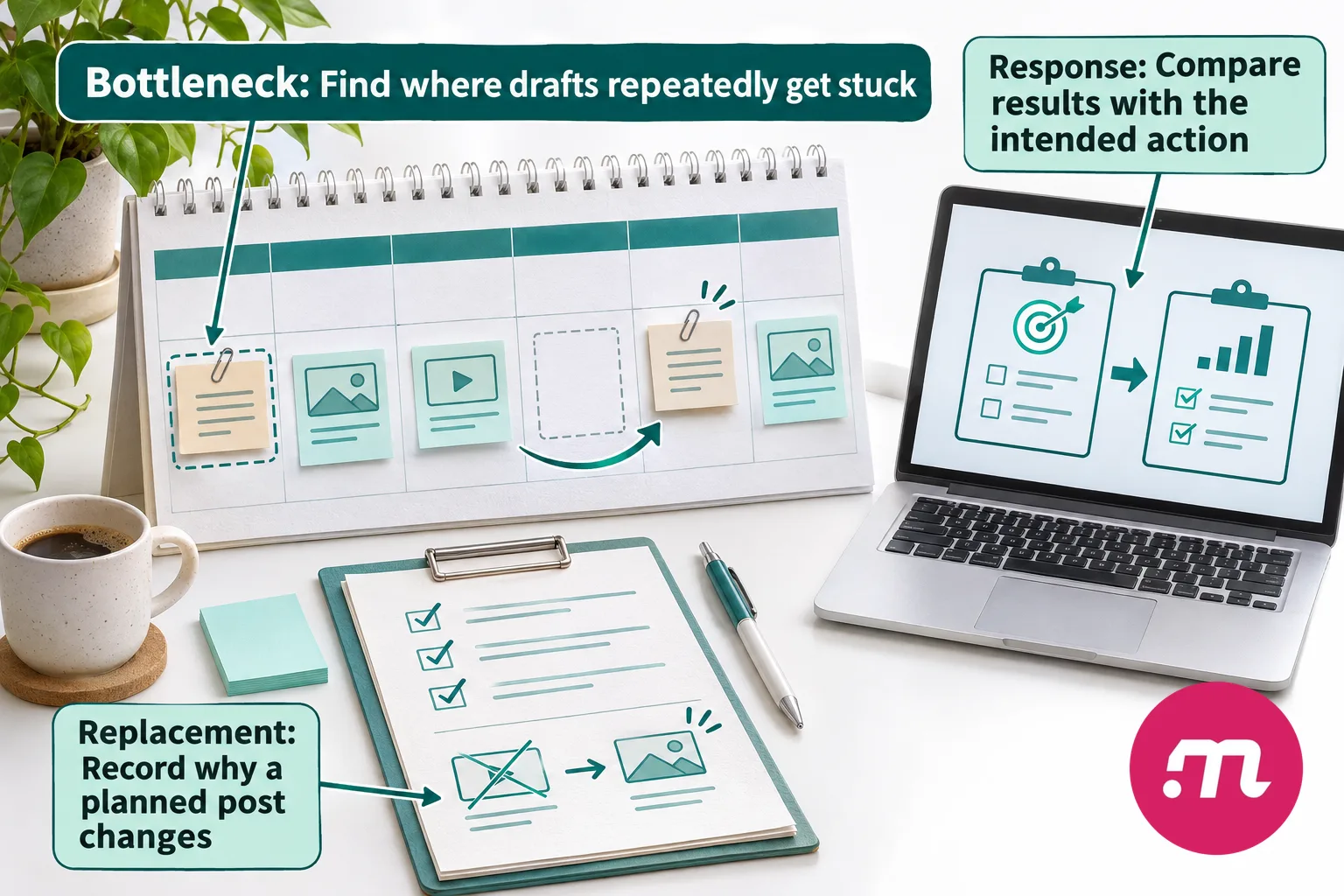
Review missed approvals and failed publications alongside the content response. If drafts repeatedly wait for product facts, the next improvement may be an earlier information request. More ideas won't resolve that bottleneck.
Compare attention with the intended action. Relevant visits or suitable enquiries can matter more than an attractive engagement total, depending on the assignment. Don't demand an immediate sale from every educational post or attribute all revenue to a single calendar entry.
When a topical opportunity appears, ask whether it serves an audience question your business can answer credibly. Check the evidence, production effort and approver availability. If it qualifies, swap it into an appropriate slot and retain the displaced evergreen draft. You haven't lost the earlier work; you've changed its priority with a recorded reason.
Likewise, an urgent correction should have a route outside the normal batch. Name who can stop a scheduled offer and who verifies the replacement. We'd practise that process before a busy campaign, when a wrong delivery promise can create a queue of avoidable complaints.
Review your content calendar for social media
At Mommantum, we'd use a weekly working review to correct delivery issues and a monthly outcome review to decide which questions deserve more work. That is a proposed rhythm, not a universal performance deadline.
Keep approved evergreen work available when a time-sensitive post becomes inaccurate. Record what you replaced and why. We'd pause an unsuitable assignment rather than preserve a grid that no longer reflects the business.
Conclusion: plan decisions and leave room to respond
A useful calendar shows the question, evidence and people behind each assignment. Start with the copyable template, test your approval process and add scheduling software when it solves a real delivery problem. Keep the dates flexible when customer needs or business facts change.
Book a free strategy call through our social media marketing service. Bring your current calendar and a draft that got stuck. We'd use them to identify the next practical improvement.
Frequently Asked Questions
Key takeaways and practical details on this topic.
Create a social media calendar by choosing a business goal, collecting customer questions and grouping useful topics into pillars. Then assign the draft, evidence, destination and approval owner for each post. We'd fill a small working batch before planning further ahead. The record should also show who handles replies and what you will review afterwards.
A content calendar should include the publication slot and time zone, channel, buyer question, draft version and responsible people. Add approval status, destination and a review note. We'd keep only fields that help the team deliver or verify the work. A caption and date alone don't establish that the correct creative was approved or published.
The best content calendar for scheduling depends on your accounts, formats and approval process. Test a real draft and its destination before choosing a subscription. We'd compare queue capacity and collaboration needs rather than a tool's promotional claims. If you mainly need to organise ideas, a document or spreadsheet can be enough without publishing software.
The best scheduling software for a small business is the one that supports its actual publishing workflow at a manageable cost. Buffer's Free plan can be a starting point for limited needs, with three channels and ten queued posts per channel. We'd test your required formats and approvals before deciding whether that scope fits.
A free social media planner can organise assignments without scheduling them automatically. Copy the template in this article into your existing document or spreadsheet and give each draft an owner. We'd start there if planning is the main problem. Add publishing software when it resolves a specific task, rather than assume a subscription will create better ideas.
A spreadsheet suits a simple planning record, while scheduling software adds a publishing workflow. Your approval and account needs decide which is more useful. We'd first check whether the team can find the current draft and its approval. Buying a queue won't fix missing product facts, unclear responsibility or a destination that doesn't match the post.
Plan social media content as far ahead as its information remains reliable and your team can prepare it usefully. Evergreen explanations can be ready early, while prices and delivery promises need later checks. We'd keep planned work flexible and record replacements. A full month of fixed approvals shouldn't prevent correcting an inaccurate offer or answering a new question.
The content calendar remains useful as a planning record, provided it can change with customer needs and business facts. Criticism of rigid grids doesn't prove that all planning is obsolete. We'd retain preparation and clear owners while allowing justified replacements. Claims about guaranteed algorithm outcomes need separate evidence and shouldn't become the basis of your workflow.
Check the client's account setup, required post formats and approval process before choosing a scheduler. Run a real draft through the workflow and confirm how publication is completed. We'd also inspect queue limits and the cost of additional channels. A planner alone may be enough initially if the immediate problem is keeping drafts and feedback organised.
A flexible monthly calendar separates evergreen assignments from information that needs a late check. Keep the approved version identifiable and record why a topical post replaces another assignment. We'd preserve the displaced draft when it remains useful. Urgency shouldn't remove factual approval, and a planned slot shouldn't force publication of something that no longer fits.
Your B2B calendar should reflect the people who need evidence during the buying decision, which may include users and internal approvers as well as the final decision maker. Collect their different questions before choosing formats. We'd make the audience and intended action explicit in each brief, rather than fill the calendar with generic thought-leadership topics.
A simple planning document can be enough when you need to organise ideas, drafts and approvals rather than automate publishing. Use the template's fields and keep the approved version clear. We'd add a tool only after identifying the task it must solve. Someone still needs to verify live posts and handle replies, whichever planner you choose.
Ready to implement this for your brand?
Connect with our Jaipur growth studio to turn these strategies into revenue for your D2C or ecommerce business.