Content Calendar for Instagram: A Simple Weekly System That Sticks
Organise Instagram work with seven useful fields and a weekly session. Copy the filled example and give Reels, carousels and Stories clear production briefs.
Introduction
Content calendar for Instagram planning should help you find the next post and finish its brief before publication day. If your calendar has dates and themes but no filming brief or approval decision, the difficult work still lands on publication day. That's the part we'd fix first.
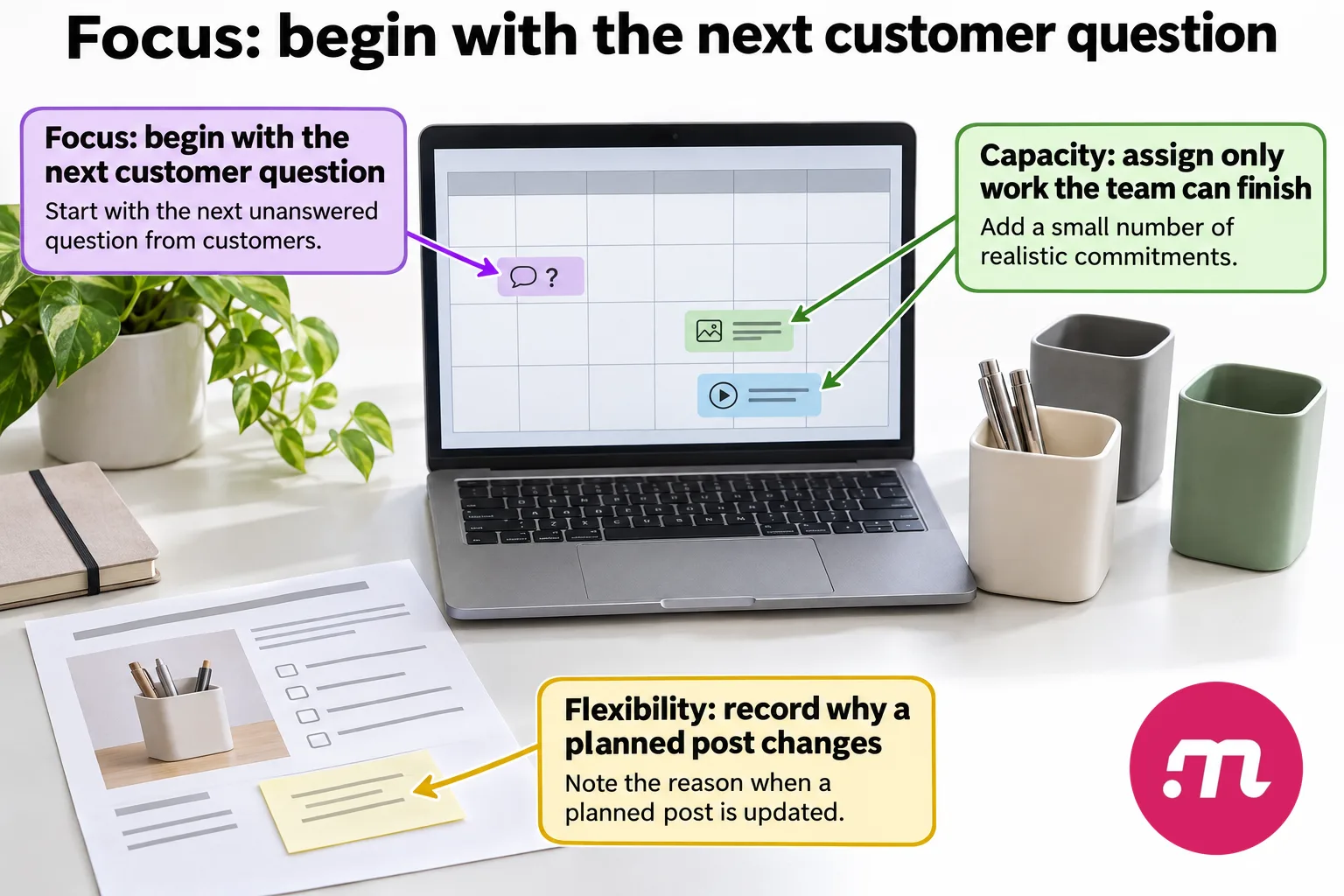
Use a small weekly system: collect customer questions, choose repeatable formats and assign the next useful posts. Keep the month as direction, with room to change. The layout and examples below are free to copy into your own planner; they organise production rather than promise a particular reach or sales result.
Table of Contents
- 1. Introduction
- 2. Why a content calendar for Instagram gets abandoned
- 3. Choose three lanes and two repeatable formats
- 4. Copy the seven-field Instagram planning layout
- 5. Run your content calendar for Instagram weekly
- 6. Plan a month through four focused sessions
- 7. Use the grid preview and tools for specific jobs
- 8. Review the customer action and production cost
- 9. Conclusion: make the next week easier to produce
- 10. FAQs
Why a content calendar for Instagram gets abandoned
The plan becomes larger than the working week
Forum questions describe solo managers comparing tools, posting inconsistently and running out of ideas when they sit down to plan. A large template can make that workload harder to see. It looks full while the person responsible still needs product facts, footage and time to edit.
Check whether footage, product facts or approval are missing before adding dates. If a founder approves every caption, book the review before promising daily output. If the required sample isn't available, keep the demonstration in Ideas instead of creating an assignment nobody can finish.
Flexibility needs a recorded decision
The claim that content calendars are "dead" appears in practitioner discussions about rigid agency grids. It is a criticism of how planning is sold, not evidence that advance preparation automatically harms distribution. Shoots, product launches and approvals still need coordination.
We'd keep the calendar and change how it works. A timely customer concern can replace an evergreen post, but record why and decide what happens to the displaced item. Chasing every visible trend is another route to last-minute work.
Before choosing slots, settle the audience and intended customer action. Our guide to what a social media strategy is provides a starting point. The calendar turns that direction into tasks people can actually finish.
Choose three lanes and two repeatable formats
Use customer questions as the organising principle
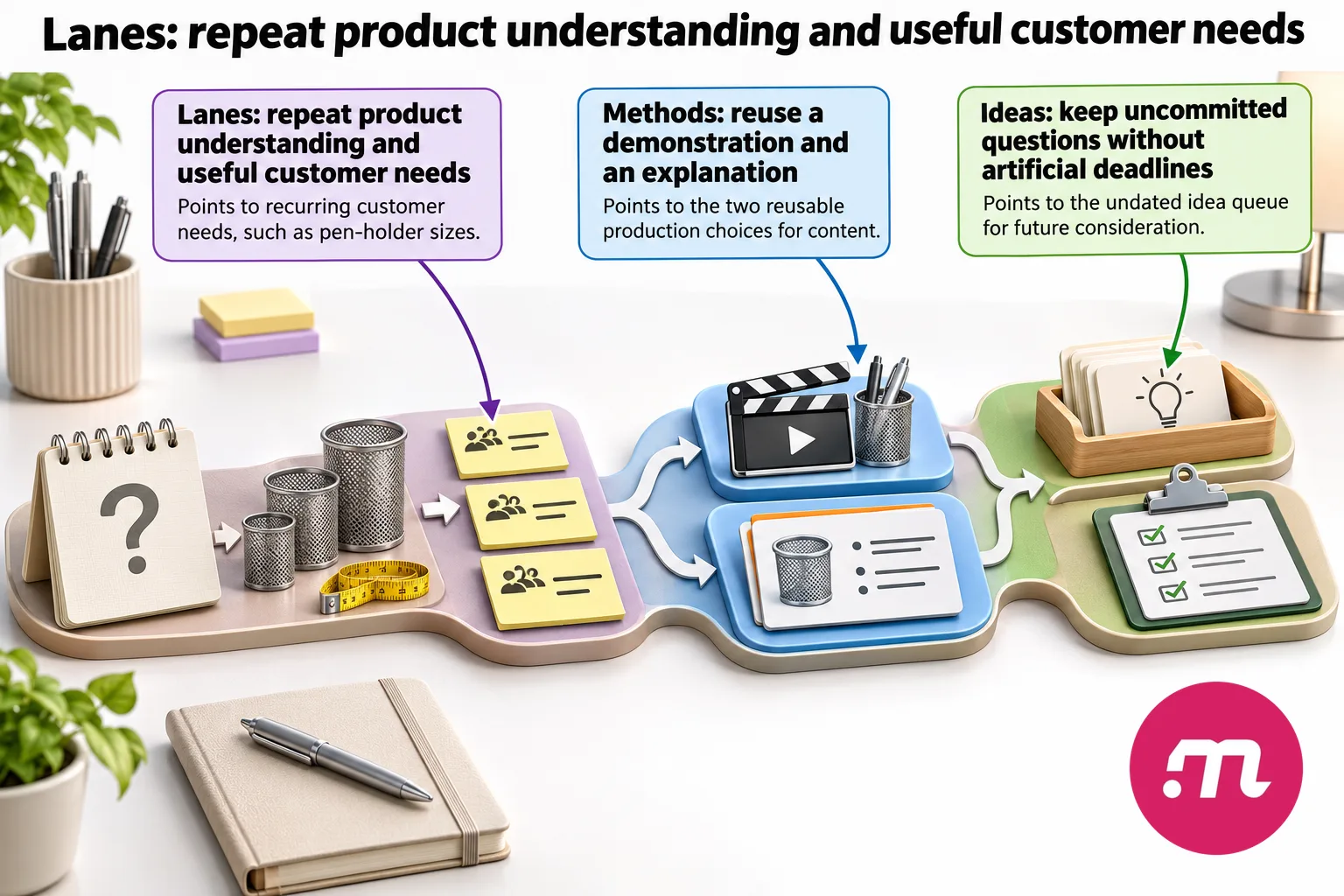
Try three content lanes: product understanding, practical use and buying reassurance. Choose two repeatable production formats, such as a demonstration video and an explanation carousel. These are proposed limits for a small working system, not an Instagram formula or compulsory posting frequency.
We'll use an illustrative Jaipur desk-accessory brand selling pen holders. Product understanding explains the available sizes. Practical use shows an ordinary desk arrangement. Reassurance answers a verified ordering question. This example isn't a client campaign or a claimed performance result.
Repeat a production method, not the same message
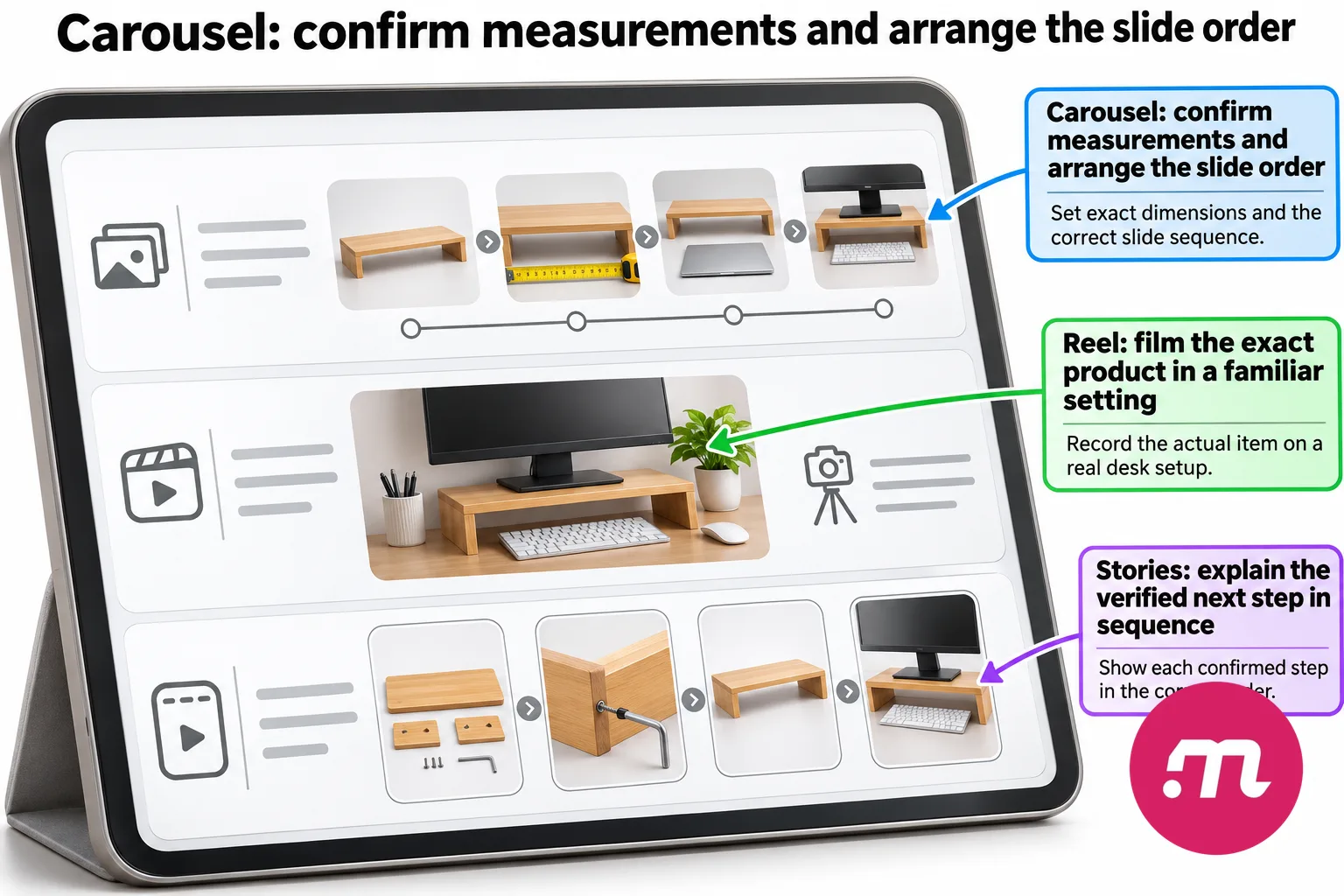
A size-comparison carousel and a desk-arrangement Reel can share a product while answering different questions. The carousel needs accurate dimensions; the Reel needs a shot that demonstrates use. Reusing a sample doesn't make the two briefs interchangeable.
Keep Stories as separately briefed sequences, even when they reuse checked footage. Decide what each frame adds and who will respond if someone asks a question. We wouldn't add Stories merely to tick another format box.
If your team needs help connecting that mix with production, explore Mommantum's social media marketing service. Agree the factual inputs and review responsibility before committing to a deliverable count.
Copy the seven-field Instagram planning layout
Make each field carry a decision
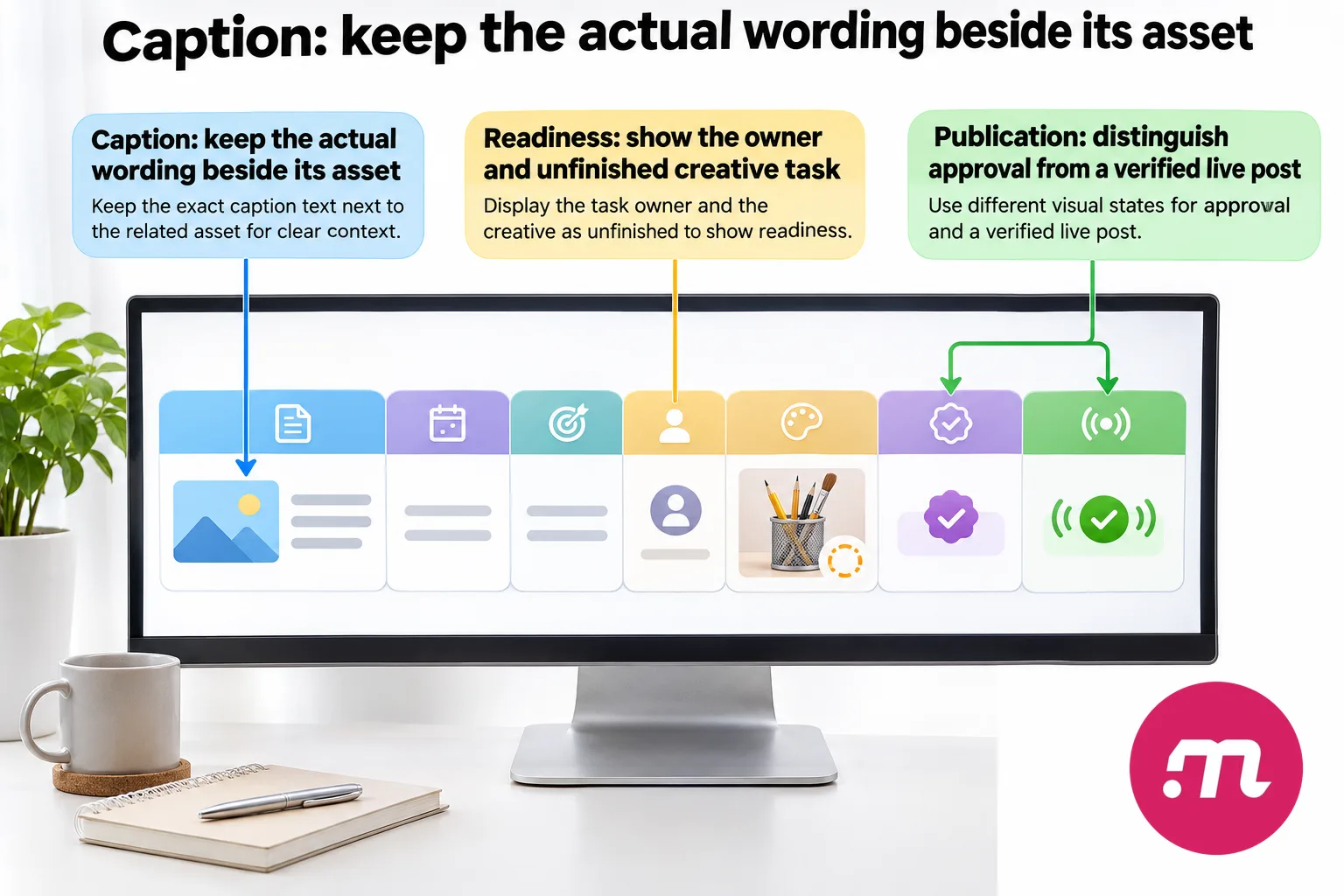
Create one row per publishable item. The seven fields below are a starting layout you can copy into a spreadsheet or database. Add brief and ownership notes inside the relevant field at first; split them into separate columns when doing so helps the team review work.
| Field | What to enter | Illustrative entry |
|---|---|---|
| Date and time zone | Actual publishing slot | Chosen Monday; IST |
| Format and brief | Reel, carousel or Story sequence; required material | Carousel comparing actual sizes |
| Caption | Customer question, opening and working copy | Which holder suits your desk? |
| Hashtags | Relevant terms checked for this post | Add after reviewing the actual topic |
| Customer action | Useful next step | Compare product dimensions |
| Asset status | Owner, production deadline and creative stage | Designer; draft due before review |
| Publish status | Approval, publication and live-item note | Review; founder checks measurements |
Separate asset readiness from publication
A graphic can be finished while its caption still needs a factual check. A caption can be approved while the correct product footage is missing. Use the two status fields to show those different problems instead of marking the entire row Done.
In Google Sheets, select the relevant cells and choose Insert, then Dropdown. Google's dropdown instructions explain how to add written options. Choose labels such as Draft, Review, Changes needed, Ready and Published that everyone interprets consistently.
Use colour to scan, not to explain approval on its own. Keep the approved caption beside the asset version it covers. We'd ask for another review if a later edit changes a measurement, availability statement or service promise.
Run your content calendar for Instagram weekly
Prepare before opening the calendar
Keep a lightweight Ideas area with customer questions and supporting notes. Leave ideas undated until you've chosen them for production. Collect questions as they arise, with personal details removed, so planning doesn't begin with a blank screen.
- Choose the questions you can answer using verified facts and available material.
- Select the format that explains each question clearly.
- Write the opening shot or slide order before assigning design.
- Name the creator and set an asset deadline before approval.
- Check the intended customer action and reserve a realistic publishing slot.
Batch tasks that share inputs. Photograph the actual pen-holder variants in one arrangement or draft related explanations from the same product brief. Don't assume one session finishes every edit and approval. Name what it will deliver and who takes the next task.
Put missing information into the brief as a task, not a placeholder claim. For example, write "founder to confirm available colours" rather than guessing from an old photo. That makes the dependency visible before design starts. A draft can remain unfinished honestly; it shouldn't become a source of invented facts simply because the next row has a deadline.
Use a filled week to test the structure
| Proposed slot | Format | Brief | Check before publication |
|---|---|---|---|
| Monday | Carousel | Compare sizes with clear measurements | Variant names and dimensions are correct |
| Wednesday | Reel | Show a holder used on a normal desk | The visible product matches the caption |
| Friday | Story sequence | Answer a recurring ordering question | Operations confirms the current process |
This is an illustrative workload, not a recommendation for the best days or number of posts. Choose actual dates before assigning it. We would reduce the schedule if it repeatedly requires rushed filming or late factual approval.
Record the account and audience if you manage several profiles. If the final caption is in a local language, have that wording reviewed. An English summary doesn't establish what a different version will say to customers.
Plan a month through four focused sessions
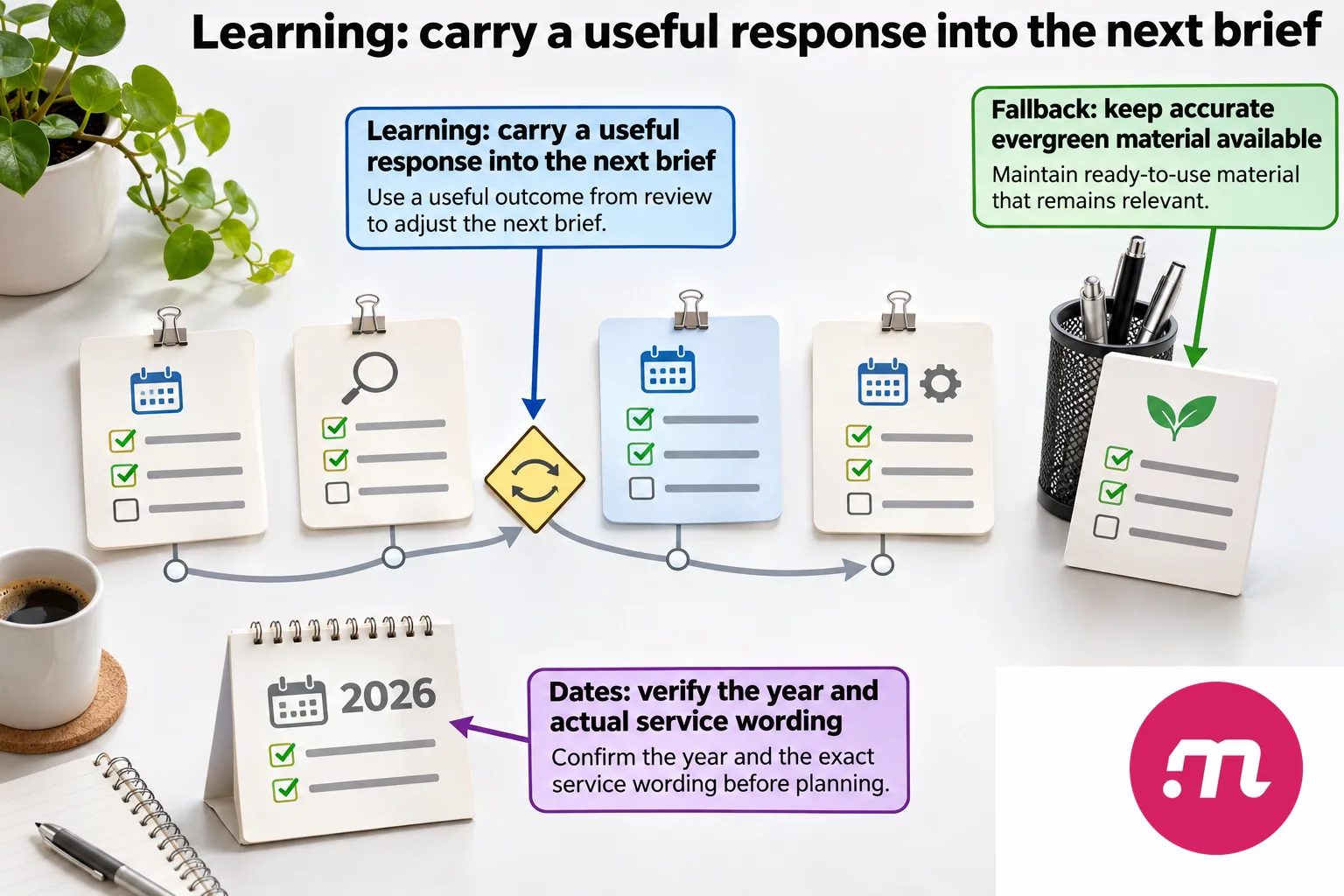
Carry useful learning into the next week
For a four-week planning exercise, use each weekly session to improve the next set of briefs. This is a suggested routine, not a claim that all months have four weeks or that production fits a fixed time allowance.
| Session | Planning focus | What remains flexible |
|---|---|---|
| First | Choose lanes and finish a workable initial week | Unassigned ideas and later captions |
| Second | Resolve the previous week's production blocker | Formats that need unavailable material |
| Third | Answer a useful question from recent responses | Timely customer concerns |
| Fourth | Review the repeated workload and next month's needs | Future wording and unconfirmed offers |
The routine avoids writing a rigid month of copy before you've learned anything from publication. A longer-range launch can still have a fixed date. Its supporting captions can remain drafts until product and service details are settled.
When a post moves, check the work around it too. A Story sequence referring to a Wednesday demonstration may also need to move if the demonstration is delayed. Record that connection beside the brief instead of expecting the publisher to remember it. Keep the customer explanation coherent even when the visual order changes.
Keep a checked fallback
Save accurate evergreen explanations for a delayed shoot. If a variant becomes unavailable, move the affected demonstration deliberately and choose a relevant checked replacement. Don't substitute a similar-looking product when the difference could change what a buyer expects.
For the social media calendar 2026, verify seasonal dates against a suitable reference. The Delhi central government office holiday list records Diwali on 8 November, Guru Nanak's Birthday on 24 November and Christmas on 25 December. It doesn't determine every region's observances or your dispatch arrangements.
As this guide is prepared in November 2026, archive past events and check the year before reusing seasonal material. We'd omit an unconfirmed arrival promise, even if a festive design makes the message tempting.
Use the grid preview and tools for specific jobs
Let the preview support the message
A grid preview can help you spot repeated imagery or a visually confusing sequence. It cannot verify product facts, finish the caption or prove a customer benefit. Use it after the briefs make sense, rather than choosing topics only to complete a pattern.
A plain sheet is a sensible starting point for quick editing. If cards on dates help your team, the official Notion calendar guide explains database Date properties and calendar views. Recreate the same brief fields so the tool change doesn't erase responsibility.
Keep one working record
Canva's content calendar guide offers visual planning examples. A presentation can help discuss the mix, but maintain one record of approved captions, deadlines and asset locations. Two conflicting calendars create another job for the person already under time pressure.
Before choosing Later, OneUp or another scheduler, identify the manual execution task you need to reduce and verify current supported formats and plan restrictions. We wouldn't buy publishing automation to avoid choosing an approver.
AI can suggest angles from anonymised customer questions. Keep suggestions in Ideas until checked. A draft assistant shouldn't invent dimensions, testimonials or campaign results to fill an empty slot.
Review the customer action and production cost
Judge posts by the task you gave them
For the comparison carousel, inspect relevant visits or questions about suitability. For the ordering sequence, ask whether it answered the concern. Likes can be interesting, but they don't establish purchases or a lower acquisition cost.
If you calculate conversion rate, state which visits and completed actions count. Don't call organic work ROAS without defining attributed revenue and costs. Record production spending in rupees and staff time when they affect the next decision.
Separate a weak message from a production failure. If the correct asset never reached publication, the result doesn't tell you much about the original idea. If the post went live but sent people to an unavailable option, check that destination before rewriting every creative. A useful review identifies the next specific correction, rather than blaming the entire format.
Keep the weekly check short
- Identify the next unfinished task and owner.
- Check the live item against the approved caption and asset.
- Record a customer question worth answering next.
- Move or remove work that is no longer relevant.
- Fix a recurring delay before increasing the schedule.
Compare observations over similar windows. A post published this morning has had less opportunity to collect responses than one that has been live all week. Use the result to choose another test rather than declaring a permanent winning format.
We'd write the next brief's correction in a plain review note. If the calendar needs constant repair, remove complexity or reduce commitments. A system you can maintain is more useful than an elaborate view nobody trusts.
Conclusion: make the next week easier to produce
Start with customer questions, a small set of formats and seven useful fields. Use weekly sessions to assign work and keep the month flexible. The calendar should reveal the next production decision, including when you need to pause or change a post.
For help turning your social media content plan into a workable routine, explore Mommantum's Instagram and social media support and book a free strategy call. Bring one unfinished brief and the reason it's stuck. We'd start there.
Frequently Asked Questions
Key takeaways and practical details on this topic.
Make a social media content calendar by turning real customer questions into specific briefs with owners, deadlines and approval states. Keep uncommitted ideas nearby but undated, then assign a manageable working week. Use the month for direction rather than freezing every caption. The useful test is whether the creator and reviewer can find the next task without another meeting.
Create a social media content calendar in one working spreadsheet or database that your team will maintain. Keep briefs, final captions and asset locations together, with a separate lightweight Ideas area. A calendar view can help visual review, while a publishing tool addresses execution. Test a few real posts before moving the entire workflow into another product.
Plan monthly social content by identifying business priorities, fixed events and production needs, then committing the actual work in weekly sessions. Carry useful questions and lessons into the next session instead of locking all captions at the start. Keep date-sensitive facts open to later checking. If a post changes, record why and check any related Story sequence or follow-up item.
A content calendar for Instagram should include the date, format and brief, caption, relevant hashtag notes, customer action, asset status and publish status. Add ownership and deadline details where the team needs them. Keep asset readiness separate from publication, because an edited graphic may still need caption approval. Use written labels rather than colour as the only explanation of status.
Choose content calendar tools according to the repeated task your current workflow makes difficult. A familiar sheet is a useful starting point for quick editing; a card-based calendar may help visual review. A scheduler can address publication after planning and approval are clear. Verify current supported formats and plan restrictions, then test a few real posts before paying or migrating.
Plan Instagram content far enough ahead to prepare assets and arrange review, while keeping uncertain captions and stock statements open to checking. Use monthly direction and weekly commitments as a starting approach. A launch may need earlier coordination than an evergreen explanation. There isn't one horizon or fixed buffer percentage that fits every team and rate of change.
The best starting tool for Instagram planning is a simple layout your team already understands and can maintain. A spreadsheet can hold the working briefs; a visual calendar may make dates easier to compare. The copyable structure in this guide has no template fee. Tool account restrictions and any scheduling features are separate matters to verify before committing.
A content calendar is worth maintaining in 2026 when it helps people finish useful posts and allows informed changes. Criticism of rigid monthly grids doesn't establish that advance preparation harms distribution. Keep an idea queue and a realistic week, with clear ownership. Judge the calendar by the work and decisions it supports, rather than how polished its presentation looks.
Organise the Instagram mix with one row for each publishable item and a brief suited to its format. Specify the Reel's opening action, the carousel's slide order and the Story sequence's next step. Start in a familiar planner and keep ownership and approval visible. Add paid software only after identifying a repeated execution or review problem it can resolve.
Make weekly Instagram planning easier by collecting customer questions before the session in an undated Ideas area. Choose a few lanes and repeatable production formats as a starting exercise, then assign only work supported by available facts and material. You don't need a new idea for every empty day. Finish the session with a concrete next task for each committed post.
Each weekly session should finish a realistic set of production decisions: the questions to answer, formats, owners, deadlines and review needs. Group tasks that share a sample or product brief, then name what remains for editing and approval. Don't treat raw footage as a ready post. Review a recurring blocker before increasing the number of publishing slots.
Keep Instagram planning flexible by separating monthly direction from weekly commitments and recording why a post changes. Check whether a timely topic fits the audience and whether you have credible material and review time. Move the displaced work deliberately and check related items. A trend doesn't automatically deserve priority over an accurate educational post that already answers a useful question.
Ready to implement this for your brand?
Connect with our Jaipur growth studio to turn these strategies into revenue for your D2C or ecommerce business.