Content Calendar 2026: Build One You'll Actually Keep Using
Build a weekly plan your team can finish and change. Use five setup steps, a filled Instagram example and verified India dates for 2026.
Introduction
Content calendar planning should make your next post easier to finish. If it only produces a polished monthly grid, it can leave you with the same unanswered questions: what are we making, who's checking the facts and what happens when the plan changes? The grid isn't the outcome. The post still needs to answer a customer's question.
We'd build a small working system with an idea queue, a committed week and dates that genuinely require advance preparation. That gives you enough structure to batch work without pretending every caption is final. Start with the copyable layout below, then use the review routine to decide what deserves another slot.
Table of Contents
- 1. Introduction
- 2. Is the content calendar dead in 2026?
- 3. Start with fewer lanes and reusable formats
- 4. Build a content calendar for social media
- 5. Add the Instagram production details
- 6. Use a monthly direction and weekly commitments
- 7. Choose tools after identifying the bottleneck
- 8. Review customer actions and production delays
- 9. Conclusion: keep the system useful when plans change
- 10. FAQs
Is the content calendar dead in 2026?
Rigid plans deserve the criticism
A Reddit discussion argues that agencies selling fixed monthly grids are missing how social content changes. That's a practitioner's opinion, not evidence that planning ahead automatically harms distribution. We agree with the practical criticism: an agency shouldn't treat a calendar presentation as proof of business value.
Campaign dates, filming and approvals still need coordination. The failure is promising that every post must remain unchanged because it was approved weeks ago. A product can become unavailable; a timely customer concern can deserve attention before an evergreen explanation.
Plan commitments, then allow informed changes
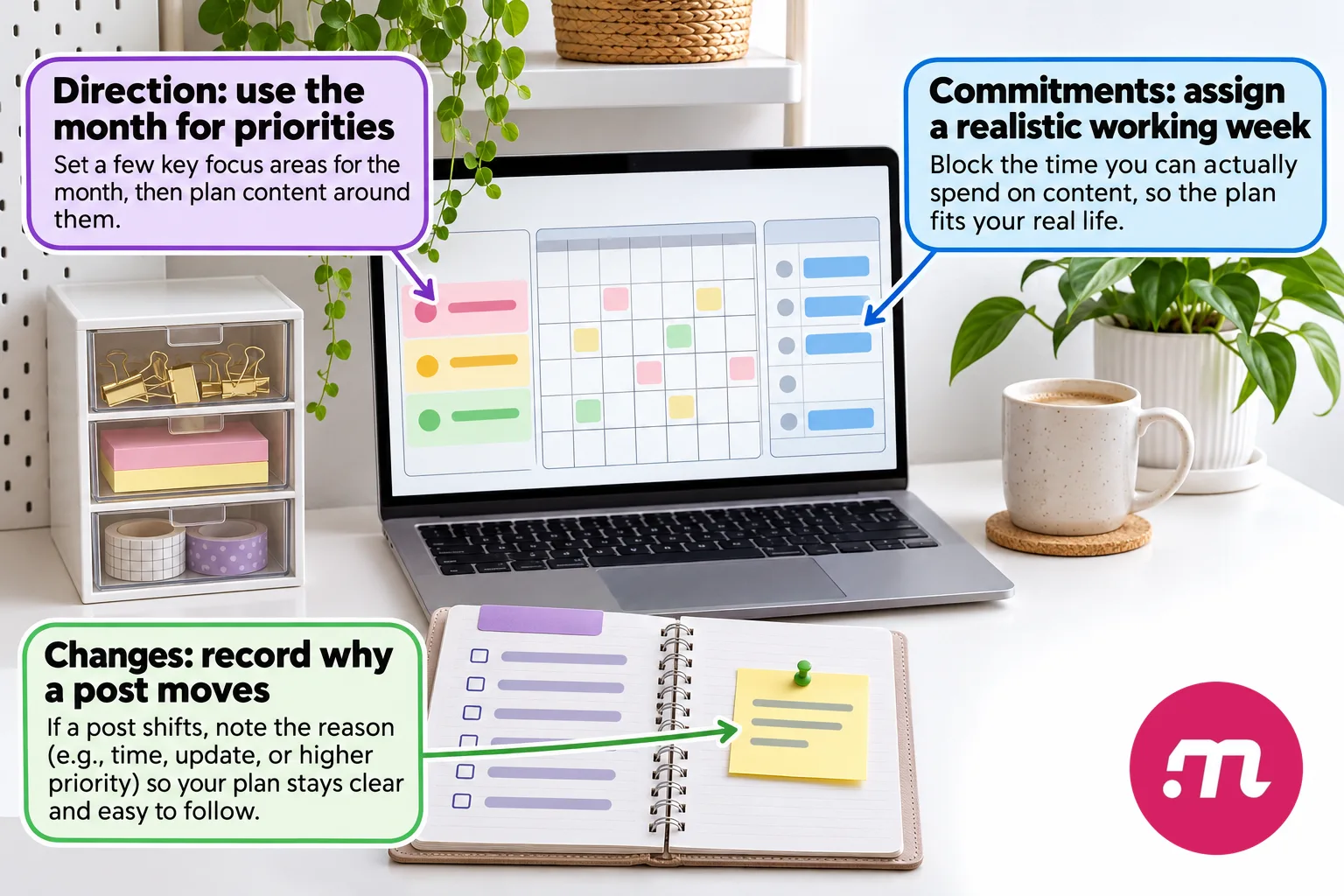
Keep three different states visible: ideas you're considering, work you've assigned and material ready to publish. A new idea shouldn't silently replace a committed post. Record why the change matters and what happens to the displaced work.
We wouldn't discard a useful educational post merely because a trend appeared. Ask whether the trend fits your audience and whether you can add something credible. If the answer is weak, keep the planned post. Choose whether to keep, move or replace the post, and record the reason.
Before filling dates, settle the audience and customer action. Our guide to what a social media strategy is provides the strategic starting point. The calendar turns those choices into assigned production tasks.
Start with fewer lanes and reusable formats
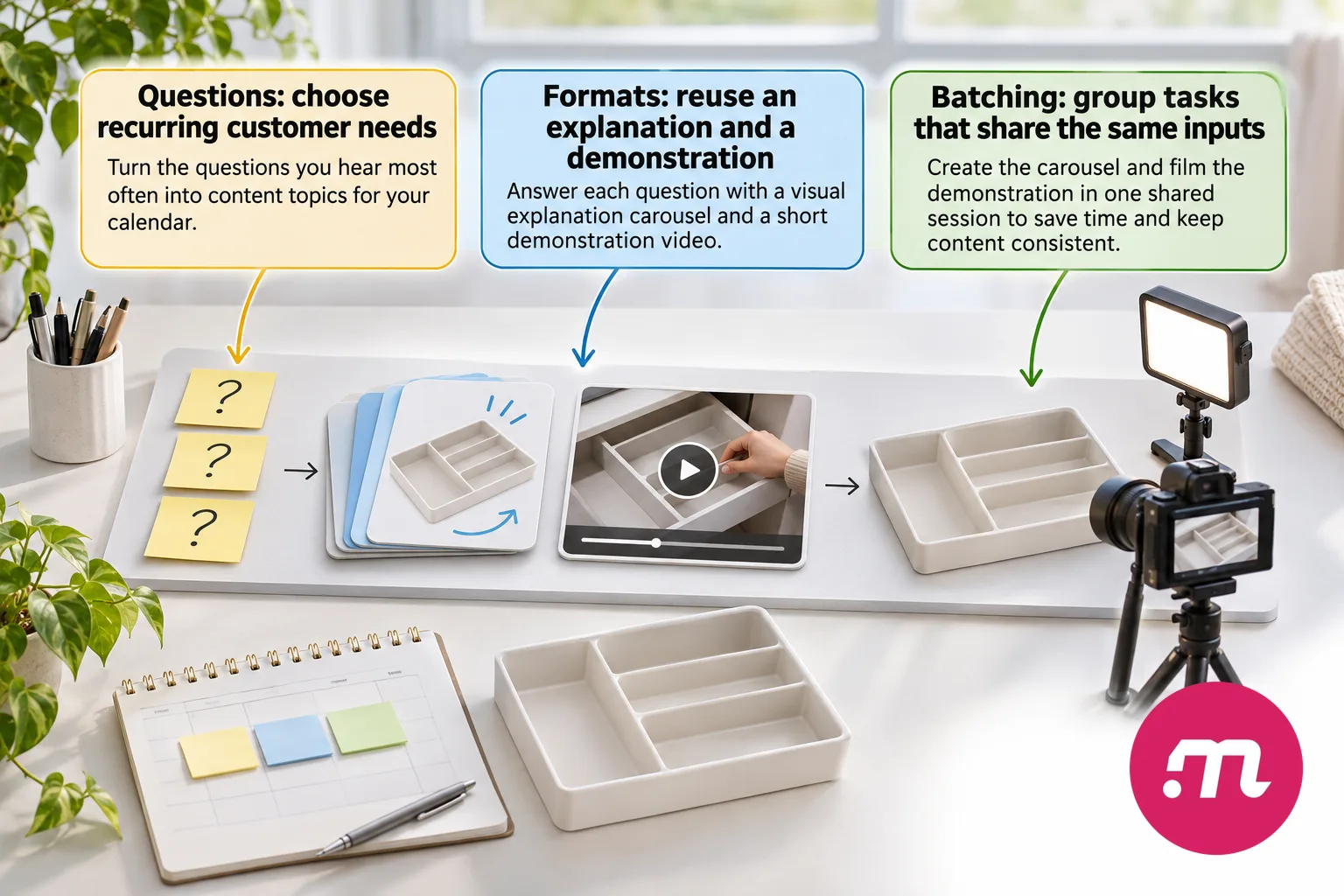
Choose questions you can answer well
Try three content lanes as a starting exercise: product understanding, practical use and buying reassurance. Choose two reusable formats, perhaps a demonstration video and an explanatory carousel. These numbers limit planning decisions; they aren't a researched posting formula or an algorithm requirement.
For an illustrative home-storage brand, understanding might explain the dimensions of a drawer organiser. Practical use shows an actual arrangement of everyday objects. Reassurance answers a current question about ordering or delivery. Keep the underlying facts verified, even when the creative angle changes.
Batch tasks with shared inputs
Reserve one weekly session for related work, such as filming the same sample or drafting captions from the same product brief. Don't assume that session will finish every edit and approval. Its useful output might be checked footage that an editor can work on later.
Before batching, gather the sample, facts and required people. Afterwards, name the next unfinished task beside each item. We prefer a smaller batch that reaches review to a large collection of footage with nobody assigned to finish it.
If you need production support, Mommantum's social media marketing service connects the content plan with creation and review. Agree what your team must supply before promising a recurring output count.
Build a content calendar for social media
Use one row for each publishable item
A social media content plan needs more than a topic. Copy these headings into a sheet or database, with separate rows for each finished post. The entries are illustrative, not a client campaign or a performance claim.
| Field | Illustrative entry | Decision it supports |
|---|---|---|
| Question and purpose | Will this organiser fit my drawer? | What the customer needs to understand |
| Channel and format | Instagram carousel | What production requires |
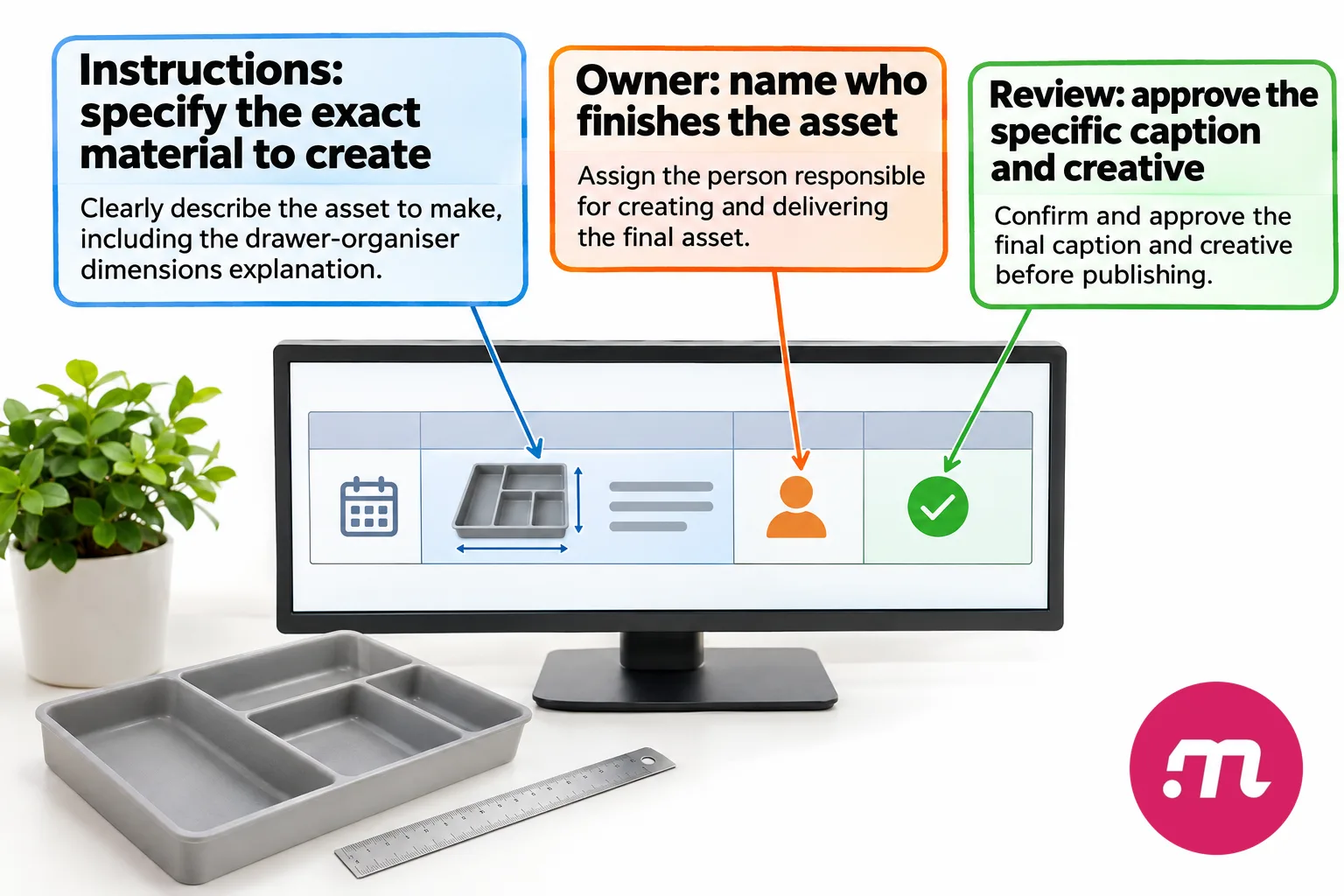
| Brief and material | Measured product beside a ruler | What the creator must make |
| Next action | Check the size information | How the reader continues |
| Owner and due date | Designer; before review | Who finishes the asset |
| Publish slot | Actual date; IST | When the item should appear |
| Status and approval | Review; founder checks dimensions | Which decision remains |
| Live item and learning | Add after publication | What to review next |
Complete the setup in five steps
- Create an Ideas area with undated customer questions and supporting notes.
- Choose a manageable week of questions you can answer with available facts.
- Write each brief and assign an owner and production deadline.
- Set approval states and publishing slots, with the working time zone stated.
- Reserve review time and decide who records changes and live posts.
In Google Sheets, select the status cells and choose Insert, then Dropdown. Google's dropdown instructions explain the controls. Use written options such as Draft, Review, Changes needed, Ready and Published, with colour only as a scanning aid.
Ready means approval of a specific caption and asset; Published means the intended item has gone live. We wouldn't combine those states. A finished creative can still miss publication, and a scheduled intention isn't a finished asset.
Add the Instagram production details
Specify what each format needs
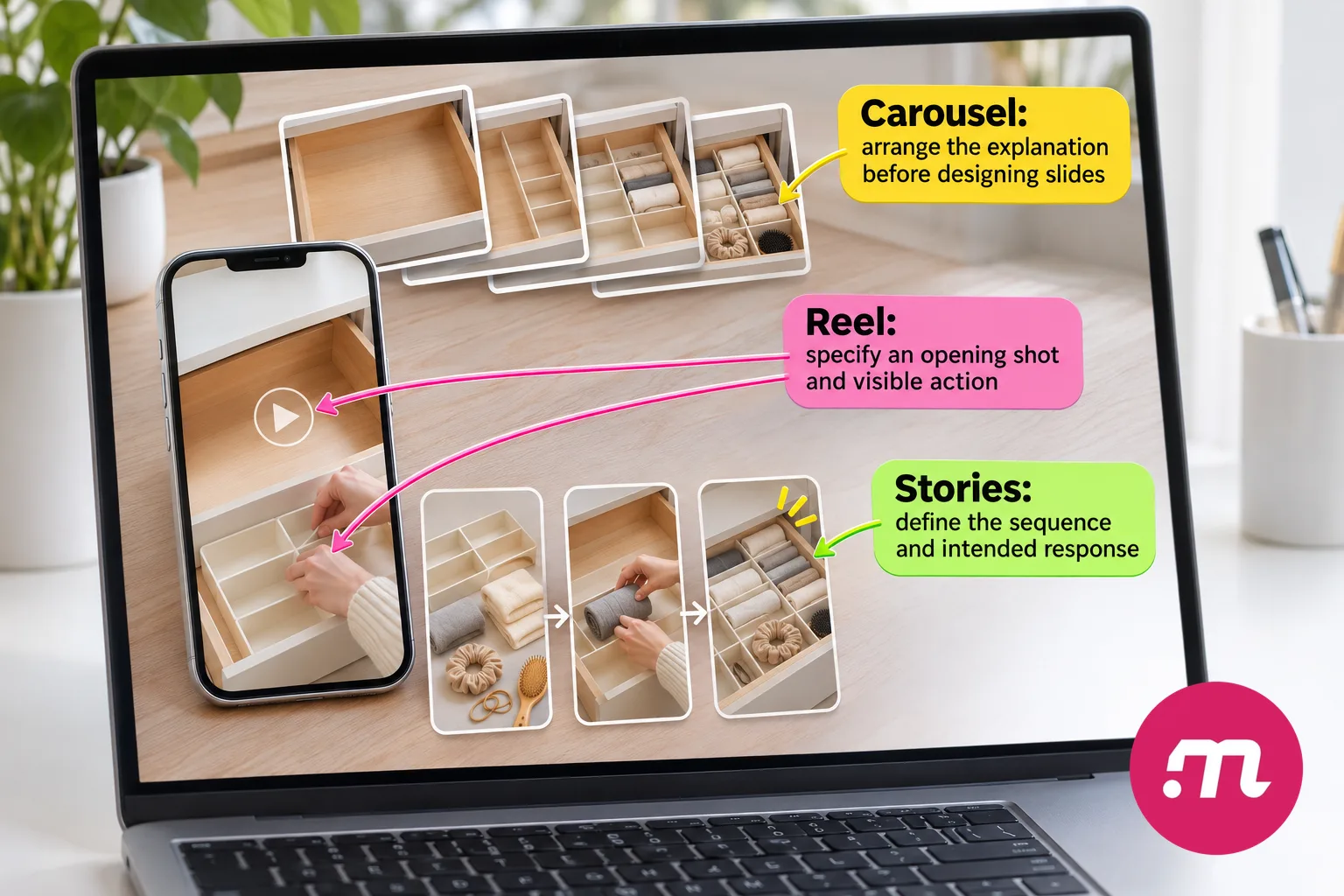
A content calendar for Instagram should distinguish the work behind Reels, carousels and Story sequences. A Reel brief needs an opening shot and a visible action. A carousel needs an ordered explanation. A Story sequence needs its sequence and the customer response you want to support.
For the organiser example, don't write only "product demo". Specify which variant appears, what goes inside it and which claim the footage must demonstrate. If the dimensions differ between variants, a similar-looking product isn't an acceptable silent substitution.
Record which account and audience the item is for when you manage several profiles. A correctly approved post can still be wrong for the receiving brand. If customers need a local language, include that in the brief and review the actual caption. An English summary isn't enough to confirm what a different final version says.
Keep captions and review aids in their place
Record the caption beside the correct asset version. If you use a hashtag set, check that its terms describe the actual post and audience. Don't treat a copied set as a substitute for a clear explanation, and don't assume a particular count guarantees reach.
A grid preview can help a reviewer compare adjacent visuals. It doesn't confirm whether the product facts are right or whether the next action is useful. Keep it as an optional visual aid rather than the main production record.
Here is a possible week, not a recommended frequency or a best-day benchmark.
| Slot | Post | Production check | Customer action |
|---|---|---|---|
| Monday | Carousel explaining product dimensions | Measurements match the actual variant | Compare the size information |
| Wednesday | Reel arranging a drawer | Visible objects support the demonstration | View product details |
| Friday | Story sequence answering an ordering question | Operations confirms the wording | Ask a relevant follow-up question |
We'd approve the full caption and final creative together. Approval of a topic outline doesn't cover a later added delivery promise. Send a changed factual claim back to review.
Use a monthly direction and weekly commitments
Leave room without inventing a percentage
At the monthly level, identify launches, production needs and recurring customer questions. At the weekly level, commit the work you can finish. Keep longer-range dates visible without pretending that all their copy is settled.
Leave some capacity unassigned when your business often needs timely updates. There isn't a universal buffer percentage in this guide. The deciding factor is how frequently stock, service availability or customer priorities change, and how much review work your team can absorb.
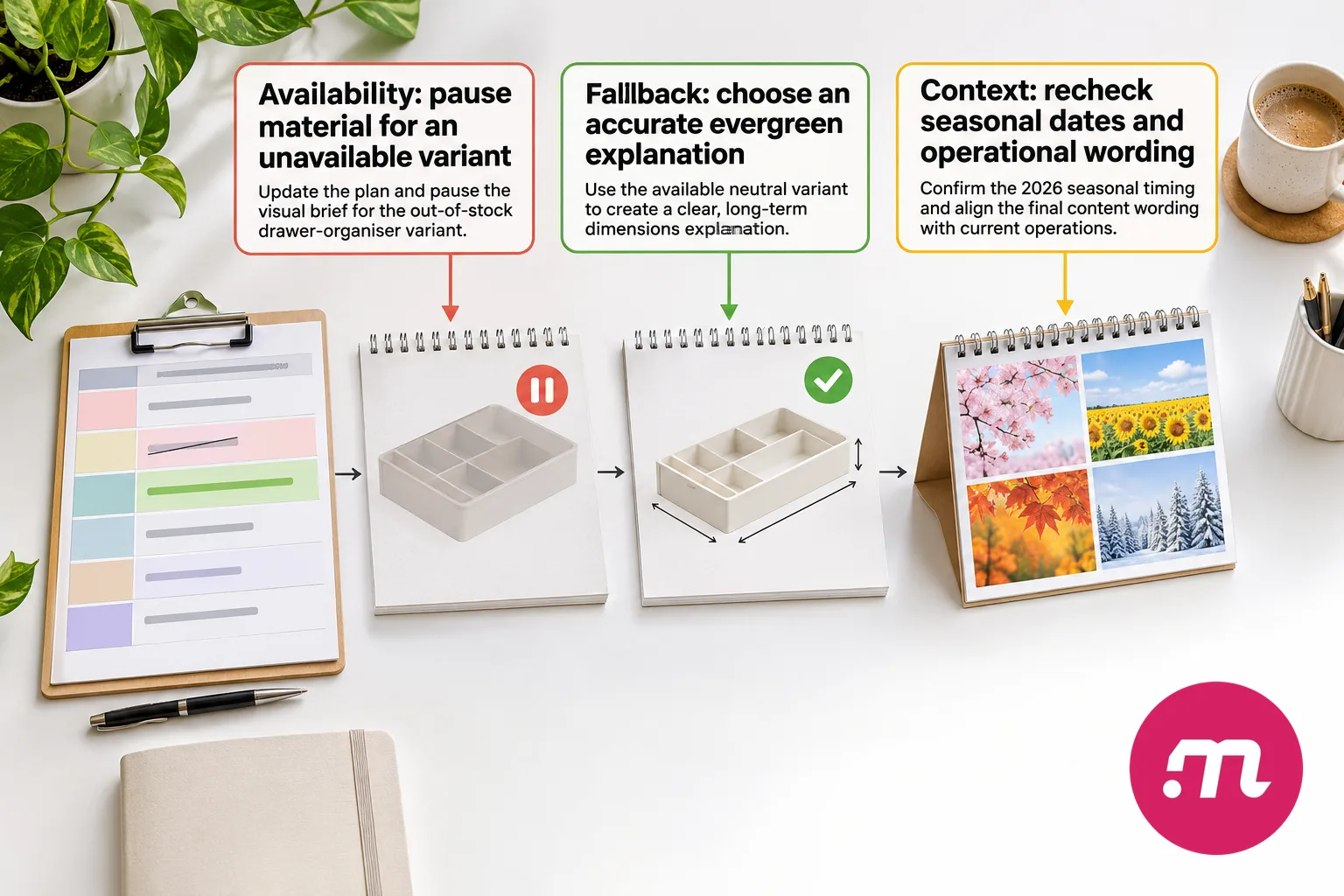
For example, if the organiser variant shown in Wednesday's video becomes unavailable, the team has a reason to pause it. An approved dimensions explanation for an available variant might replace it. Record that change and check the destination page. The substitution should preserve usefulness for the customer, rather than simply keeping a publishing streak intact.
Give changes an owner and a reason
When something timely appears, ask what it helps the customer understand. Then check whether you have facts, material and someone available to approve it. Move the existing post deliberately, with a note explaining whether it returns to the queue or needs a new date.
We'd preserve evergreen explanations as a fallback for a delayed shoot. Recheck product claims before reuse, and avoid relabelling an expired offer as evergreen. A buffer only helps when the material is still accurate.
For your social media calendar 2026, verify dates from a suitable reference. The Delhi central government office holiday list records Diwali on 8 November, Guru Nanak's Birthday on 24 November and Christmas on 25 December. These are reference dates, not guarantees about local observances or your courier's operations.
As this guide is prepared in November 2026, archive earlier events and check the year before reusing a seasonal row. A festival creates a possible topic; it doesn't establish a dispatch commitment.
Choose tools after identifying the bottleneck
Start with the working view you need
A sheet is a sensible starting point for quick editing and a visible queue. If your team prefers cards on dates, the official Notion calendar guide explains database calendar views and selecting the relevant Date property. Recreate the same brief fields rather than treating a view change as a new strategy.
Canva's content calendar guide also offers visual planning examples. A presentation can be useful for discussing the mix, but keep one working record of the approved copy and deadlines. Duplicate calendars create another reconciliation job.
Test a new layout with a few real items before moving months of material. Can the reviewer find the final asset? Can the creator see the next deadline? If those tasks become harder, the new view isn't helping yet. Keep the trial small enough that you can return to the previous workflow without rebuilding the entire plan.
A scheduler solves a different task
A planning calendar coordinates ideas and production. A publishing tool addresses execution. If you are comparing Metricool, OneUp or another scheduler, first identify what manual task is causing repeated trouble, then verify current supported formats and plan restrictions.
We wouldn't pay for more automation to avoid deciding who approves the post. Likewise, a different database won't fix briefs that say only "engagement". Choose tools according to the task and team, not because a roundup places one first.
An assistant can suggest angles from an anonymised customer question. Keep those suggestions in Ideas until you check them. It shouldn't invent product dimensions, customer testimonials or supposed campaign results to fill empty dates.
Review customer actions and production delays
Check the intended outcome
Use the Next action field to decide what to inspect. For the dimension carousel, review relevant visits or questions about fit. For an ordering explanation, look for whether it answered the concern. Likes alone don't establish purchases or a lower acquisition cost.
If you calculate conversion rate, define the visits and completed actions counted. Don't describe organic content as ROAS without defining attributable revenue and production cost. Track spending in rupees and staff time when they affect the next decision.
Keep the weekly review short and specific
- Find the next unfinished item and name its blocker.
- Check whether the live post matches the approved material.
- Record a customer question worth answering next.
- Move or remove work that no longer fits.
- Resolve a recurring delay before adding more slots.
Compare observations taken over similar periods. A post published this morning has had less opportunity to collect responses than one that has been live all week. Use the result to choose the next test, rather than declaring a format permanently effective from a single post.
We'd write the next production decision in a plain note before building another dashboard. A calendar earns its maintenance time when it helps you make a better production or customer decision.
Conclusion: keep the system useful when plans change
Build an idea queue, commit a realistic week and use the month for direction. Keep format-specific briefs and approval states visible, then give timely changes a reason and an owner. You can plan ahead without freezing every caption.
For help connecting the plan to production and customer outcomes, explore Mommantum's social media support and book a free strategy call. Bring your current calendar and the post that keeps slipping. We can start with the task holding it up.
Frequently Asked Questions
Key takeaways and practical details on this topic.
Make a social media content calendar by turning customer questions into specific briefs with owners, production deadlines and approval states. Keep rough ideas separate from committed work, then fill a manageable week before planning more finished posts. A monthly view can show direction without locking every caption. The practical test is whether someone can find the next task without another meeting.
Plan monthly social content by identifying launches, recurring customer questions and production needs, then committing finished work in smaller weekly groups. Leave room for relevant changes according to your actual capacity. Keep long-range dates visible without assuming all their wording is final. When a timely item replaces a post, record the reason and decide what happens to the displaced work.
Create a social media content calendar in a familiar spreadsheet or database that your team will maintain. Start with one working record of briefs, deadlines and approvals. A calendar or card view can help visual review, while a scheduler addresses publication rather than the planning itself. Test a few real posts before moving everything into another product.
A content calendar should include the customer question, channel, format, brief, next action, owner, deadlines and approval state. Keep the correct caption and asset accessible beside the entry, then record the published item and observation. Add extra fields only when they support a decision. A date and topic alone usually leave the production instructions unresolved.
Create an Instagram content calendar by giving each Reel, carousel or Story sequence its own production brief and approval state. Specify the opening shot for a demonstration, the slide order for an explanation and the intended next action. Keep hashtag notes and grid previews as optional review aids. They don't verify product facts or replace a clear customer message.
A content calendar remains useful in 2026 when it coordinates production and allows informed changes. Criticism of rigid monthly grids doesn't establish that planning ahead harms distribution. Keep an idea queue, a committed week and relevant campaign dates. Judge the system by whether it helps the team publish useful material, rather than by how polished the calendar presentation looks.
Plan content far enough ahead to arrange production and approval, while keeping changeable wording open to review. Use the month for direction and the week for realistic commitments. Earlier preparation helps work with several dependencies, but stock and dispatch statements still need a later check. There isn't one planning horizon that suits every product, team and rate of change.
Use AI for content planning by asking for possible angles based on an anonymised customer question and verified source material. Treat the output as unapproved ideas, then choose what your team can make and check. Don't let an assistant invent dimensions, testimonials or results to fill dates. Automation can assist drafting, but an accountable person still needs to approve the claim.
Assign content tasks according to who can supply the facts, create the material and approve the final claim. Keep those responsibilities visible in a small working calendar, even if one person handles several stages. Choose a manageable week before promising a month of finished posts. Outsourcing can help production, but it doesn't remove the need for accurate business inputs and review.
Keep a flexible content plan by separating monthly direction from weekly commitments and giving timely changes an owner. Before replacing a post, check whether the new topic fits the audience and whether you can supply verified facts and material. Record the reason and move the displaced work deliberately. A trend doesn't automatically deserve priority over an already useful educational post.
Make weekly content planning less overwhelming by capturing customer questions in an undated idea queue before the session. Choose a few recurring lanes and reusable formats as a starting exercise, then assign only work supported by available material. You don't need a topic for every empty day. Keep the next unfinished task visible so planning produces a clear production decision.
Compare social media tools by naming the repeated task your current setup makes difficult, then testing a few real posts in another layout. Check whether the creator can find the brief and whether the reviewer can identify the approved asset. Verify current supported formats and plan restrictions before paying. A new product won't settle missing ownership or unclear production instructions.
Ready to implement this for your brand?
Connect with our Jaipur growth studio to turn these strategies into revenue for your D2C or ecommerce business.